
Trail Camera with SIM Card: Built-In vs Your Own SIM Explained
Shop for a cellular trail camera online and you will run into two very different promises. Big-name brands sell cameras with a built-in SIM and their own app and plans. Budget listings advertise a “trail camera with SIM card,” sometimes with a free trial, sometimes with an unlimited plan, sometimes claiming you can use any SIM you like. It is easy to buy the wrong one.
This guide clears up what a SIM card actually does in a trail camera, the difference between built-in and bring-your-own SIM cameras, what each costs to run, and how to choose the right setup for your spot.
What Does a SIM Card Do in a Trail Camera?
The SIM card is what lets a cellular trail camera join a mobile network, the same way your phone does. Without an active SIM and a data plan, the camera can still take photos and save them to its memory, but it cannot send anything to your phone. For a full walkthrough of the process, see how cellular trail cameras work.
Most cellular trail cameras today fall into three groups:
- Brand-managed SIM: SPYPOINT, Tactacam, Moultrie, Stealth Cam, Browning, and others ship cameras with a SIM already inside. You activate the camera in the brand’s app and buy the brand’s plan.
- Built-in prepaid SIM (budget brands): many low-cost cameras include a non-removable SIM with trial data, then sell their own monthly plan through an app.
- Unlocked or SIM-free: a smaller group of cameras lets you insert your own SIM from a carrier or IoT data provider.
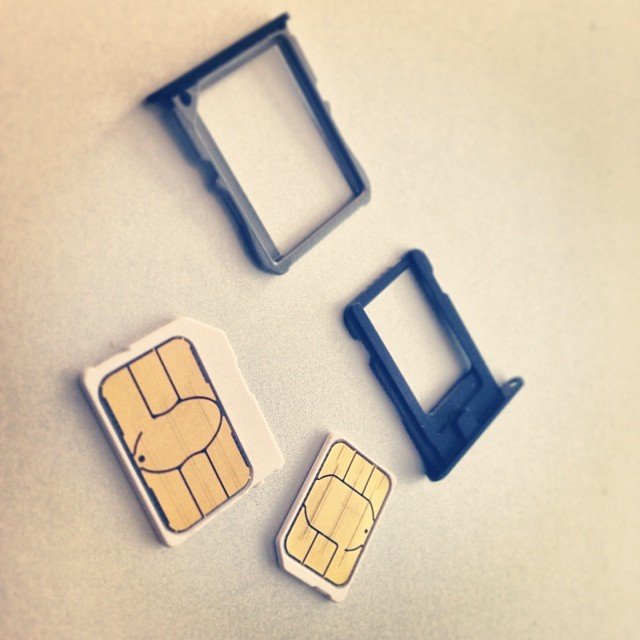
Built-In SIM Cameras
Built-in is now the norm for major brands. Tactacam’s trail camera explainer notes that the most advanced cellular cameras use built-in multi-carrier SIMs that automatically choose the best network, while older deer cams made the user pick a carrier and insert that SIM. GardePro’s 2026 technology guide adds that most manufacturers use locked or multi-carrier SIMs tied to their own cloud servers, so you generally cannot swap in your own phone SIM.
Budget cameras often work the same way, just with less transparency. Several Walmart and Newegg listings for brands like CAMPARK spell it out: no SIM card slot, only the built-in SIM, and the SIM is not replaceable. One listing describes a CAMPARK model that includes 7 days of free 100MB data and then requires a 4G data plan. Another budget listing on Newegg describes a prepaid SIM with 300MB of trial data, followed by a plan of $19.90 per month per camera, with each device needing its own subscription.
Pros
- Plug and play: no SIM shopping or carrier setup.
- Multi-carrier SIMs can pick the strongest network automatically.
- Camera, app, and plan are tested together, which usually means fewer connection problems.
Cons
- You are locked into the brand’s plan and pricing.
- If the brand changes plans or shuts down a service, you have little control.
- Budget brands may have short trials and unclear long-term costs.
Unlocked “Bring Your Own SIM” Cameras
Some cameras let you choose your own SIM. GardePro, for example, sells both a pre-installed SIM version and what it calls a Freedom Unlocked SIM-free model. The company says the main difference is whether the camera supports your own SIM card, giving you carrier freedom and the ability to pick your own data package. GardePro also notes that its pre-installed SIM models usually have higher compatibility and stability, since the SIM and camera are supplied and tested together.
Pros
- Pick the carrier with the best coverage at your exact spot.
- Shop around for cheaper IoT or prepaid data plans.
- Useful outside the U.S. or in areas where branded plans do not work well.
Cons
- More setup: SIM size, activation, and sometimes APN settings.
- Not every SIM or plan works with every camera.
- You handle troubleshooting yourself if photos stop sending.
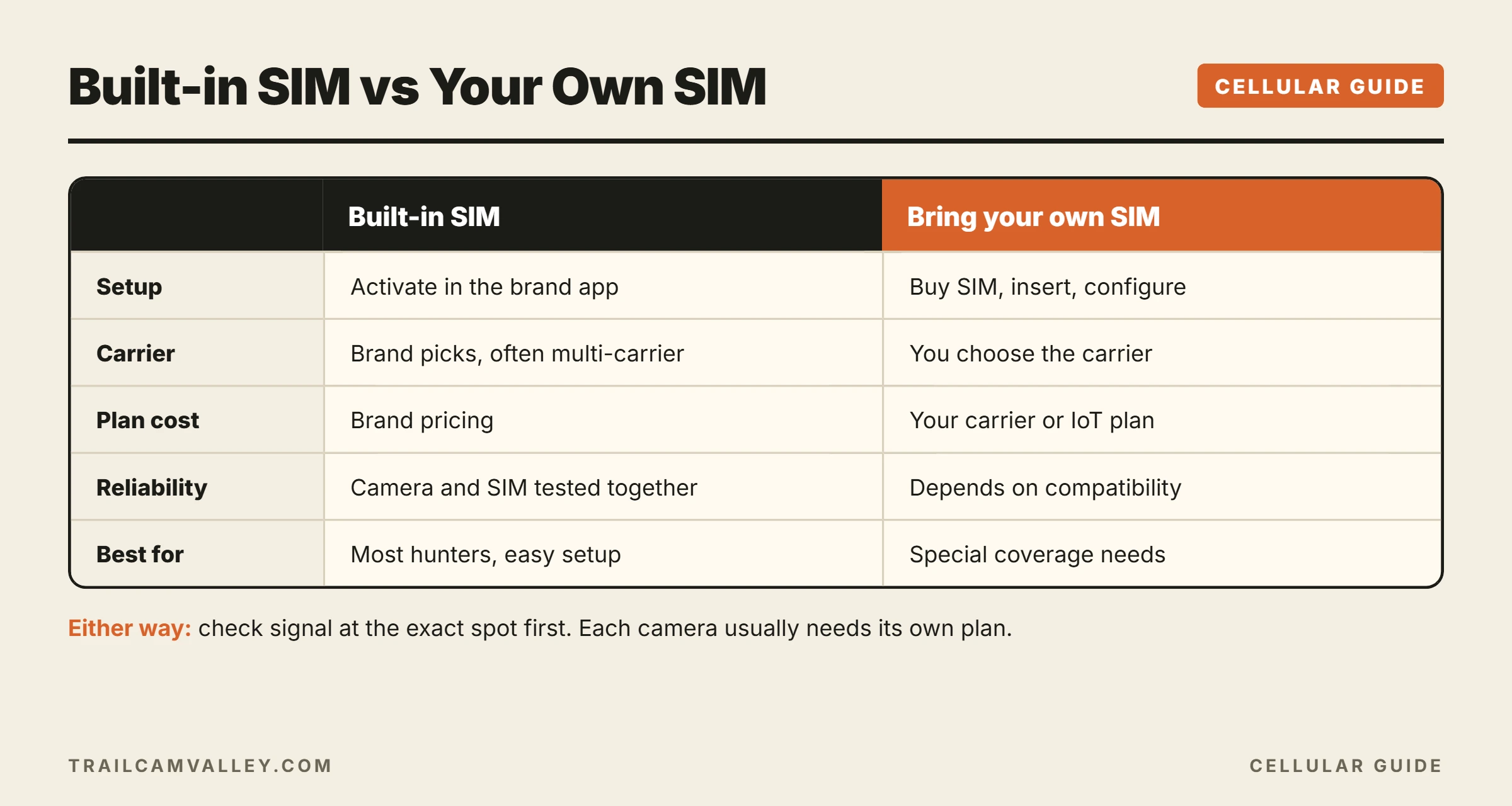
Built-In vs Your Own SIM: Side by Side
| Factor | Built-in / brand SIM | Your own SIM |
|---|---|---|
| Setup | Activate in the app | Buy SIM, insert, configure |
| Carrier choice | Brand decides, often multi-carrier | You decide |
| Plan cost | Brand pricing | Your carrier or IoT plan |
| Reliability | Usually tested and stable | Depends on compatibility |
| Best for | Most hunters, easy setup | Tinkerers, special coverage needs |
How Much Does It Cost to Run?
The camera price is only part of the cost. Over a few seasons, the data plan can cost more than the camera itself. Before buying, check the monthly price, the photo or data limit, whether each camera needs its own plan, and whether annual billing is cheaper. Our plan guides make this easier:
- What is the cheapest trail camera plan?
- SPYPOINT data plans
- Moultrie Mobile plans
- Bushnell cellular data plans
Coverage Comes First
No SIM fixes a dead zone. Whether the SIM is built-in or your own, the camera can only send photos if a tower reaches it. Check signal at the exact spot with a phone before you commit, and look at which networks the camera supports. If you are in a former UScellular area, read our update on trail cameras for US Cellular areas. Browning owners can also see how to change carrier on a Browning trail camera.
How to Choose
- Want it simple? Buy a major brand with a built-in multi-carrier SIM and pick a plan that matches how many photos you need.
- Have one carrier that works at your spot? An unlocked camera with your own SIM on that carrier can be a strong option.
- Tight budget? Compare total cost over two years, not just the camera price. A cheap camera with an expensive mandatory plan is not cheap.
- Not sure you need cellular at all? Compare with a non-cellular trail camera or a Wi-Fi model.
Common SIM Problems and Fixes
- Camera will not connect: confirm the plan is active, check signal strength, and restart the camera.
- “No SIM” error on an unlocked camera: reseat the SIM, confirm the size, and make sure it is activated.
- Photos stopped after the trial: the trial data ran out; a paid plan is needed.
- Works at home, not in the woods: it is a coverage issue, not a SIM issue.
For brand-specific troubleshooting, see SPYPOINT camera not connecting and how to fix a trail camera.
Quick Facts
- Advanced cellular trail cameras use built-in multi-carrier SIMs that choose the best network (Tactacam).
- Most manufacturers use locked or multi-carrier SIMs tied to their own servers (GardePro).
- Many budget cameras have a non-replaceable built-in SIM with a short free trial (retailer listings).
- GardePro offers both pre-installed SIM and unlocked SIM-free models (GardePro).
- Each cellular camera usually needs its own data plan.
Frequently Asked Questions
Can I put my phone’s SIM card in a trail camera?
Only in cameras that are unlocked for third-party SIMs, and even then your plan must allow data use in that device. Most brand-name cameras use their own built-in SIM.
Do trail cameras with a SIM card need Wi-Fi?
No. They use cellular towers, not Wi-Fi. See how to connect a trail camera to your phone.
Is there a cellular trail camera with no monthly fee?
Some brands offer limited free plans. Unlimited service almost always costs money.
What size SIM do trail cameras use?
Unlocked models list the size they accept, often nano or micro. Check the manual before buying a SIM.
Can one data plan cover several cameras?
Usually each camera needs its own plan, though some brands offer multi-camera discounts.
Does a SIM card camera still need an SD card?
Most do, to store full-resolution files. Some models use internal memory instead. See SD cards for trail cameras.
Final Thoughts
A “trail camera with SIM card” can mean three different things: a brand-managed camera, a budget camera with a locked prepaid SIM, or an unlocked camera that takes your own SIM. For most people, a built-in multi-carrier SIM from an established brand is the easiest and most reliable choice. If you know exactly which carrier works at your spot and want control over costs, an unlocked camera is worth a look. Either way, check coverage and total plan cost before you buy.