
What Is Moultrie Mobile? How It Works, Plans and Cameras
If you are shopping for a cellular trail camera, you will see the name Moultrie Mobile everywhere. Is it a camera, an app or a plan? It is actually all three working together. Here is what Moultrie Mobile is, how it gets photos from the woods to your phone, what it costs to run, and whether it fits the way you hunt.
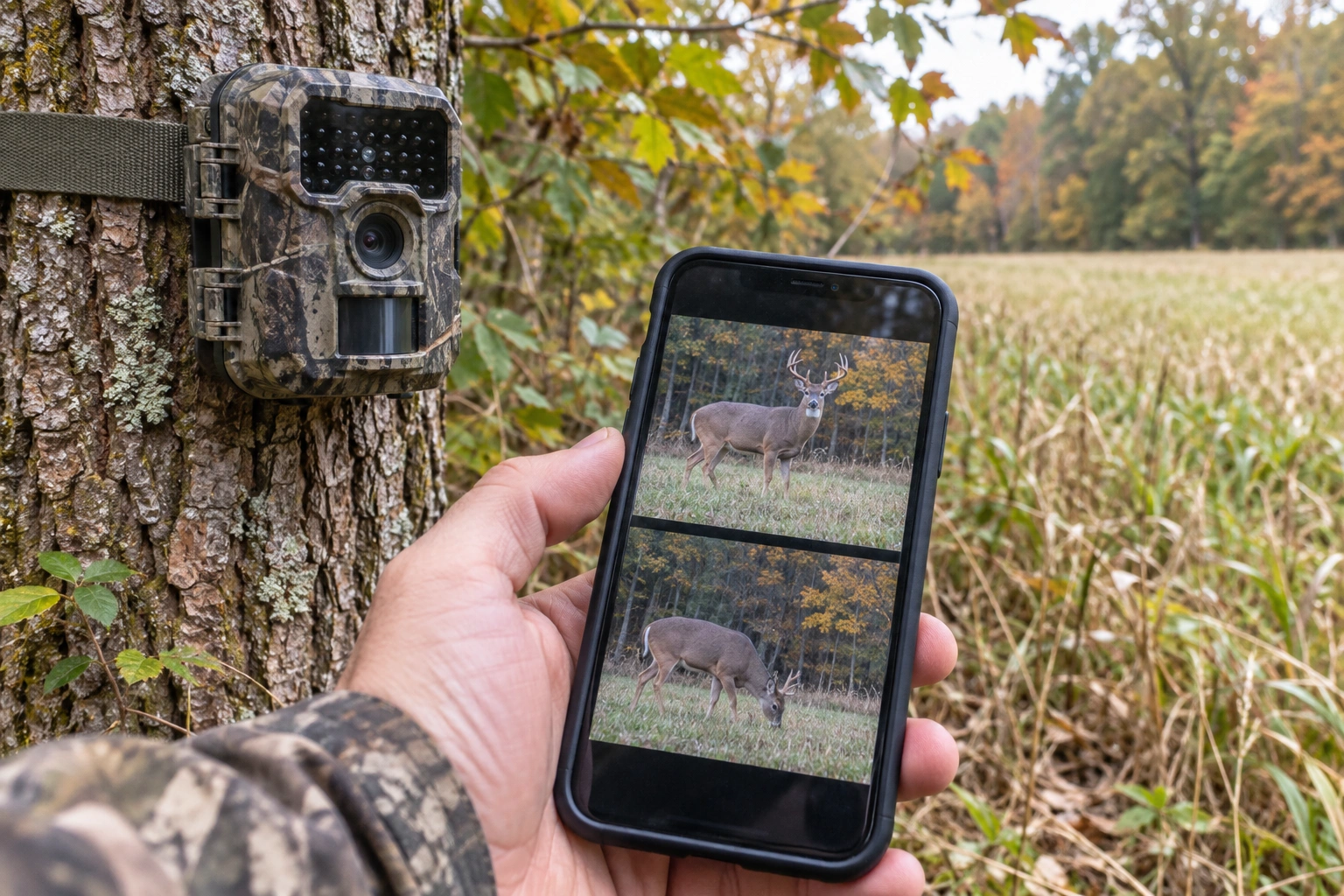
Moultrie Mobile is Moultrie’s cellular trail camera system. It is made of three parts: a Moultrie cellular camera (such as the Edge series), a data plan that you pay monthly or yearly, and the free Moultrie Mobile app. When the camera takes a photo, it sends it over the cell network to Moultrie’s cloud, and you see it in the app on your phone. The plan is separate from your own phone plan, and plans are priced mainly by how many photos and videos you get each month.
- What it is
- Camera + plan + app
- App
- Free to download
- Plan
- Monthly or yearly
- Plans priced by
- Photos and videos per month
- Phone plan
- Not tied to it
- Main cameras
- Edge series
How Moultrie Mobile Works
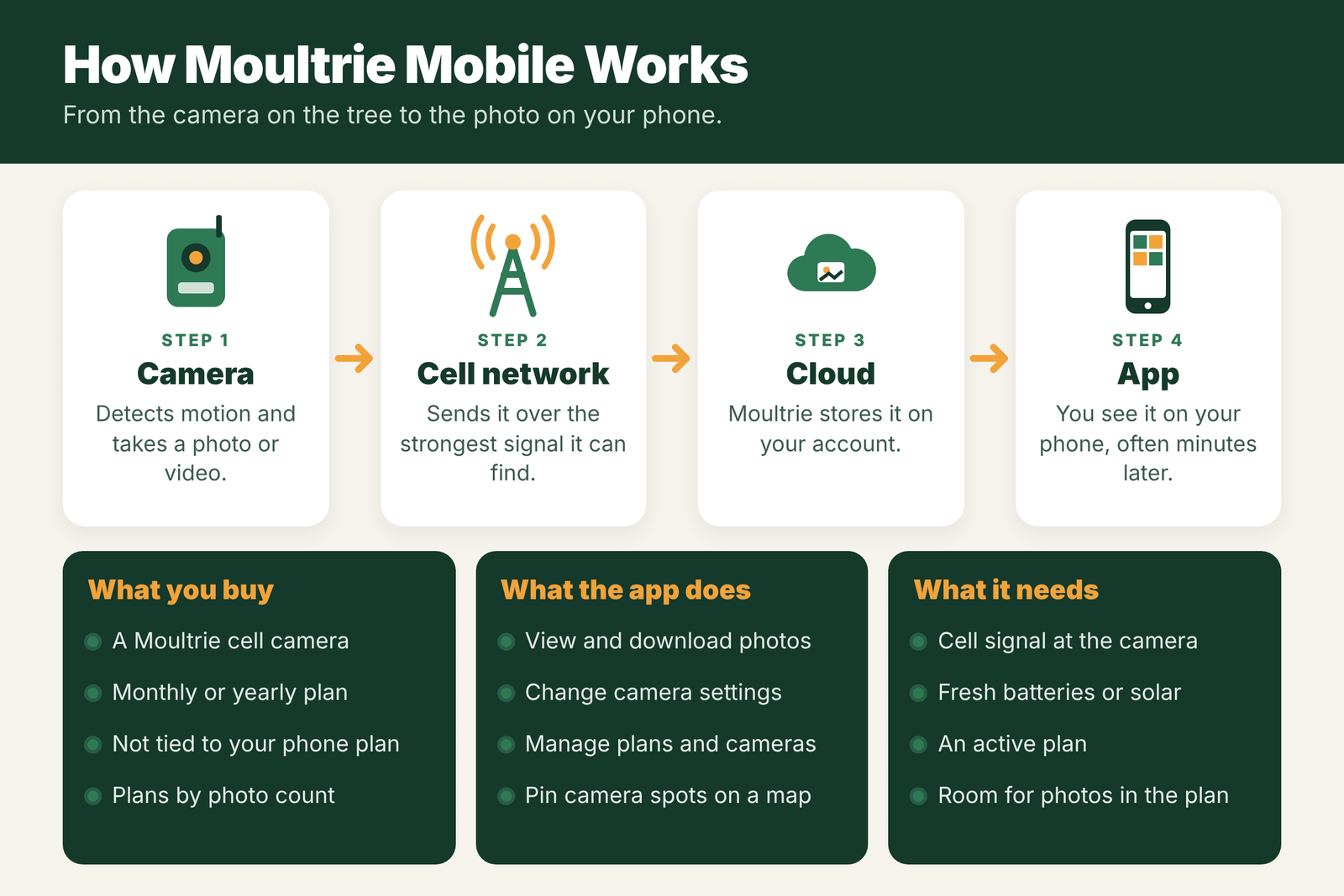
It works like most cellular trail cameras. For the basics, see how does a cellular trail camera work. Step by step:
- The camera detects motion and takes a photo or video.
- It sends the file over the cell network. Newer Edge models use Moultrie’s Auto Connect, which picks the strongest available network, so you do not have to buy a camera for one carrier.
- Moultrie stores it in the cloud on your account.
- You see it in the app, usually within minutes, depending on signal and settings.
What You Pay For
- The camera: a one-time purchase. Moultrie’s Edge line has included lower-priced and Pro models.
- The data plan: paid monthly or yearly. Plans set how many photos and videos you get each month, from small plans up to unlimited photos on some tiers. Moultrie has also offered multi-camera plans that cost less per camera.
- The app: free.
Prices and plan names change often, so check Moultrie Mobile plans for current details before you buy.
Cameras That Use It
Moultrie Mobile works with Moultrie’s cellular cameras, not its regular SD-card-only models. The Edge family (including Edge, Edge 2, Edge Pro and newer versions) is the main line today. Some Edge models store photos in built-in memory and the cloud instead of needing an SD card, and let you choose image quality in the app. Features vary by model, so check the specs of the exact camera. For the full lineup, see our Moultrie trail camera guide.
What the App Does
- View and download photos and videos from all your cameras.
- Change camera settings remotely, which apply at the camera’s next connection.
- Check camera status, such as battery, signal and last connection.
- Manage plans and add or remove cameras.
- Pin camera locations on a map, which helps since some Edge models have no GPS.
Who It Suits
- Good fit: hunters who want photos without walking in and spooking deer, landowners watching for trespassers, and anyone running cameras far from home.
- Think twice: if your spot has no cell signal, or if you only check cameras a few times a season, a regular SD-card camera costs far less to run.
Moultrie Mobile vs a Regular SD Card Camera
| Moultrie Mobile cellular camera | Regular SD card camera | |
|---|---|---|
| How you get photos | Sent to your phone through the app | Pull the card and view on a computer or card reader |
| Ongoing cost | Monthly or yearly data plan | None, besides batteries and cards |
| Trips to the camera | Fewer, mainly for batteries | Every time you want to see photos |
| Needs cell signal | Yes | No |
| Remote settings changes | Yes, applied at next connection | No, change at the camera |
| Battery use | Higher, because uploads take power | Lower |
| Best for | Remote spots, security, low-pressure scouting | Spots without signal, tight budgets |
Many hunters run both: a cellular camera on the spot they care most about, and cheaper SD card cameras elsewhere. If you are deciding, our guide on how a cellular trail camera works covers the basics.
Setting Up Moultrie Mobile for the First Time
- Download the Moultrie Mobile app and create an account with an email you check often.
- Add the camera in the app. Most cameras pair by scanning a code or entering the camera’s ID from the label.
- Choose a plan for that camera. Start small if you are not sure how many photos the spot will produce.
- Load fresh lithium AA batteries or connect the power source your model supports, and insert a supported SD card.
- Power on in good signal, ideally at the spot where you will hang it, and wait for the first connection.
- Name the camera after the place, such as “Oak Flat” or “Back Gate”.
- Set photo mode, trigger delay and upload options in the app. A delay of a minute or more on a busy feeder or food plot saves photos on your plan.
- Send a test photo and confirm it arrives before you leave.
How Many Photos Does a Plan Need?
Plan size is the biggest ongoing cost, so it pays to estimate before you choose. These are rough examples. Your numbers depend on traffic, trigger settings and how much brush moves in front of the camera.
| Camera spot | Typical photos per day | Notes |
|---|---|---|
| Quiet travel trail | 5 to 20 | Small plans often enough |
| Scrape or rub line in the rut | 10 to 50 | Traffic jumps in late October and November |
| Food plot edge | 20 to 100+ | Does, fawns and turkeys add up fast |
| Corn feeder (where legal) | 50 to 300+ | Use a long trigger delay |
| Gate or driveway for security | 5 to 30 | Vehicles and people only, if the app filters them |
Multiply your estimate by 30 for a monthly figure and leave some room. If you burn through a plan early, raise the trigger delay or trim the brush before you upgrade.
Signal and Power Basics
- Signal: cellular cameras need at least a weak but steady connection. Low spots, creek bottoms and thick evergreens are the hardest places. Even a few feet of height can help.
- Power: sending photos uses far more power than taking them. Lithium AA batteries last longer and work better in the cold than alkaline. Many Moultrie cellular models also support an external battery or solar panel, which is worth it for cameras far from home.
- Video: videos use more data and power than photos. Turn video uploads on only for cameras where you really need them.
Common First-Season Mistakes
- Buying a big plan for a quiet trail, or a small plan for a food plot that runs out in a week.
- Hanging the camera without testing signal at that exact tree.
- Leaving the trigger delay at its shortest setting on a busy spot.
- Using alkaline batteries in cold weather.
- Forgetting the plan renews after the season. Set a reminder to downsize or cancel.
Field Example
A landowner two hours from their hunting ground hangs one Edge camera on a pinch point between two bedding areas and a second on the main gate. The pinch point gets a mid-size photo plan for the fall, and the gate camera stays on a small plan year-round to watch for trespassers. They visit the property only to swap batteries and hunt. Over the season, the app shows that a mature buck uses the pinch point only after 9 p.m. until the first week of November, which tells them when to sit there.
Managing Several Cameras in One Account
One Moultrie Mobile account can hold many cameras, each with its own plan, unless you are on a multi-camera plan where offered. A few habits keep a bigger setup under control. Name cameras by place rather than number, so photos make sense at a glance. Pin each camera on the app’s map, since many Edge models do not report GPS. Set the busiest cameras to longer trigger delays so they do not eat the plan. Review every camera’s plan before each renewal, because a camera you pulled in January may still be billing in June. And check the battery and last connection for each camera once a week, which catches a dying camera before it goes silent during the rut.
Frequently Asked Questions
What is Moultrie Mobile?
It is Moultrie’s cellular trail camera system: a Moultrie cellular camera, a data plan and the free Moultrie Mobile app that shows your photos on your phone.
Is the Moultrie Mobile app free?
Yes, the app is free. You pay for the camera once and for a monthly or yearly data plan.
Does Moultrie Mobile use my phone plan?
No. The camera’s data plan is separate from your phone plan and carrier.
Which carrier does Moultrie Mobile use?
Newer Edge cameras use Auto Connect to pick the strongest available network, so you do not choose a carrier. Older models may be tied to one carrier, so check your model.
Can I use Moultrie Mobile without a plan?
No. The camera needs an active plan to send photos to the app.
How many photos does a Moultrie Mobile plan include?
It depends on the plan. Moultrie offers plans with different monthly photo limits, up to unlimited photos on some tiers. Check the current Moultrie Mobile plans before you choose.
Do Moultrie Mobile cameras need Wi-Fi?
No. They send photos over the cell network. Your phone only needs internet to open the app.
Can I move a Moultrie Mobile camera to a new spot?
Yes. Power it off, move it, then power it on at the new spot and let it connect. Check signal at the new tree and rename the camera if needed.