
How Does a Cellular Trail Camera Work? A Complete Guide (2026)
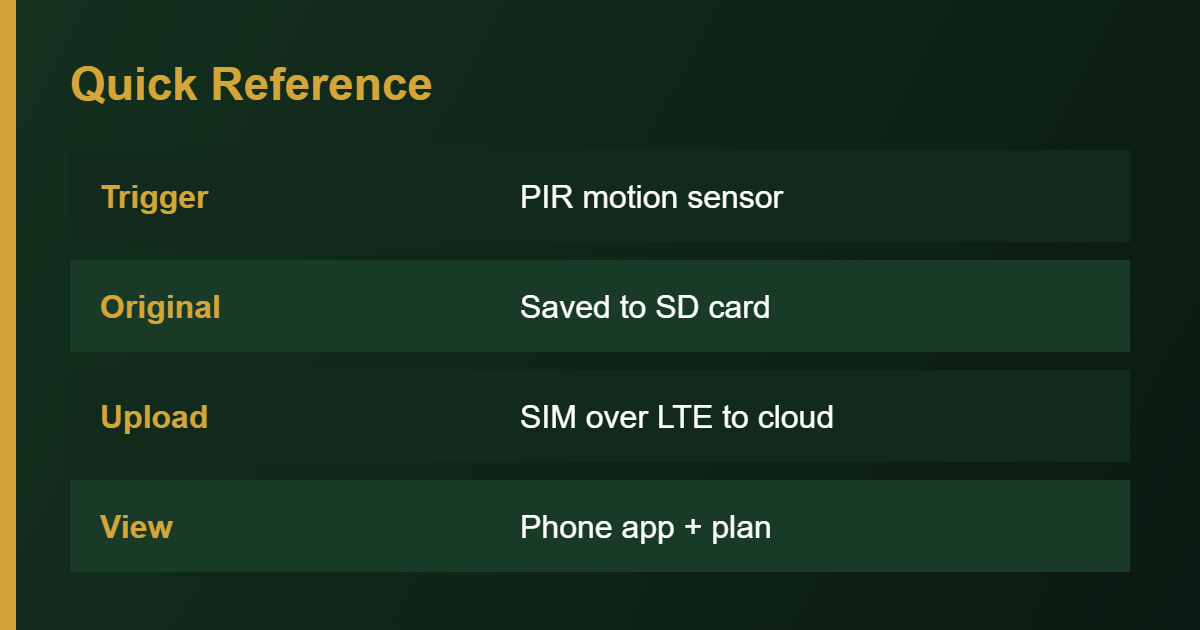
Short answer: A cellular trail camera detects motion, saves the photo or video to its SD card, then uses a SIM card and an LTE modem to send a copy over the mobile network to the manufacturer’s cloud server. You view it in a phone app, usually within a few minutes. It needs cell signal at the exact mounting spot and an active data plan, and it still keeps full-size originals on the card.
The process in five steps
- Motion is detected. A passive infrared (PIR) sensor notices a change in heat and movement and wakes the camera. Our guide to how trail cameras trigger explains the sensor in detail.
- The camera captures. It takes a photo or video, using infrared light at night, and writes the original to the SD card.
- The modem connects. A built-in cellular modem uses the SIM card to find a nearby tower. Hunter-education material describes this as the camera behaving like a phone that needs a signal to send data.
- A smaller copy uploads. To save data and battery, most cameras send a compressed version, often called a thumbnail, rather than the full-size file.
- You see it in the app. The image lands on the maker’s server and appears in your app, often with a notification. SPYPOINT notes that storing photos on its servers keeps them safe even if something happens to your phone.
One guide estimates the connect-and-send step takes roughly 30 to 90 seconds depending on signal strength. Poor signal slows it down or makes it fail.
What is inside a cellular trail camera
| Part | What it does |
|---|---|
| PIR motion sensor | Detects movement and heat to trigger a capture |
| Image sensor and lens | Takes the photo or video |
| Infrared or white flash | Lights the scene at night |
| Cellular modem and antenna | Connects to the LTE network |
| SIM card | Identifies the camera on the network |
| SD card | Stores the full-size originals |
| Batteries or solar | Power everything, including uploads |
The SD card never goes away. Tactacam points out that even though images travel over the cellular network, trail cameras still store data on an SD card. That matters if an upload fails, because you can still retrieve the original later. Our guide to choosing an SD card size covers what to buy.
SIM cards and carriers
Most modern cellular trail cameras come with a pre-installed multi-carrier SIM. GardePro explains that this lets the camera connect automatically to the strongest available network, such as AT&T or Verizon, so you are not choosing a carrier at home. Tactacam notes that older designs made the user decide which carrier had a better signal and then insert that carrier’s SIM. Some models are single-carrier, so check the box before you buy.
The signal that matters is the signal at the camera, not at your house. If your phone struggles to get a bar in that spot, the camera will likely struggle too. For help judging coverage, read our carrier coverage guide. If you already own a camera without cellular, see whether you can add a cellular adapter.
A real SIM card, up close
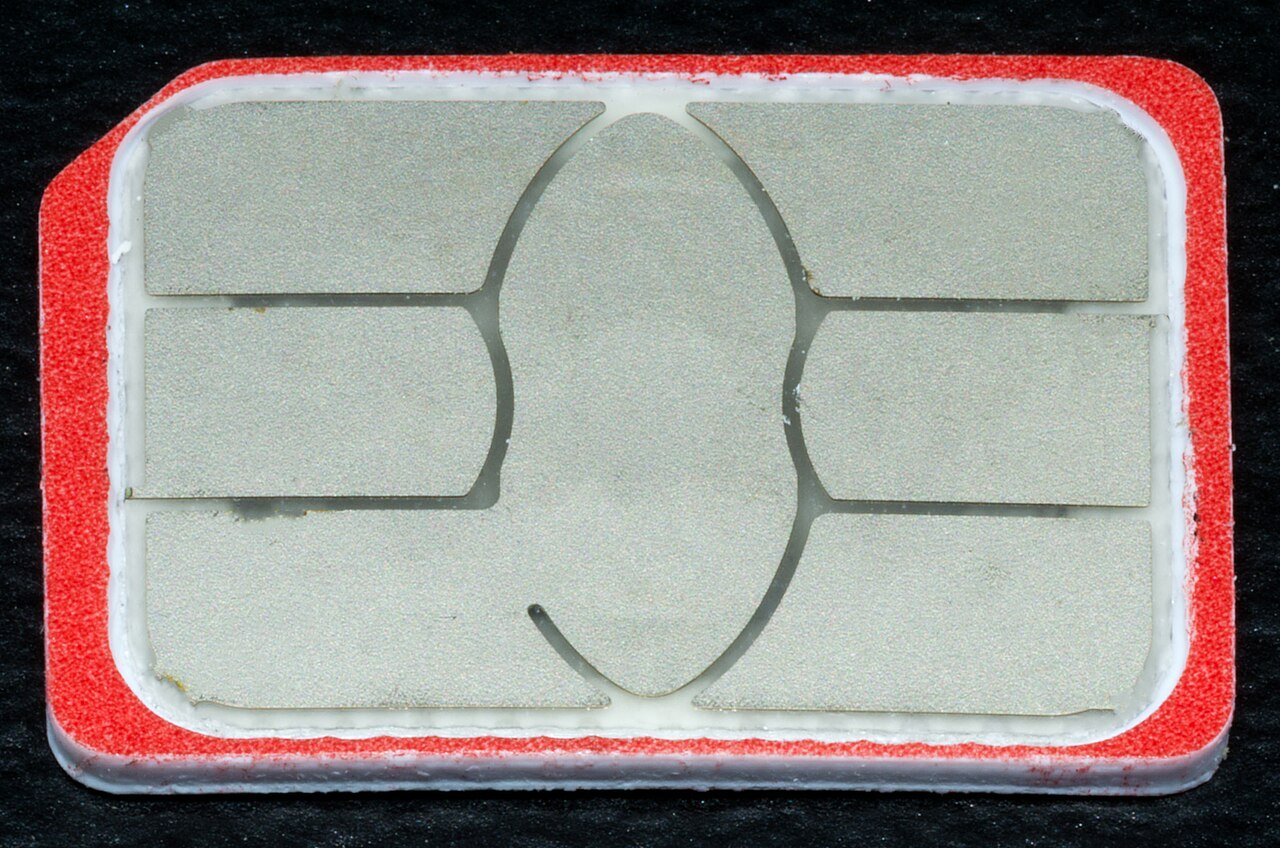
A SIM card is a small chip that holds the identity a network uses to recognize a device. Trail cameras use the same idea as a phone, though the card is usually pre-installed and activated through the app rather than swapped by the owner.
Plans, apps and activation
Every cellular camera needs a data plan to send images. The plan is usually billed per camera, though some brands offer shared account plans. You activate the camera in the maker’s app, often by scanning a code or entering a serial number, then pick a plan. Plan pricing is covered in our plan cost guide and the cheapest plan comparison. SPYPOINT has a free tier of 100 photos a month; see SPYPOINT data plans.
The app does more than display photos. Good apps let you change settings remotely, check battery level and signal strength, sort photos by camera and, in some cases, filter by species. That reduces how often you must walk in and disturb the area.
What happens when there is no signal
A cellular camera without signal does not stop working. It still detects motion and saves everything to the SD card, just like a standard camera. It simply cannot upload until it reconnects or you retrieve the card. This is why a mixed approach, cellular at key spots and standard cameras elsewhere, is so common.
How cellular compares with other camera types
| Feature | Standard SD camera | Wi-Fi camera | Cellular camera |
|---|---|---|---|
| Sends photos remotely | No | Only within short range | Yes, anywhere with signal |
| Monthly cost | None | None | Usually yes |
| Battery use | Lowest | Moderate | Highest |
| Best for | Easy-access spots | Near a house or cabin | Remote or hard-to-reach spots |
See Wi-Fi vs cellular and non-cellular cameras for more.
Battery life and power
Cellular cameras are high-energy devices. GardePro points out that power use is a major operational difference from standard cameras. Every upload, every remote command and every search for a weak signal costs battery. Frequent triggers, high photo quality and poor signal all drain batteries faster. Lithium batteries hold voltage better in cold weather, and many cellular models offer a solar panel option for long deployments. Our guide to connecting a solar panel explains the setup.
How to get reliable uploads
- Check signal in the app before you leave the spot, and move the camera if it is weak.
- Mount a little higher or in a clearer gap in the trees.
- Use fresh batteries or a compatible solar panel.
- Lower the photo size or upload frequency to save data and power.
- Keep the app and camera software up to date.
- Walk-test the camera and confirm the first photo arrives before you leave.
Common problems
Photos on the card but none in the app usually point to signal, an inactive plan or activation trouble. If that sounds familiar, try our SPYPOINT connection fixes or the Stealth Cam not sending pictures guide. For general problems, see how to fix a trail camera. To set up the phone side, read how to connect a trail camera to your phone.
Key terms in plain language
- LTE: the 4G mobile network standard most cellular trail cameras use to send data. Some models rely on a low-power version designed for devices.
- Thumbnail: a small, compressed copy of a photo that uploads quickly and saves data.
- Multi-carrier SIM: a SIM that can connect to more than one network and pick the strongest.
- Check-in: the camera’s regular contact with the server, shown in the app as its last communication time.
- Trigger: the moment the motion sensor tells the camera to capture.
Knowing these terms makes spec sheets and troubleshooting steps much easier to follow. If a listing says a camera is “4G LTE” or “dual SIM,” it is describing the network hardware, not the photo quality.
Who should choose a cellular camera?
Cellular suits people who cannot visit often, who want to react quickly to what they see, or who worry about theft. It suits fewer people who check a spot every week anyway. Read whether cellular cameras are worth it to weigh that decision against the monthly cost.
Frequently Asked Questions
Does a cellular trail camera need Wi-Fi?
No. It uses a mobile network, like a phone.
Does a cellular trail camera work without cell service?
It still takes and saves photos, but it cannot upload them until it gets signal or you collect the card.
Do cellular trail cameras need a monthly plan?
Usually yes. SPYPOINT offers a free tier of 100 photos a month, but most heavy users pay.
How fast do photos arrive?
Often within a minute or two when signal is strong. Weak signal slows or blocks uploads.
Do cellular cameras use more battery?
Yes. Uploading and searching for signal use extra power.
Do I need an SD card in a cellular camera?
Yes. The card stores the full-size originals.
Which carrier do cellular trail cameras use?
Many use multi-carrier SIMs that connect to AT&T, Verizon or others automatically. Some are tied to one carrier.
Can I view live video?
Some models offer on-demand or live features, often with a higher plan or extra data use. Check the specific camera.
Sources
- Tactacam, how trail cams work
- SPYPOINT support, what is cellular transmission
- GardePro, how cellular trail cameras work, and cellular vs WiFi comparison
- Hunter-Ed.com, how a cellular trail camera works
- Campark, pros and cons of cellular hunting cameras
- Moultrie Mobile, how cellular trail cameras work