
SPYPOINT Camera Does Not Turn On? 6 Checks and Fixes
You flip the switch on your SPYPOINT and nothing happens. No lights, no screen, no sound. Before you assume the camera is dead, work through a few simple checks. Nine times out of ten, a SPYPOINT that does not turn on has a power problem: the wrong batteries, a battery in backward, dirty contacts or an empty battery pack. Here is what to check when your SPYPOINT camera does not turn on.
Start with power. Put in a full set of fresh lithium AA batteries (do not mix old and new), and make sure every battery faces the right direction. Check the battery contacts for rust or bent springs, and make sure the power switch is fully on. If you use a LIT-10 or other battery pack, charge it fully indoors and confirm it fits your model. Then try starting the camera without the SD card. If it still will not power on, try a reset and contact SPYPOINT support.
- Most common cause
- Weak or wrong batteries
- Best batteries
- Fresh lithium AAs
- Also check
- Direction and contacts
- Battery pack
- Charge fully, check fit
- SD card
- Try starting without it
- Last resort
- Reset, then SPYPOINT support
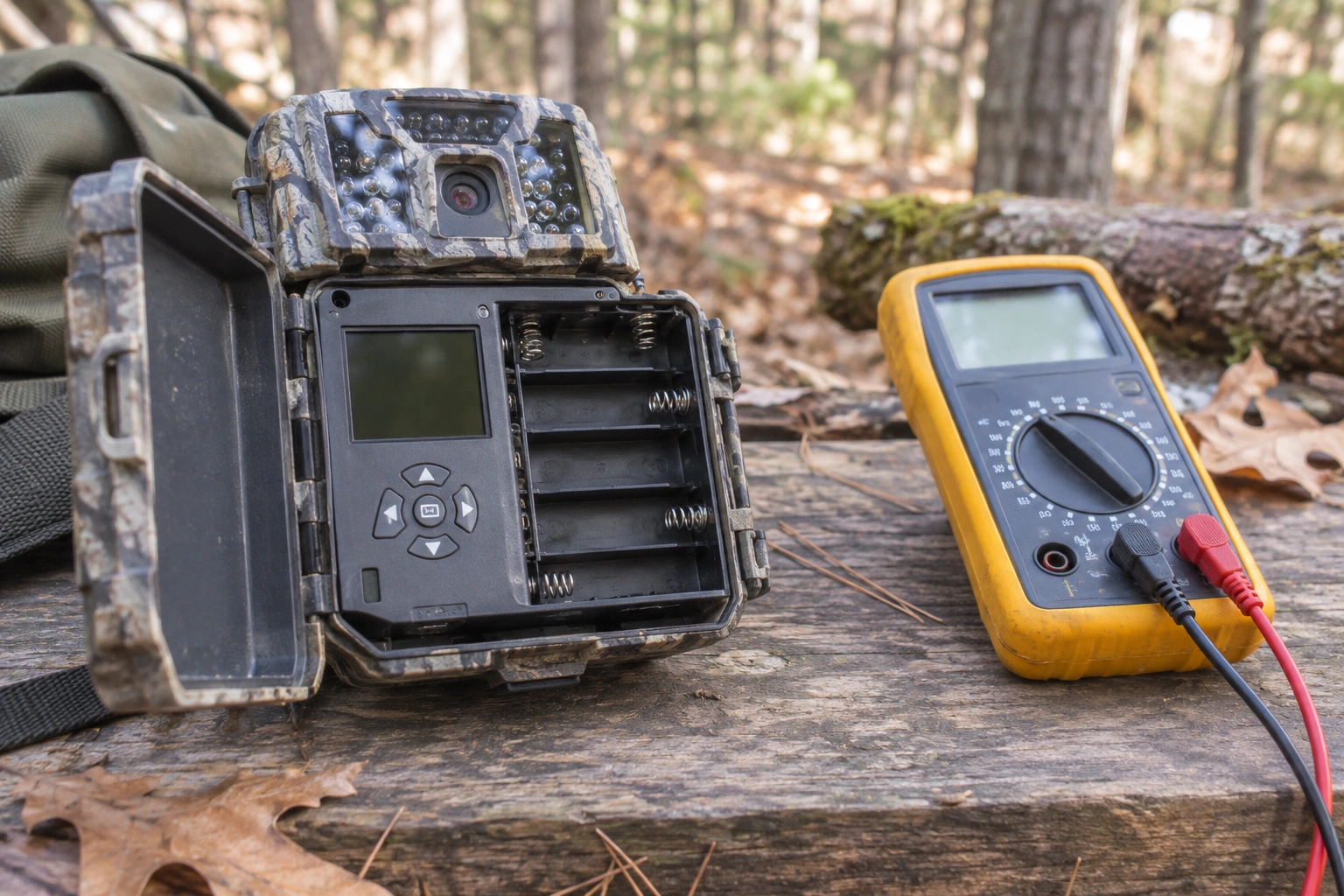
Is It Really Off?
Some SPYPOINT models have no screen, so a camera that looks dead may just be quiet. Watch for a status light when you switch it on, and check the app for a recent sync or new photos. If you are not sure, see how do I know if my SPYPOINT camera is working.
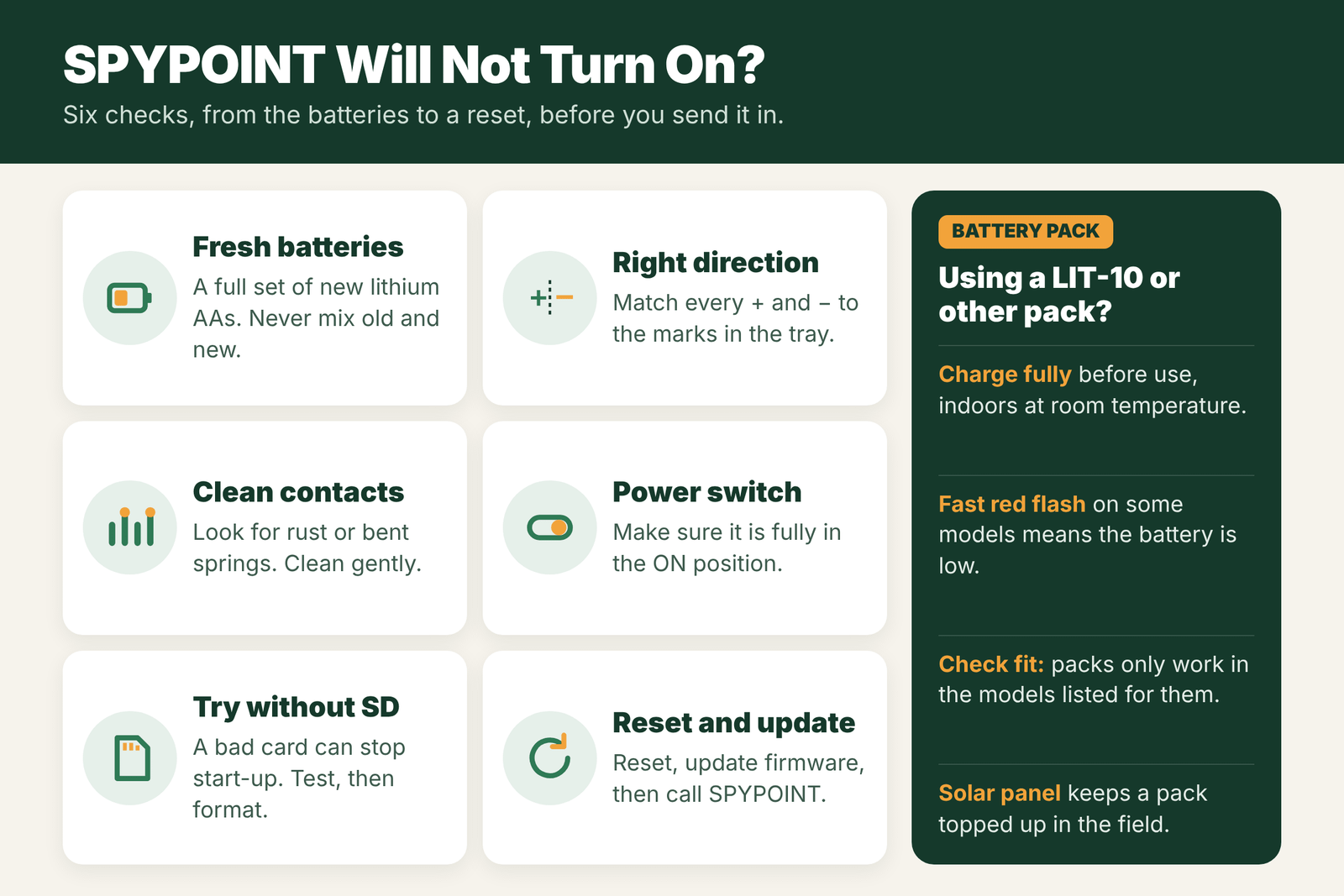
Six Checks in Order
- Fresh batteries. Put in a complete set of new lithium AA batteries. Alkaline batteries lose voltage fast in cold weather, and mixing old and new can stop the camera from starting. If batteries die quickly, see why are my trail cam batteries dying so fast.
- Right direction. One battery in backward is enough to stop the camera. Match each + and − to the marks in the tray.
- Clean contacts. Look for white or green crust from a leaked battery, or bent springs. Clean gently with a pencil eraser or a cotton swab with a little rubbing alcohol, and let it dry.
- Power switch. Make sure the switch is pushed fully into the ON position. A switch halfway between positions can do nothing.
- Try without the SD card. A damaged or unsupported card can stop start-up. If the camera turns on without it, format the card in the camera or replace it.
- Reset and update. If it powers on but acts strangely, a reset and a firmware update may fix it. See where is the reset button on my SPYPOINT camera.
Using a LIT-10 or Battery Pack
- Charge it fully before use. SPYPOINT’s guidance for the LIT-10 is to charge it indoors at room temperature with a 5V micro-USB charger, which can take up to about 12 hours.
- Check the fit. The LIT-10 is made for certain models, such as the CELL-LINK and some LINK-MICRO LTE cameras. A pack only works in the models it is listed for.
- Read the light. On some cameras, a fast red flash means the battery is low. Charge the pack and try again.
- Some models need AAs first. SPYPOINT’s steps for some packs say to activate the camera with AA batteries before switching to the pack. Check your manual.
- Add solar. A solar panel keeps a pack charged in the field. See solar panel for SPYPOINT camera.
When to Contact Support
- The camera shows no sign of life with fresh lithium batteries, correct direction and clean contacts.
- There is water inside the case, or the contacts are badly corroded.
- A charged battery pack still will not power the camera.
Contact SPYPOINT support with your camera model, serial number and the steps you already tried. Check whether your camera is still under warranty.
Battery Types Compared
Most cameras that will not turn on have a power problem, and the type of battery matters more than many people think. A cellular camera pulls a burst of current at start-up when the radio wakes, and weak cells cannot supply it even if they still show some charge.
| Power source | Cold weather | Start-up reliability | Notes |
|---|---|---|---|
| Lithium AA | Good | High | Best all-round choice for cellular cameras |
| Alkaline AA | Poor | Drops as they drain | Often fine in summer, weak in the cold |
| Rechargeable NiMH AA | Mixed | Lower voltage per cell | Check your manual before using |
| SPYPOINT battery pack (on supported models) | Varies | High when charged | Charge fully indoors before use |
| Solar panel with pack or AAs | Helps over time | Keeps power topped up | Will not revive a fully dead set right away |
Testing at Home Step by Step
If the camera does not start in the field, bring it home rather than fighting it in the cold. At room temperature, with good light, you can work through each check properly.
- Let it warm up and dry for a few hours with the cover open, especially if it came in from freezing weather or rain.
- Empty the battery tray completely and look closely at every spring and contact.
- Clean any crust with a pencil eraser or a cotton swab and a little rubbing alcohol. Let it dry fully.
- Load a full new set of lithium AAs from the same pack, checking each + and −.
- Remove the SD card and slide the switch firmly to ON. Watch for any light for at least a minute.
- If it starts, put in a known good card that you formatted, then test again.
- If it still does nothing, try a charged battery pack if your model supports one. If the camera starts on the pack but not on AAs, the tray or contacts may be the issue.
- Write down what you tried and what happened, in order, for support.
Signs of Water Damage
- Fog or droplets on the inside of the lens or screen.
- Rust or green and white crust on the battery contacts or card slot.
- A wet or warped battery tray.
- A seal around the cover that is torn, pinched or dirty.
If you see any of these, dry the camera indoors with the cover open for a day or two before trying again. Do not use a hair dryer on high heat or an oven, which can warp plastic. Heavy corrosion or a camera that got soaked usually needs support, and opening the case beyond the battery and card doors can void the warranty.
Why It Worked Last Week
| What changed | Why the camera stops | Fix |
|---|---|---|
| Cold snap | Battery voltage drops below what start-up needs | Lithium AAs, solar or warm test indoors |
| Batteries partly used | Enough for photos, not for the radio | Full new set |
| Rain or snow | Moisture on contacts | Dry, clean contacts, check seal |
| New SD card | Card unsupported or not formatted | Format in camera or use a supported card |
| Camera bumped or moved | Switch knocked off or battery shifted | Check switch and battery seating |
Field Example
A hunter finds their SPYPOINT dark after a week of single-digit nights. Fresh alkaline batteries from the truck do nothing. At home, after warming overnight, the same camera starts on a new set of lithium AAs. The alkaline cells were new but could not deliver enough current in the cold. The hunter switches all their cellular cameras to lithium for the rest of the season and adds a solar panel to the camera with the worst signal, which works hardest on each sync.
Mistakes to Avoid
- Testing one or two new batteries mixed with old ones.
- Forcing the switch or the battery tray.
- Charging a cold or wet battery pack before it warms and dries.
- Assuming the camera is dead because it has no screen. Check the app for a recent sync.
Keeping It From Happening Again
Most no-power problems are preventable. Use lithium AAs from late fall onward, swap the whole set at the same time, and check the battery level in the app each week so you can replace batteries before they quit. Wipe the cover seal on every visit, since a little dirt or a pine needle can let water in. Take the batteries out whenever a camera will sit unused for more than a few weeks. And keep a spare set of lithium batteries and a formatted card in your pack, so a dead camera in the field is a five-minute fix rather than a second trip.
Frequently Asked Questions
Why won’t my SPYPOINT camera turn on?
The most common causes are weak or mixed batteries, a battery in backward, dirty contacts, a switch not fully on, or a dead battery pack.
What batteries are best for a SPYPOINT camera?
Fresh lithium AA batteries work best, especially in cold weather. Use a full set and do not mix old and new.
How long does a SPYPOINT LIT-10 take to charge?
SPYPOINT says it can take up to about 12 hours with a 5V micro-USB charger at room temperature.
Can a bad SD card stop a SPYPOINT from turning on?
It can. Try starting the camera without the card. If it turns on, format the card in the camera or replace it.
What does a fast red flash mean on a SPYPOINT?
On some models, a fast red flash means the battery is low. Replace the batteries or charge the pack.
Why does my SPYPOINT camera turn on indoors but not outside?
Usually cold is lowering battery voltage. Use lithium AA batteries, which handle cold better, or a charged pack and a solar panel.
Can water damage stop a SPYPOINT from turning on?
Yes. Moisture can corrode the contacts or short parts. Dry the camera indoors with the cover open, clean the contacts, and contact support if it still will not start.
Do new alkaline batteries work in a SPYPOINT camera?
They can in mild weather, but they lose voltage in the cold and as they drain. Lithium AAs are more reliable for cellular cameras.