Use a trail camera to detect motion, record events, and alert you to security incidents quickly.
I have spent years testing trail cameras for property watch, home backup, and rural security. This guide explains how to use trail camera for security. I will show practical setup steps, settings that matter, legal limits, and common mistakes to avoid. Read on to learn clear, easy ways to turn a trail camera into a reliable security tool.
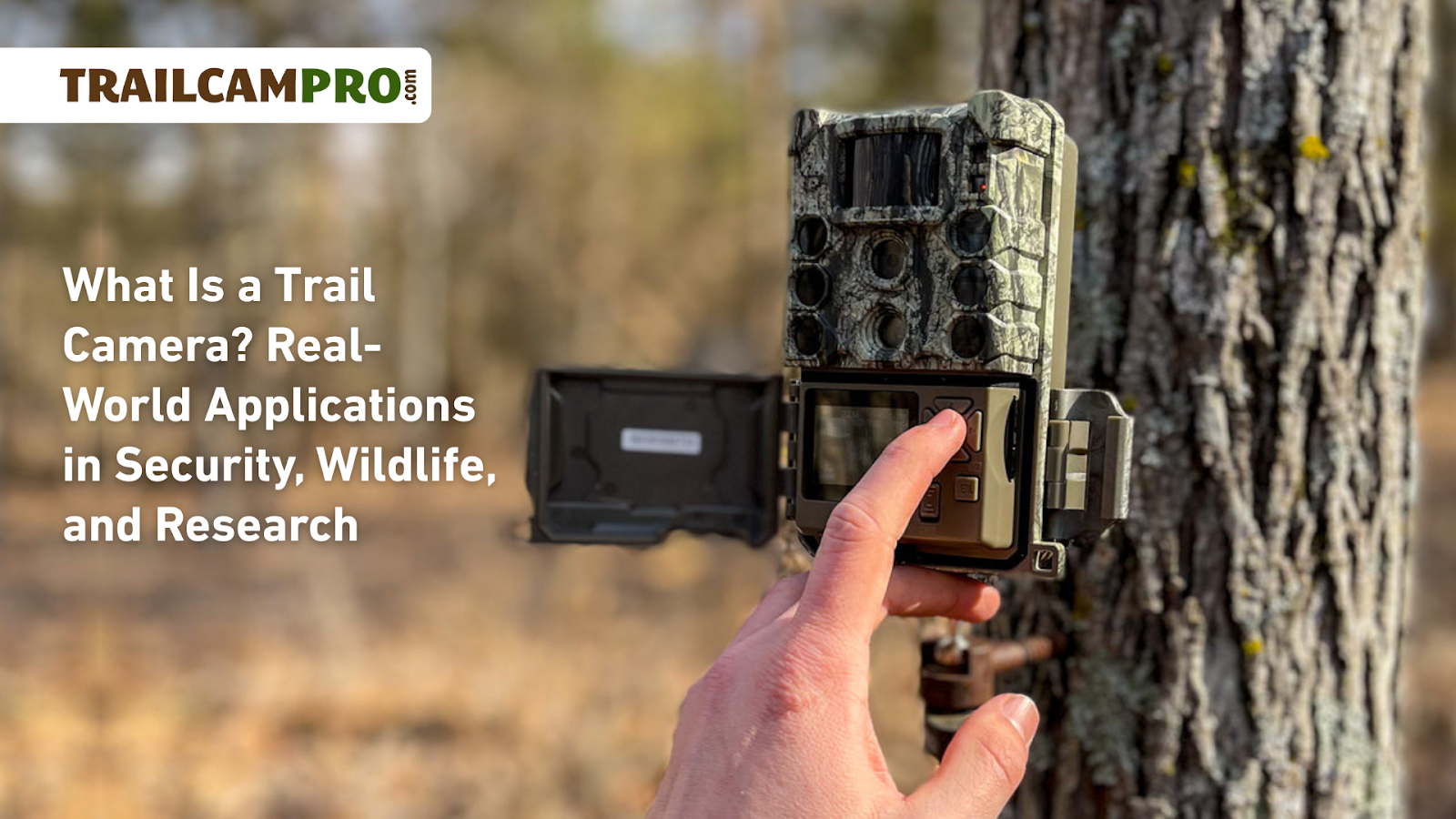
Why use a trail camera for security
Trail cameras are small, rugged, and run on batteries. They catch motion day and night. You can place them where wiring is hard. They record people, cars, and animals without needing constant attention.
Trail cameras add a low-cost layer of security. Use a trail camera for security when you want passive monitoring. It works well for remote cabins, farms, yards, and construction sites.
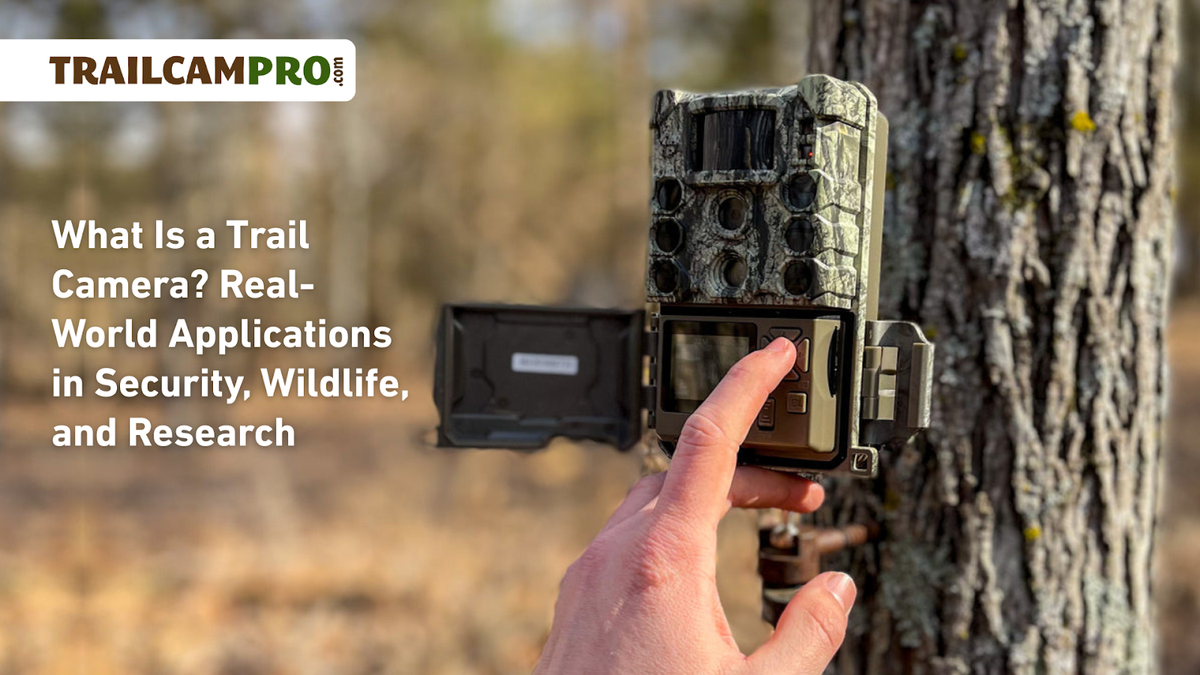
Choosing the right trail camera
Pick a camera that matches your needs. Look at resolution, trigger speed, detection range, and night mode. Make sure it has a secure case and mounting options.
Key features to compare:
- Resolution: 12 MP or higher for clear photos.
- Trigger speed: Under 0.5 seconds catches fast movement.
- Detection range: 20 to 80 feet depending on model.
- Night mode: No-glow infrared is good for stealth.
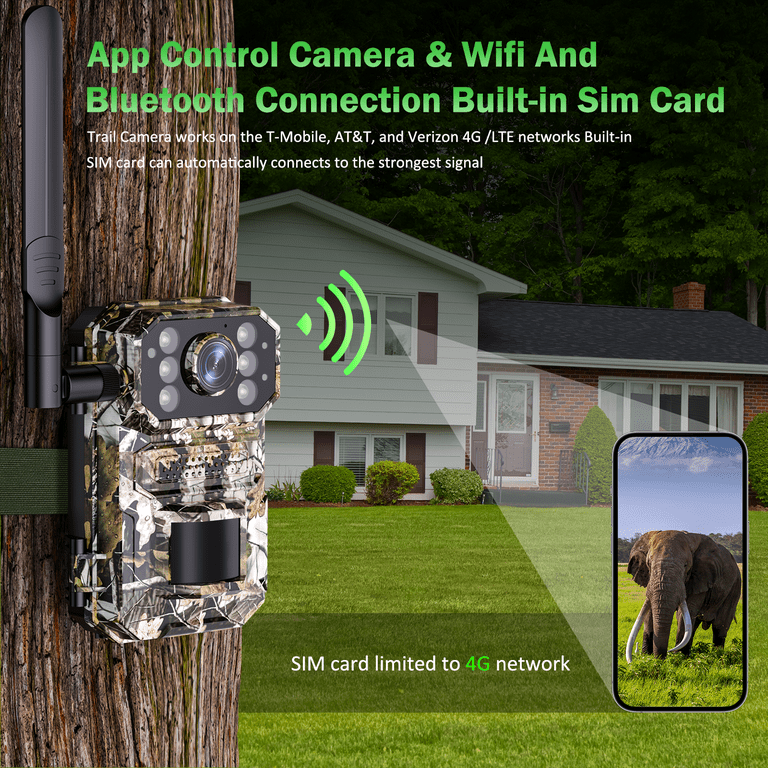
- Connectivity: Cellular or Wi‑Fi for instant alerts.
If you need remote alerts, choose a cellular model. If you want long battery life, pick a basic photo/video model. Always check weather rating for outdoor use.

Proper placement and mounting
Place cameras along likely paths. Think about entrances, driveways, and hidden corners. Mount cameras at chest height for people and lower for pets or small animals.
Placement tips:
- Angle slightly downward to reduce false triggers from leaves.
- Avoid face-on shots against the sun. Side angles work better.
- Hide the camera near natural cover to avoid theft.
- Use lock boxes and security straps to deter tampering.
Test a location at different times of day. This helps you refine how to use trail camera for security for that spot.
Optimal settings and features to enable
Adjust settings to cut false alarms and save power. Use a mix of photo and short video. Enable burst mode for rapid movement.
Recommended settings:
- Photo + video combo for evidence and context.
- Medium resolution to balance quality and storage.
- PIR sensitivity: start medium, lower if many false triggers.
- Trigger interval: 5–30 seconds to avoid many duplicate shots.
- Time-lapse when you want long-term site checks.
Use password protection and disable auto-upload if you worry about privacy. Learning these settings is key to how to use trail camera for security well.

Power, storage, and connectivity
Plan power and storage before deployment. Batteries drain faster with cellular uploads and frequent triggers. Use high-capacity SD cards and consider solar or external power for long deployments.
Practical choices:
- Use lithium AA batteries for longer life in cold weather.
- Choose 32–128 GB SD cards depending on resolution and frequency.
- Cellular plans add monthly costs but give instant alerts.
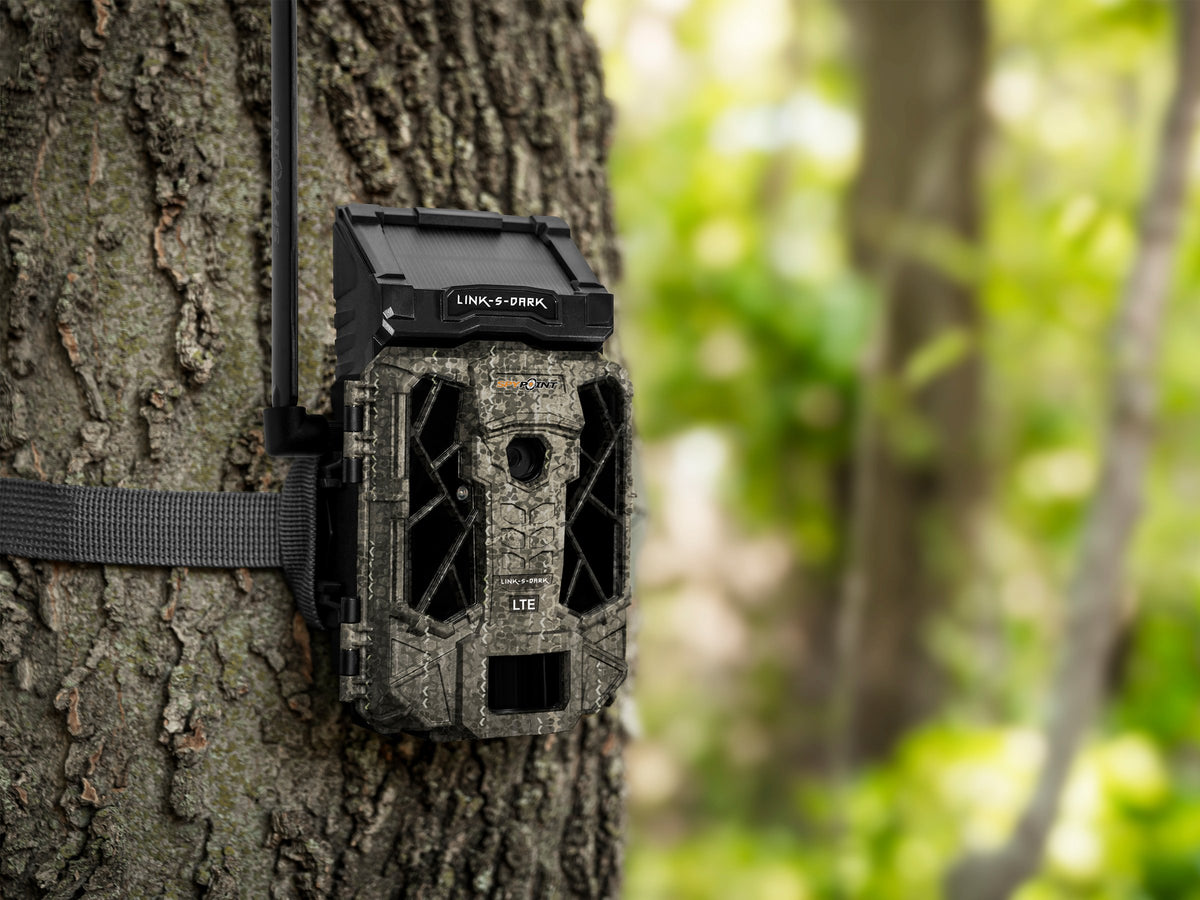
- Consider a solar panel kit for remote or long-term use.
Track battery and storage status during checks. That keeps your camera reliable for security use.
Legal and privacy considerations
Know the law where you use cameras. Recording people on private property is usually allowed. Recording on other people's private property or in private areas may be illegal.
Simple rules to follow:
- Do not place cameras where people expect privacy, like bathrooms.
- Post signs if required by local law for surveillance.
- Respect trespassing and local wiretap laws.
- If using audio, check state rules as they vary.
Being cautious keeps your security setup both effective and lawful.

Maintenance and troubleshooting
Check cameras regularly. Clean lenses and clear vegetation. Update firmware when available to fix bugs and improve features.
Troubleshooting steps:
- If no images, check battery contacts and SD card orientation.
- If many false triggers, reduce PIR sensitivity or move the camera.
- If images are dark, check night mode and IR sensor area.
- If cellular fails, confirm SIM, plan, and signal strength.
A quick monthly check avoids long gaps in coverage and shows how to use trail camera for security with less worry.
Personal experience and practical tips
I once placed a camera overlooking a side gate. The first week it recorded lots of small animals. I moved it two feet and cut false alarms by 70 percent. Small changes matter.
Lessons I learned:
- Test locations for a few days before final mounting.
- Label SD cards and keep a deployment log by date and location.
- Use camouflage tape and lock boxes to reduce theft risk.
- Rotate battery types when cold weather lowers performance.
These simple steps improved reliability and showed me how to use trail camera for security in real life.
Benefits and limitations
Trail cameras are low cost and durable. They record quietly and need little upkeep. They are not a replacement for alarms or immediate response teams.
Benefits:
- Easy deployment in remote spots.
- Passive evidence gathering for incidents.
- Options for stealthy no-glow night capture.
Limitations:
- No real-time deterrent unless paired with alerts.
- Cellular plans cost extra for instant uploads.
- Batteries will drain with heavy use or cold weather.
Use trail cameras alongside other measures for better security.
Frequently Asked Questions of how to use trail camera for security
How do I pick the best spot for a trail camera?
Pick a spot with a clear view of likely paths. Mount at chest height and angle down slightly to reduce false triggers. Test for a few days to refine placement.
Can trail cameras work at night for security?
Yes. Many have infrared night modes. No-glow IR is invisible and keeps the camera discreet. Image quality varies by model and distance.
Do cellular trail cameras need a phone plan?
Cellular cameras require a SIM plan to send images. Plans vary by carrier and image frequency. For occasional checks, low-data plans often work.
How often should I check my trail camera?
Check monthly for batteries and storage under normal use. Check weekly if you expect heavy activity or bad weather. Regular checks prevent gaps in coverage.
Will animals trigger my trail camera too often?
Yes, small animals can cause false triggers. Lower PIR sensitivity or change angle to reduce triggers. Placement above typical animal paths helps.
Can I use a trail camera to stop theft in real time?
Trail cameras provide evidence and alerts if cellular setup is used. They do not physically deter intruders. Pair with lighting or alarms for better deterrence.
Conclusion
Trail cameras are a practical and low-cost tool to boost your security. Use smart placement, the right settings, and regular checks to get reliable results. Start small, test locations, and scale up with cellular models if you need real-time alerts. Try one camera this week, note what works, and improve from there. Share your results or questions below, or subscribe for hands-on tips and updates.
As an Amazon Associate, I earn from Qualifying Purchases.