
How to Reset a Stealth Cam: Factory Reset and Hard Reset (2026)
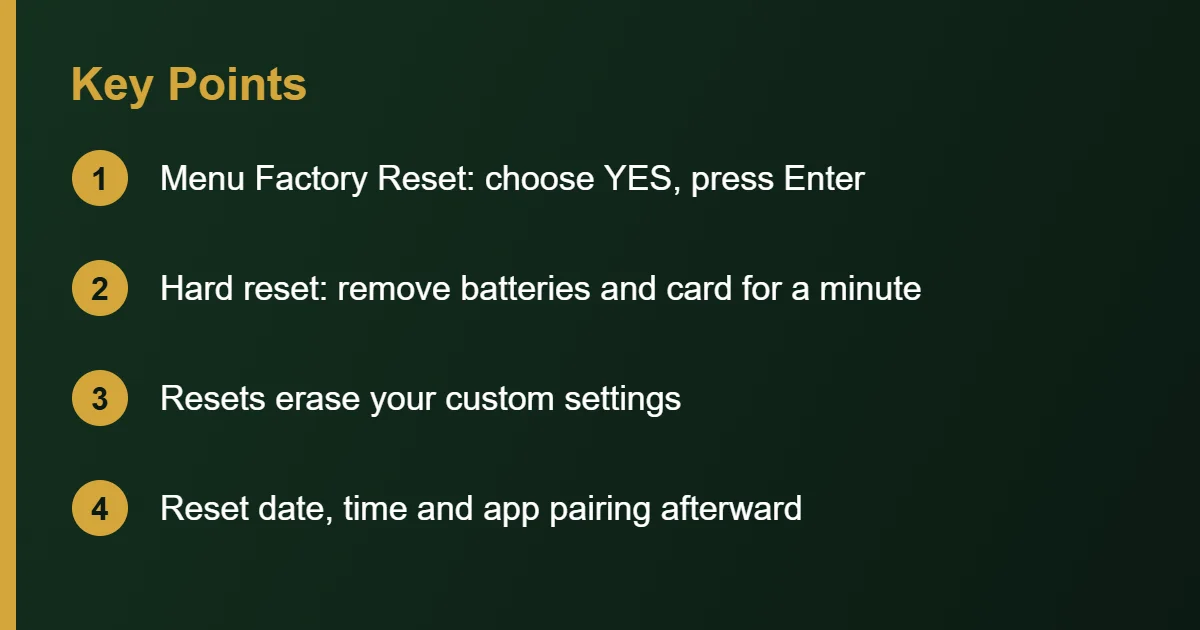
Short answer: Most Stealth Cams can be reset from the menu: find the Factory Reset setting, choose YES and press Enter, and the camera restores its defaults. If the menu is unresponsive, power the camera off, remove the batteries and SD card for a minute, and restart. A reset erases your custom settings, so note them first.
Method 1: Factory reset from the menu
- Insert fresh batteries and an SD card, then enter setup mode.
- Open the settings menu and find Factory Reset. The default is NO.
- Press the up or down arrow to change it to YES.
- Press Enter. A Stealth Cam manual says the screen flashes DONE and returns to the main menu.
- Set the date, time and your preferred options again.
Menus differ by model, so check your manual. Some models use a separate Delete SD Card option for formatting; see formatting steps.
Method 2: Hard reset (power cycle)
- Switch the camera off.
- Remove the batteries and SD card.
- Wait about a minute, then reinsert both.
- Switch it on and recheck settings.
When a reset helps
| Situation | Reset? |
|---|---|
| Stopped taking pictures unexpectedly | Yes, after batteries and card checks |
| Odd behavior after a software update | Yes |
| Settings will not save | Yes |
| Dead batteries or full card | No, fix those first |
After resetting
- Reset the date and time. See how to set the time.
- Reapply photo mode, sensitivity and delay.
- Re-pair cellular models in the Command app if needed.
- Walk-test before leaving the camera in the field.
If the camera still misbehaves, return to the troubleshooting hub.
Frequently Asked Questions
Will a reset delete my photos?
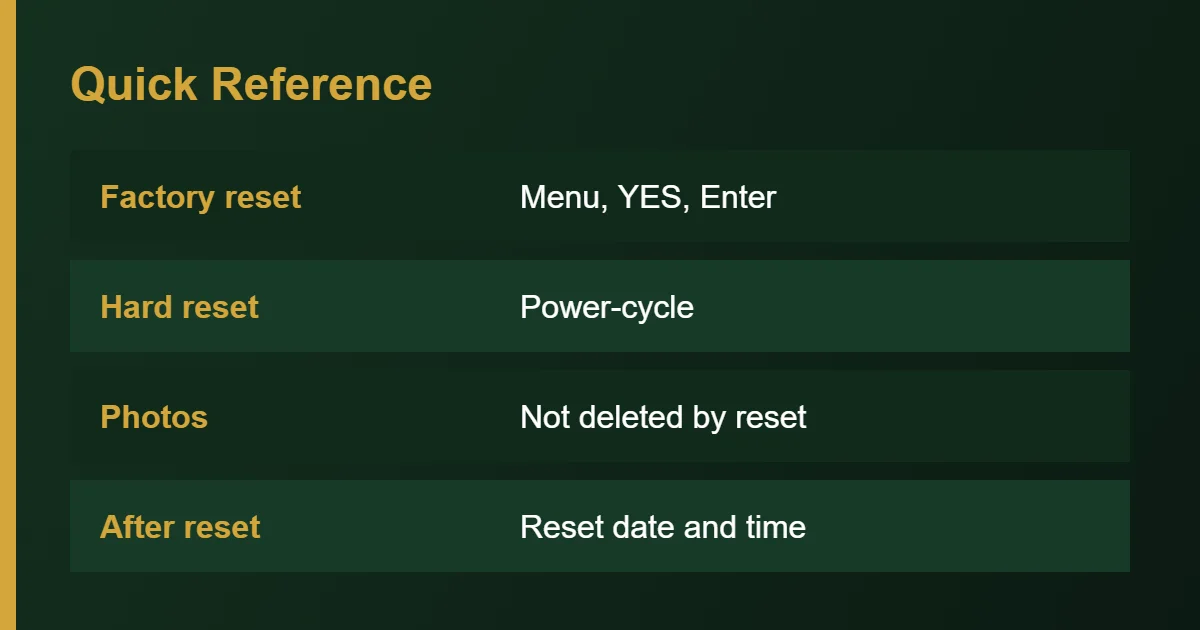
A settings reset does not delete photos, but formatting the card does.
Do I need new batteries to reset?
Use fresh ones so the reset completes cleanly.
Will a reset fix a firmware problem?
It can clear glitches after an update, but a failed update may need the update file reapplied.
Sources
- Stealth Cam instruction manual (STC-P18CMO) on Manuals Hive
- Discover Cameras, Stealth Cam hard reset
- Blinq Blinq, Stealth Cam troubleshooting