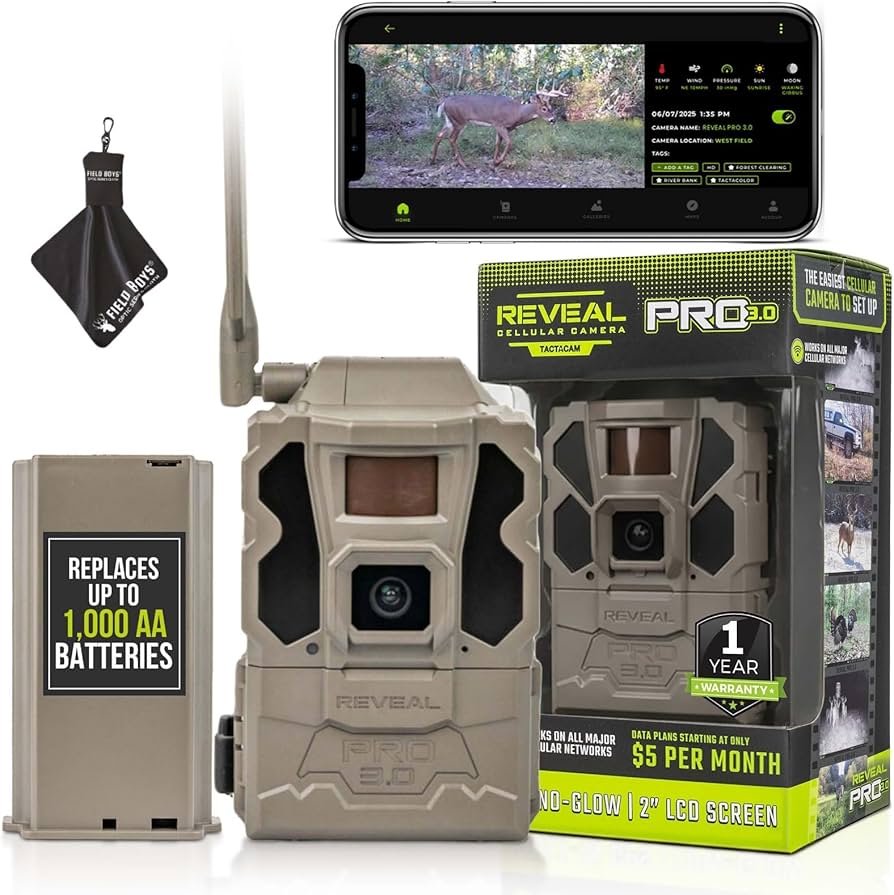
Use high-quality lithium cells, reduce triggers, tune settings, and add solar or external power.
I have spent years testing trail cameras in cold, wet, and remote locations. This guide shows practical ways to extend battery life trail camera owners can use today. You will learn battery choices, camera settings, placement tips, and real-world tricks that save power and time.

Why battery life matters for trail cameras
Trail cameras often go into the field and are left for weeks or months. Long battery life reduces visits to change cells. That saves time and cuts the risk of disturbing the area you monitor.
Good battery life also keeps you from missing key events. A dead camera means lost photos and wasted effort. Knowing how to extend battery life trail camera-style helps you get more reliable data and better value from your gear.
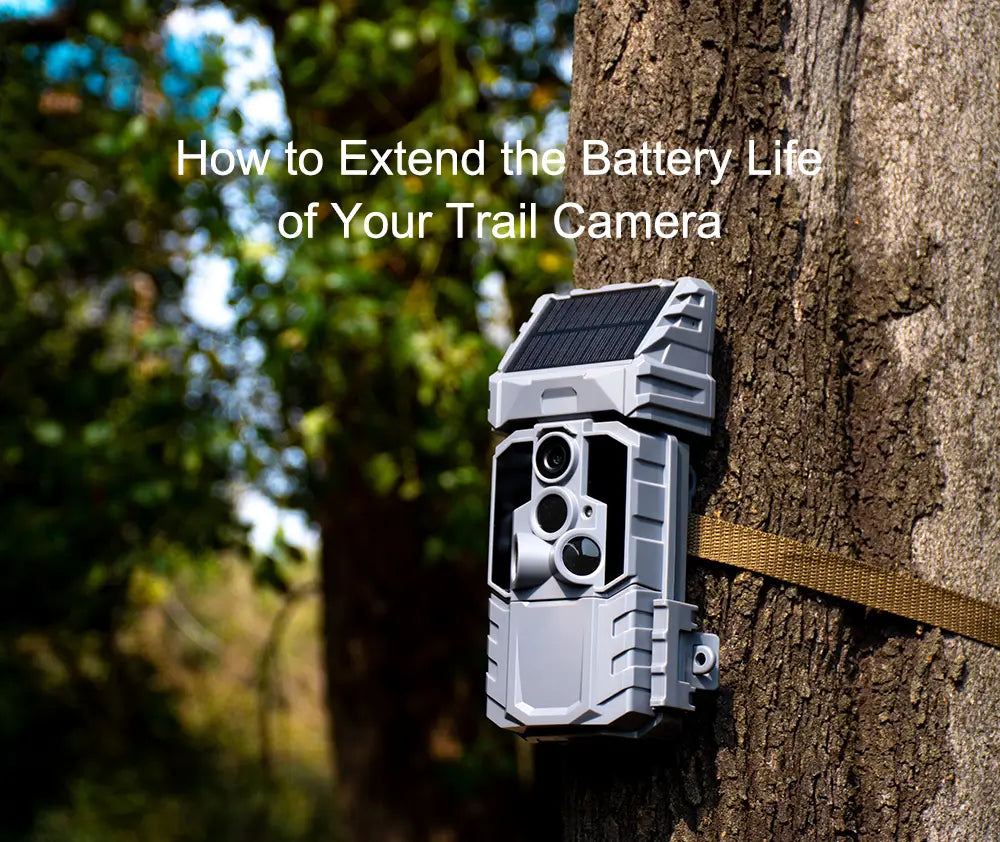 batteries”
style=”max-width: 100%; height: auto; border: 2px solid black; border-radius: 10px; display: block; margin: 0 auto;”
loading=”lazy”
/>
Key factors that drain trail camera batteries
Several things make batteries fade fast. If you know them, you can fix most problems quickly.
- Motion triggers and false positives cause frequent wakes and drain power.
- Video mode takes far more energy than still photos.
- Night IR flash and LEDs use large bursts of power.
- Cold temperatures reduce battery capacity and output.
- Poor battery quality or old cells lose power fast.
Being aware of these common drains helps you plan. Reducing triggers and choosing the right power source are the best first steps to extend battery life trail camera setups.

Choosing the best batteries and power sources
Picking the right power keeps your camera working longer. Test and match options to your needs.
- Lithium AA cells — Last much longer than alkalines. They handle cold weather well and can be the single best upgrade for longer life.
- High-quality alkalines — Cheaper but shorter life. OK for short deployments or casual use.
- NiMH rechargeable AAs — Good for frequent use and eco-friendly. Keep spares charged and use low self-discharge cells.
- External battery packs — Offer big capacity. Use sealed packs designed for outdoor gear and protect them from moisture.
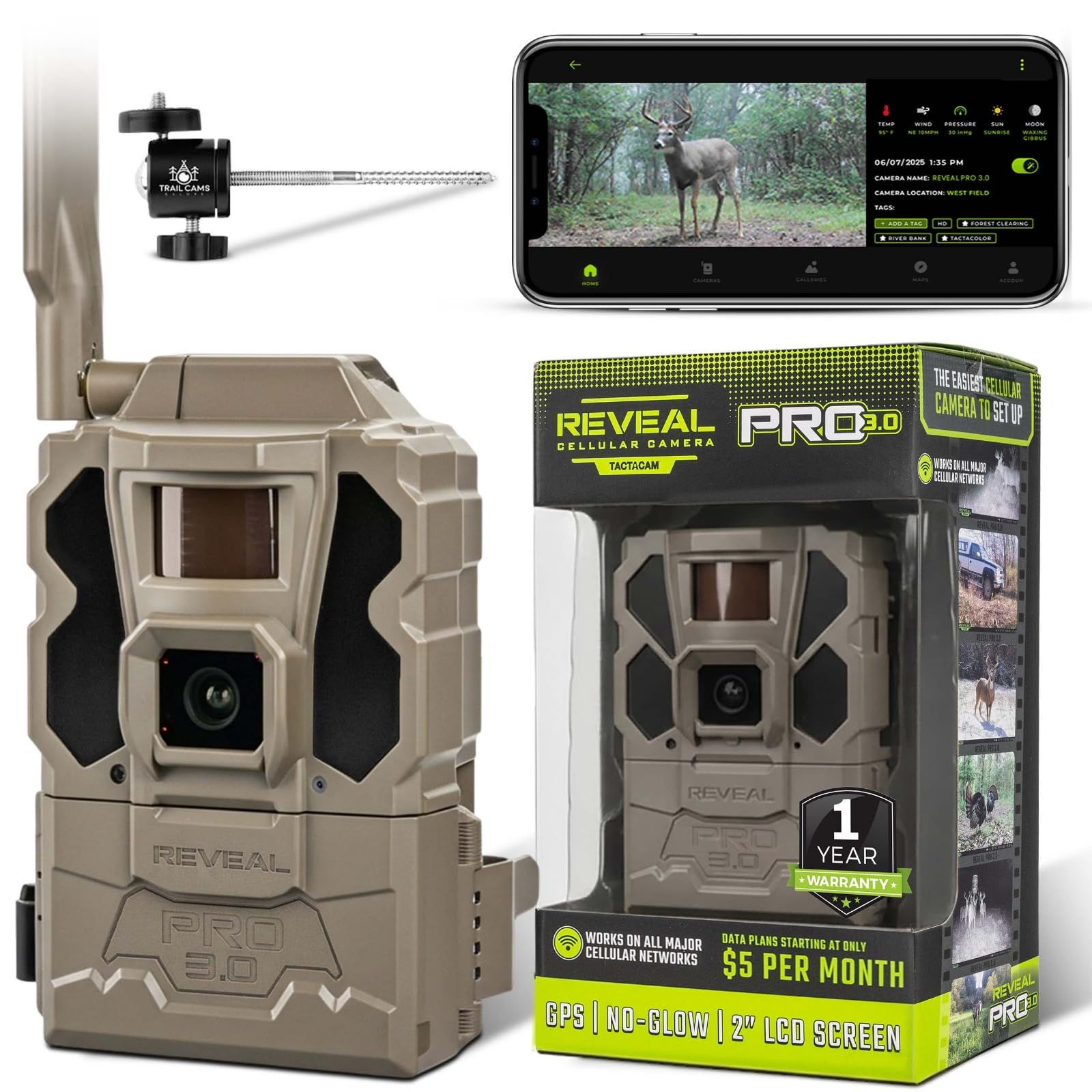
- Solar panels — Excellent for long remote deployments. Match panel amperage to camera draw and use a controller or external battery to smooth power.
From my experience, swapping alkalines for lithium AAs doubled run time in winter. For long remote runs, I combine a solar panel with a sealed deep-cycle pack. That cut visits to once every few months.

Practical settings and placement to save power
Small changes in settings often give big battery gains. Try these adjustments.
- Set photos instead of video to reduce draw.
- Increase trigger interval to avoid repeat shots of the same event.
- Lower resolution when you don't need ultra-high detail.
- Use no-glow or low-power IR flash if your camera supports it.
- Reduce sensitivity slightly to avoid wind and movement false triggers.
- Place the camera to avoid moving vegetation and direct sun glare that cause false triggers.
In one test I reduced triggers by 70% just by clearing a branch and lowering sensitivity. That extended battery life trail camera deployments by weeks.
Maintenance, firmware, and accessories that help
Simple upkeep keeps batteries healthy and cameras efficient.
- Update firmware — Manufacturers often add power-saving fixes.
- Clean contacts — Corrosion raises resistance and wastes power.
- Use weatherproof housings — Moisture and temperature swings stress batteries.
- Store batteries properly between uses — Avoid leaving cells in a hot car or frozen camera.
- Use a power-saving bracket or timer accessory when available.
I once missed a firmware update that fixed a sleep-mode bug. After updating, battery drain dropped dramatically. Small maintenance items yield big wins.
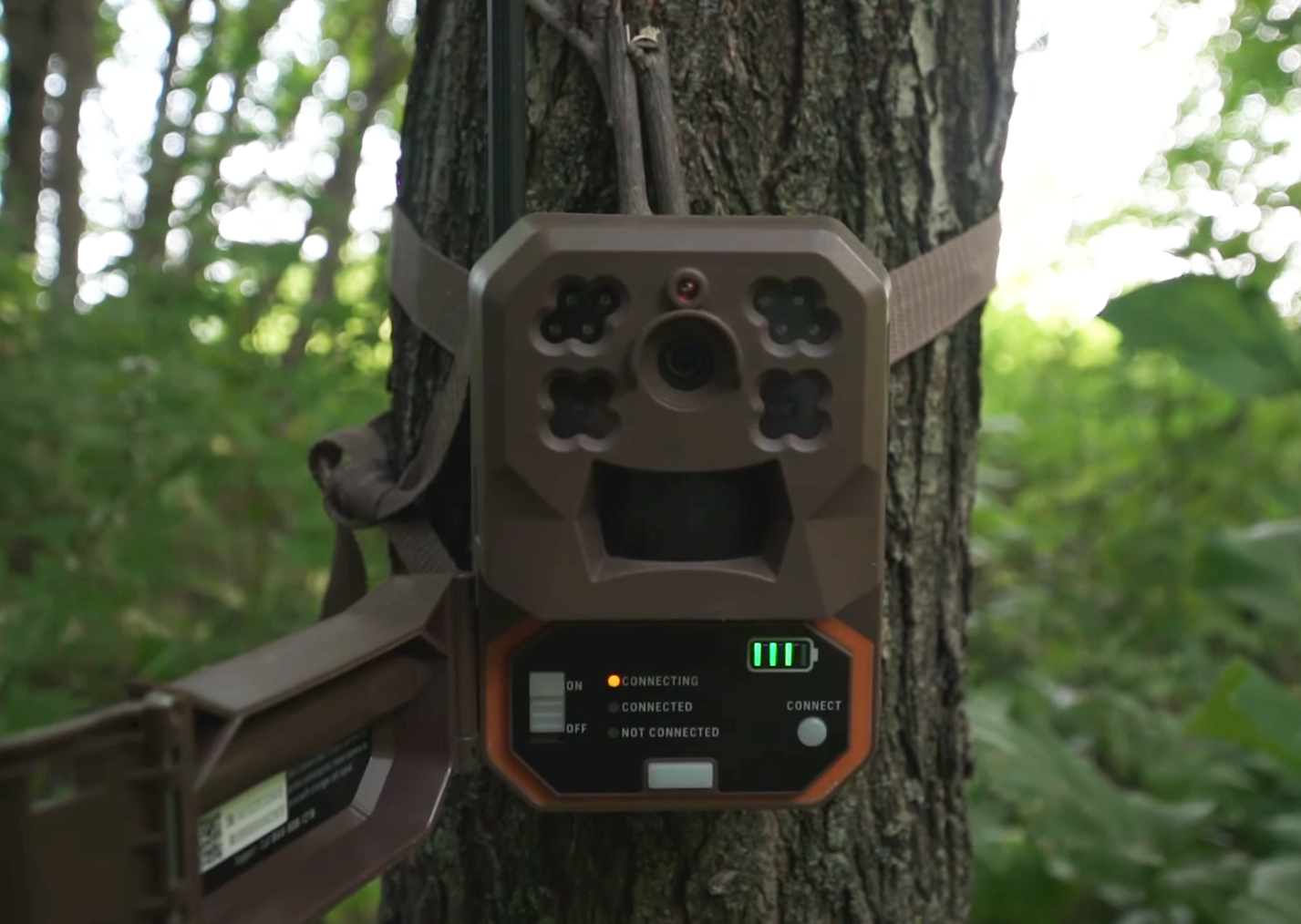
Step-by-step checklist to maximize battery life trail camera deployments
Follow this checklist before you seal your camera in the field. It covers setup, testing, and monitoring.
- Choose power
- Install fresh high-quality lithium AAs or a charged NiMH pack.
- Configure settings
- Set photo mode, adjust trigger interval, lower resolution, and choose energy-efficient flash.
- Place strategically
- Mount stable, clear vegetation, and aim away from road or trail traffic.
- Test run
- Walk-test the camera for 24–48 hours and count triggers.
- Adjust and finalize
- Lower sensitivity or move the camera if false triggers appear.
- Add auxiliary power if needed
- Attach an external pack or solar panel for long runs.
- Schedule visits
- Plan checks based on expected battery life and seasonal conditions.
Using this checklist helped me cut unnecessary site visits by half. The key is testing before you leave the site.

Quick questions about extending battery life
How much longer do lithium AAs last than alkalines?
Lithium cells commonly last two to three times longer than alkalines, especially in cold weather. They maintain voltage better under heavy loads, which helps cameras perform consistently.
Are rechargeable batteries a good option for trail cameras?
Rechargeable NiMH cells work well if you cycle them regularly and keep spares charged. Low self-discharge NiMH cells hold their charge for months and are cost-effective long term.
Can solar panels fully eliminate battery changes?
Solar panels can maintain an external battery pack for long deployments if sized correctly and paired with a charge controller. In shaded or short-day conditions, they may not be enough on their own.

Frequently Asked Questions of how to extend battery life trail camera
How often should I change batteries in a trail camera?
Change batteries based on expected use and season; for heavy use or video mode, check monthly. For photo-only daytime use with lithium, you may go several months between changes.
Will cold weather kill my batteries faster?
Yes. Cold reduces battery capacity and output. Use lithium cells or a heated enclosure to reduce temperature effects.
Is video mode always a bad idea for battery life?
Video uses more power than stills, but short clips at low resolution can be acceptable. Use video sparingly and adjust clip length to save power.
How can I reduce false triggers that waste battery?
Clear vegetation, lower PIR sensitivity, and increase trigger interval. Also position the camera to avoid moving branches and heat sources.
Do brand-name batteries outperform generic ones?
High-quality brands generally offer better consistency and long-term value. Cheap cells may fail sooner and can leak. For reliability, choose tested brands or lithium options.
Conclusion
Mastering how to extend battery life trail camera setups comes down to smart choices and simple habits. Choose the right batteries, tune settings, reduce false triggers, and add external or solar power for long runs. Test before you leave the site, keep firmware and contacts maintained, and use a checklist for every deployment.
Take one step today: swap to lithium or run a short test with adjusted settings. Share your results or questions in the comments and subscribe for more field-tested tips.
As an Amazon Associate, I earn from Qualifying Purchases.