Reduce trigger frequency and use energy-saving settings to extend trail camera battery life.
I’ve spent years testing trail cameras in the field and helping hunters, researchers, and backyard wildlife watchers get the most from their gear. This guide shows clear, practical ways on how to save battery on trail camera systems. You’ll learn causes of fast drain, which settings to change, best batteries and accessories, deployment tips, and real-world lessons from my own tests so you can keep your camera running longer and miss fewer moments.

Why saving battery on trail camera matters
Trail cameras often sit for days or months in remote spots. Running out of power means missed photos, lost data, and extra work to swap batteries. Learning how to save battery on trail camera saves time, money, and keeps your monitoring consistent.
How trail camera batteries get drained
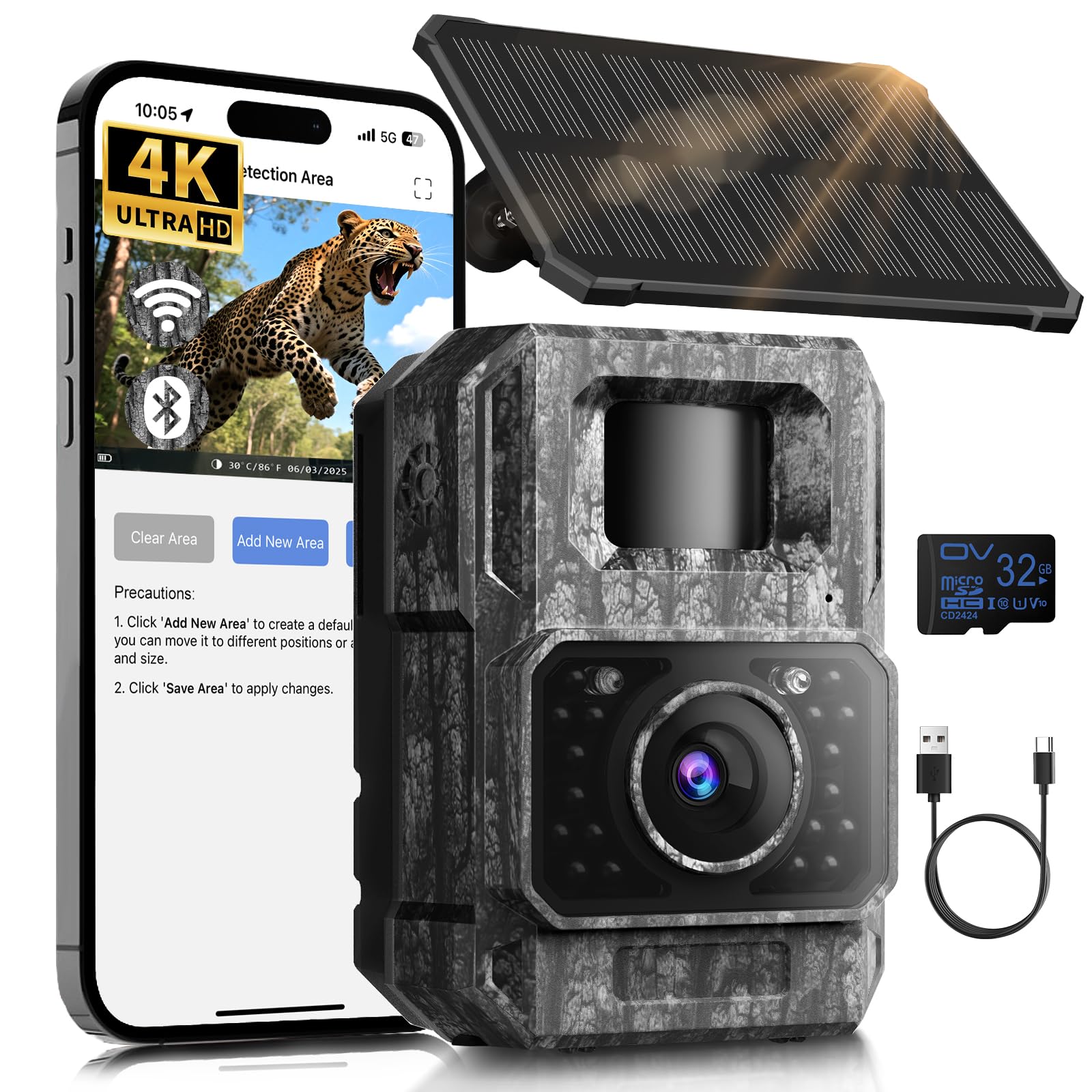
There are a few main ways a camera uses power. Motion detection, long recovery time after shots, frequent night flashes, and poor signal strength all add up. Understanding these helps you make the right changes to save battery on trail camera operation.
Top practical ways to save battery on trail camera
Start with simple settings. Lower trigger sensitivity if you get many false triggers. Set lower photo resolution for long deployments. These small changes add up and show how to save battery on trail camera without losing needed data.
- Reduce trigger frequency by using a longer trigger interval between photos or a time-lapse spacing. This cuts repeated wakes and saves power.
- Lower photo and video quality when high detail isn’t required. Less processing equals less battery drain.
- Use passive infrared (PIR) zone settings so the camera only wakes for true targets. Proper aim and masking help reduce false triggers.
- Turn off video or limit video length. Video uses much more energy than single photos.
- Use a fast trigger but short recovery time only when needed. Balanced trigger/recovery reduces waste.
- Schedule active hours. Disable the camera during low-activity times (day or night) depending on your target species.
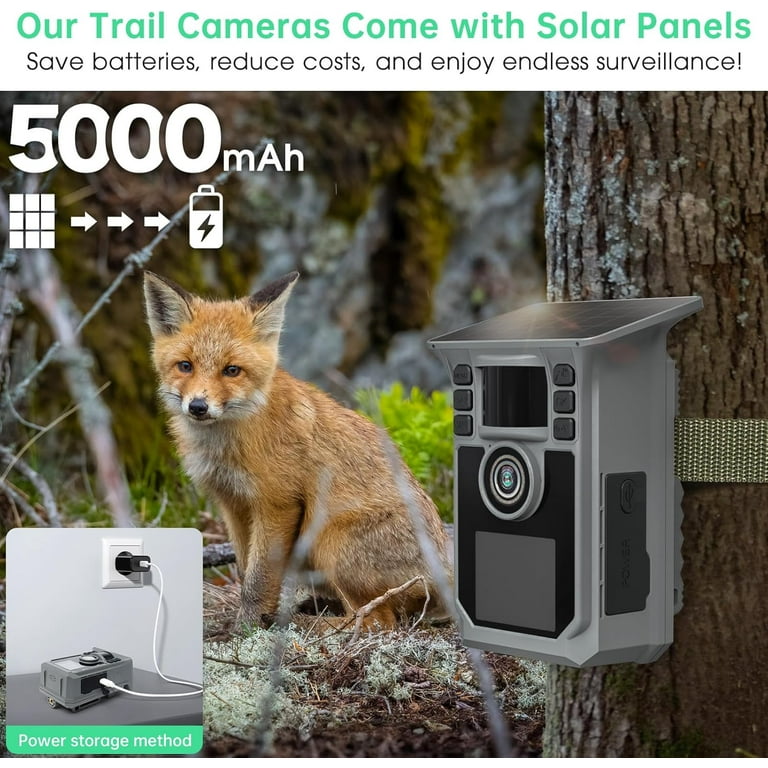
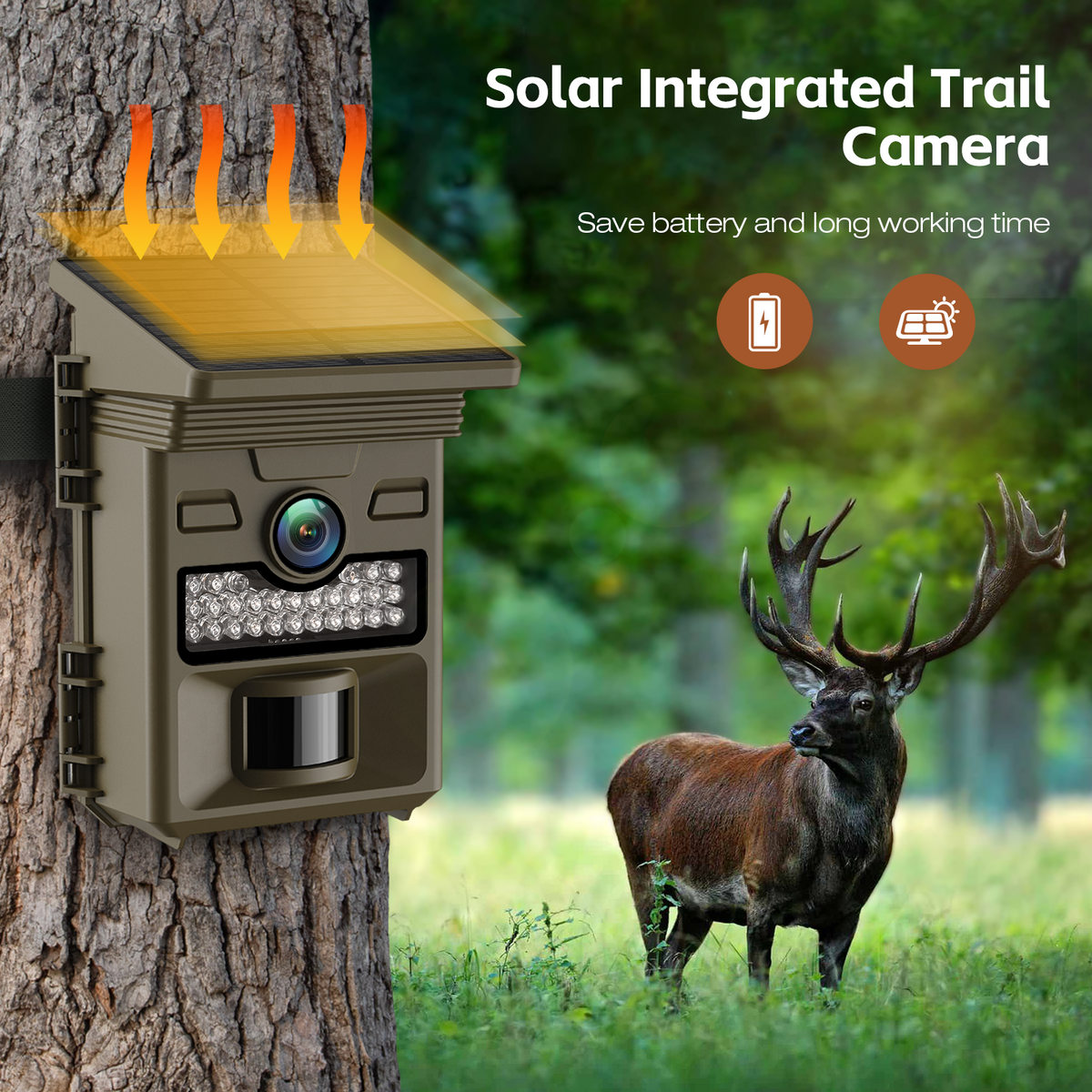
- Use external solar panels for long-term setups. Solar helps keep batteries topped off and shows a clear path to save battery on trail camera sites.
- Switch to lithium AA batteries for colder climates and longer life compared to alkaline cells.
- Remove unnecessary features like continuous Wi-Fi or cellular upload during deployment to save power and data.
- Use a battery box or insulated housing in extreme temps to maintain battery efficiency.
- Check and clean motion sensors and lens. Dirt and false heat sources can cause more trigger events and faster drain.
- Update firmware for efficiency improvements. Manufacturers sometimes add power-saving tweaks.
- Use an external battery pack for extended field runs. Combined with lower settings it maximizes run time.
- Use “smart” modes like eco or power-save if your camera offers them. These are designed to stretch battery life.
- Test settings before a long deployment. A one-night test reveals false triggers and lets you tune the camera to save battery on trail camera deployments.
I learned the value of testing during a winter survey. I left one camera at full settings and one tuned for efficiency. The tuned unit lasted twice as long and caught the same key activity. That real test showed practical gains quickly.

Best battery types and power accessories
Choosing the right power source makes a big difference. Here are common options and when to use them.
- Lithium AA batteries: Best for cold weather and long life. They cost more but often pay off for remote work.
- NiMH rechargeable AA batteries: Good balance of cost and reusability for frequent use.
- Alkaline batteries: Cheap but lower performance in cold or high-drain modes.
- External 6V battery or battery box: Great for long deployments and heavy use of flash or cellular.
- Solar panels: Best for long-term, sunny sites with intermittent power needs.
- Power banks with adapters: Useful for quick boosts and for cameras with DC input.
When picking power, consider weight, cost, and deployment length. Mix a reliable battery type with solar or an external pack to best save battery on trail camera setups.
Tips for deployment and maintenance
Proper placement and routine checks reduce wasted power. Small habits can dramatically extend life.
- Mount so PIR sensor sees a clear path. Avoid heat sources like sunlit brush or reflective surfaces.
- Face the camera to avoid direct sunlight on the lens at dawn or dusk, which can cause false triggers.
- Check batteries and memory every few weeks. A quick swap can prevent data loss.
- Use cable ties and locks to secure gear and prevent theft or movement that triggers the sensor.
- Log deployment details: settings, start battery levels, and observed runtime. This record helps you learn how to save battery on trail camera over time.
From my fieldwork, I learned that minor misalignment caused dozens of false triggers a week. Fixing that cut battery use dramatically and reduced needless visits.

Troubleshooting battery drain
If batteries still die fast, follow a short checklist to find the cause.
- Confirm firmware is up to date. Bugs can create power issues.
- Run a test with minimal settings to see if hardware has a defect.
- Inspect for water ingress or corrosion at battery contacts. Clean and dry contacts carefully.
- Disable wireless features to see if radio activity is the culprit.
- Swap battery type to isolate a performance issue.
Be honest about limitations: some older cameras have less efficient electronics and no amount of tweaking will match modern models. When you can, upgrade to a newer camera designed with power efficiency in mind.

Frequently Asked Questions of how to save battery on trail camera
How often should I change batteries on a trail camera?
For active cameras taking many photos daily, check batteries every 2–4 weeks. For low-activity or solar-assisted setups, checks can be monthly or seasonal.
Do lithium batteries really last longer in cold weather?
Yes. Lithium cells keep voltage better in cold temps and typically outperform alkaline batteries in winter deployments.
Will lowering video quality save battery?
Yes. Lower video resolution and shorter clip durations reduce processor work and flash use, which saves power.
Is it worth using solar panels to save battery on trail camera?
Solar panels are worth it for long-term sites with sun exposure. They reduce the need for frequent battery swaps and can power cellular uploads.
Can firmware updates improve battery life?
Sometimes. Manufacturers can release firmware that optimizes sensor polling, trigger logic, or radio behavior to reduce power use.
Conclusion
You can dramatically extend field time by learning how to save battery on trail camera. Focus on sensible settings, the right batteries, good placement, and testing before long deployments. Try one or two changes first and track results to see what works best for your site.
Take action today: pick one camera, apply two power-saving changes, and run a short field test. Share your results or questions below, subscribe for more tips, or try recommended batteries and solar combos on your next setup.
As an Amazon Associate, I earn from Qualifying Purchases.