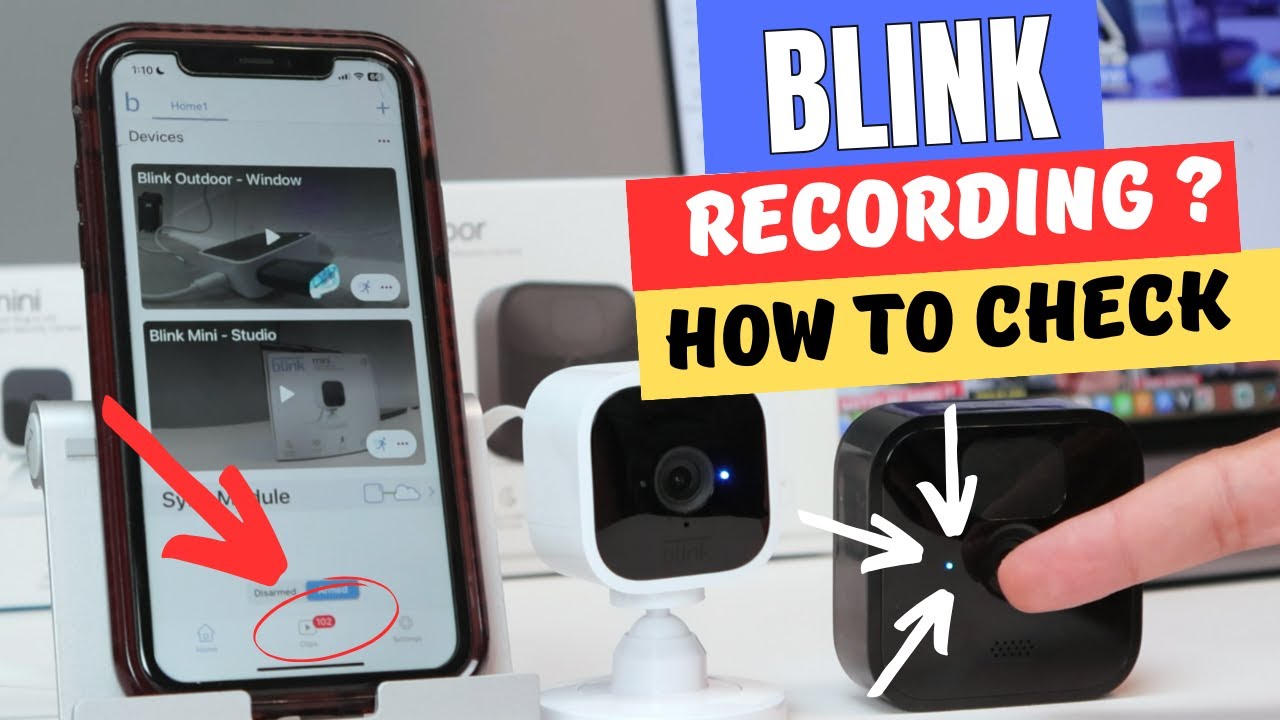
Look for steady or blinking LEDs, lens position, power connections, or storage activity to tell if a camera is recording.
I’ve worked with security systems and tested consumer cameras for years, so I can show clear, practical ways to tell if a camera is recording. This guide on how to tell if a camera is recording covers physical clues, electronic signals, simple detection tools, legal limits, and real-world tips you can use right away.
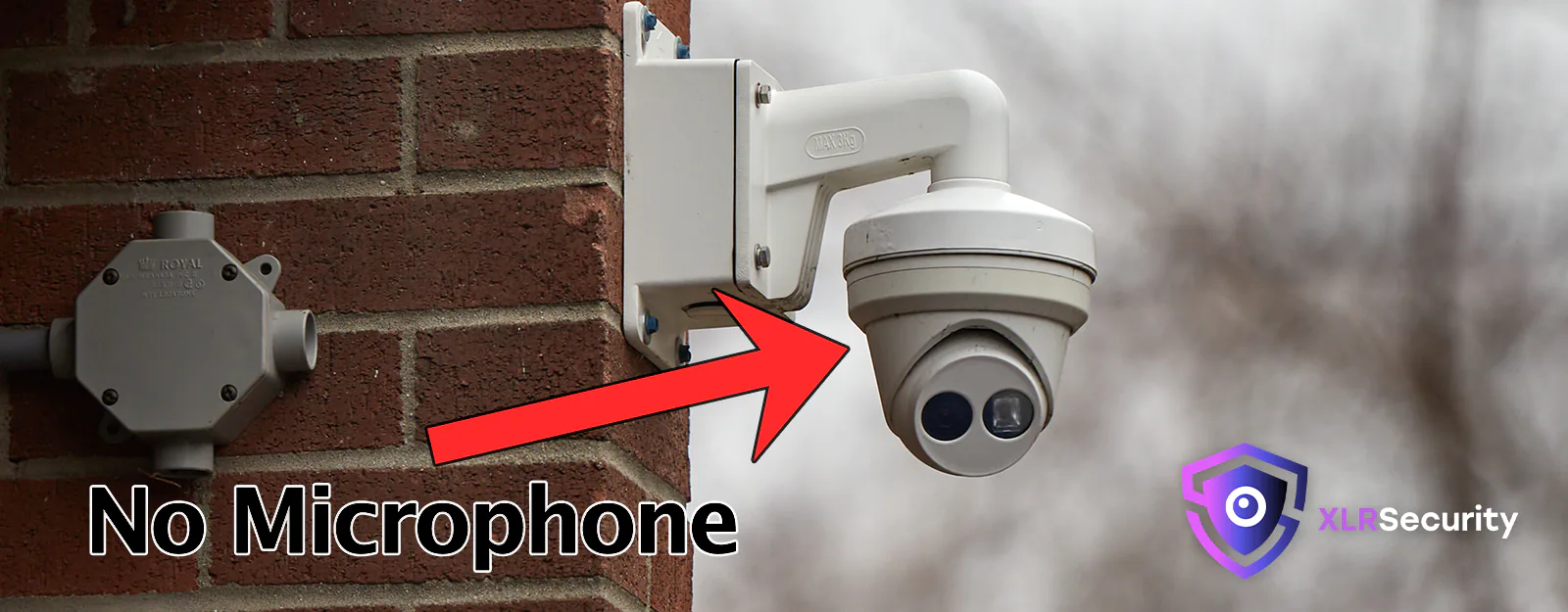
Source: xlrsecurity.com
How to tell if a camera is recording — physical signs
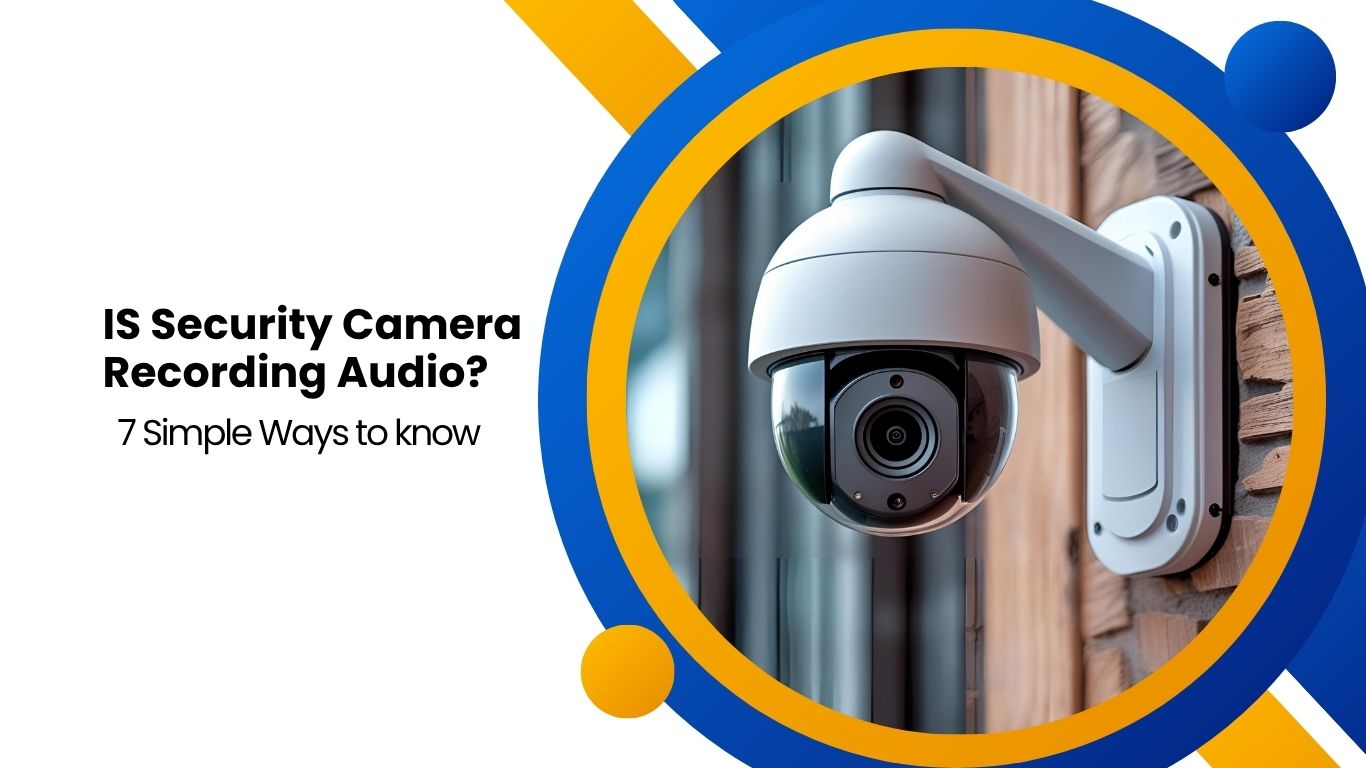
Cameras often reveal basic physical clues when they record. Watch for small lights near the lens. A steady or blinking LED usually means power or active recording, though some cameras hide or disable LEDs.
Look at the lens direction. A lens pointed at you and angled intentionally is a warning sign. Some cameras use mechanical shutters or little lens movements when they start or stop recording.
Check for storage indicators. Many DVRs, NVRs, and standalone cameras have status lights for disk or SD card activity. Rapid or repeated blinking near a storage icon often signals active recording.
Watch the cables and power. A plugged-in camera with continuous power is more likely to record than a dead or disconnected device. Battery cams may conserve energy and only record on motion, so absence of lights doesn’t always mean no recording.
- Common physical signs to check:
- LED near the lens: steady or blinking
- Lens orientation and movement
- Storage lights on recorders
- Power connection and adapters

Source: eufy.com
How to tell if a camera is recording — electronic indicators
Electronic indicators give clearer evidence. Many IP cameras show recording status in their app or web interface. Log into the camera’s app and look for “recording,” “live,” or timeline indicators.
Network activity can tell you a lot. If an IP camera sends data out, it may be streaming or uploading footage. Check your router for active devices and bandwidth use. A camera actively uploading will show traffic even when you’re not viewing live.
Look for file creation. For cameras that save to local storage, check the file timestamps. New files or growing file sizes indicate recent recording. For cloud systems, the cloud app will usually show recent events or clips.
- Electronic clues to examine:
- App or web interface status
- Router traffic and device lists
- File timestamps on SD cards or drives
- Cloud activity logs
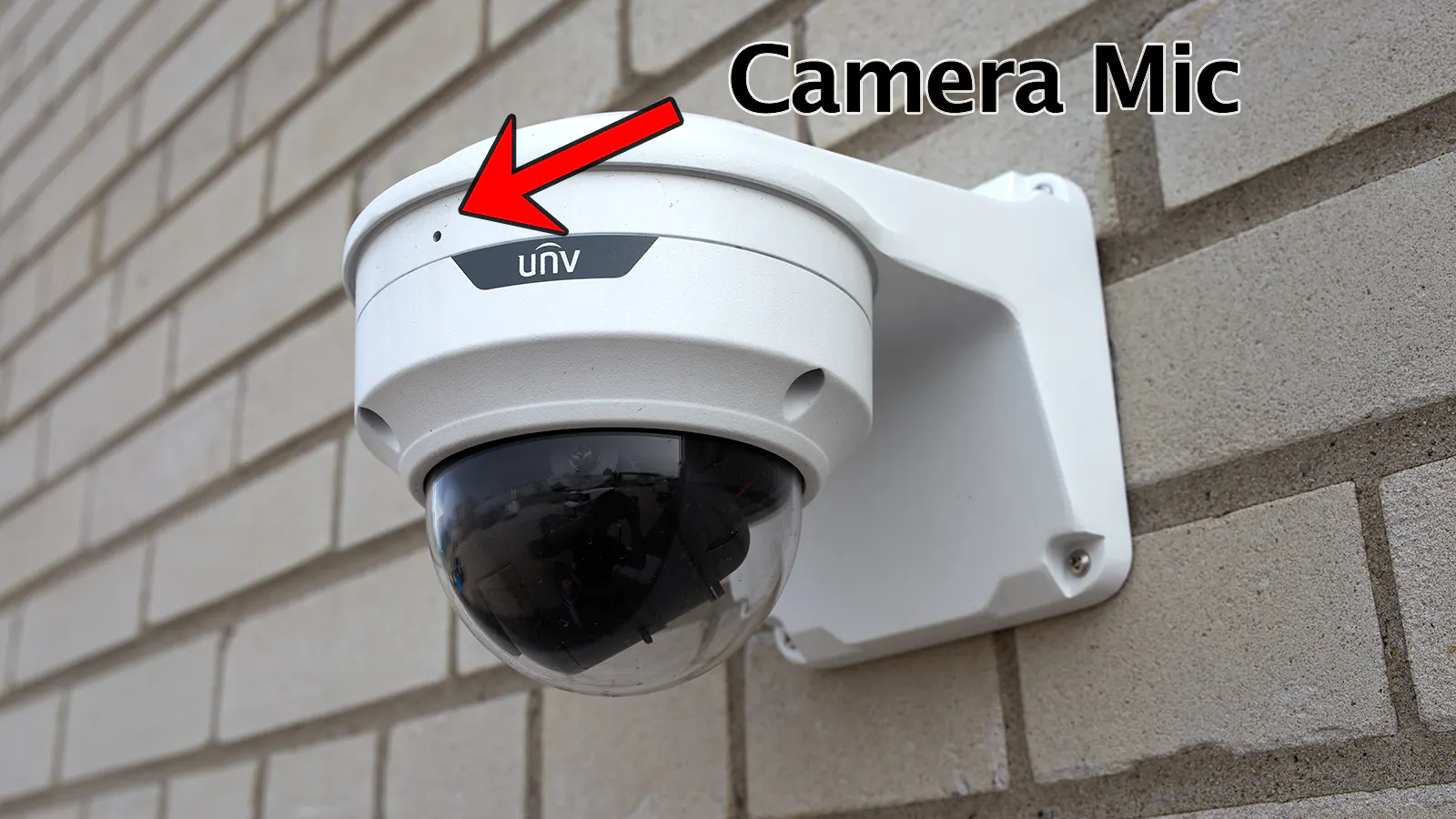
Source: xlrsecurity.com
How to tell if a camera is recording — using simple detection tools
You can use low-cost tools and simple techniques to detect recording. A camera finder app or RF detector can reveal active wireless cameras. These tools scan for radio frequencies or camera optics.
Use a flashlight test to find hidden lenses. Shine a bright light toward a suspected device in a dark room. Camera lenses reflect light and produce a small glint. This is effective for concealed cameras with exposed lenses.
Try a phone camera approach. Some night-vision or infrared-equipped cameras emit IR light that is invisible to the eye but visible through a phone camera. Point your phone camera at the device in low light; a glowing dot suggests infrared illumination for recording.
- Detection tools and steps:
- RF detector or camera finder app
- Flashlight lens reflection test
- Phone camera for IR glow
- Check for Wi-Fi SSIDs or Bluetooth devices named like cameras
Source: reddit.com
How to tell if a camera is recording — legal and privacy considerations
Knowing if a camera is recording is useful, but laws can limit what you do with that information. Private spaces have strong protections. Recording in bathrooms, changing rooms, or private homes may violate privacy laws in many places.
If you find a camera recording where it shouldn’t be, document what you see and report it. Do not destroy equipment or confront people aggressively. Contact local authorities or a manager, and preserve evidence like photos, timestamps, and device details.
For businesses and landlords, disclose surveillance. Many jurisdictions require visible notices if audio or video recording occurs in public or shared spaces. Familiarize yourself with local rules before attempting to disable or block cameras.
- Legal and privacy tips:
- Know local laws about recording and consent
- Document suspected improper recording
- Report concerns to authorities or property managers
- Avoid tampering with devices
Source: zetronix.com
How to tell if a camera is recording — personal experience and practical tips
From years of installing cameras and fixing systems, I’ve learned simple habits that work. When I audit a space, I first scan for obvious LEDs and lens reflections. A bright flashlight and a quick app check cut investigation time dramatically.
One mistake I made early on was trusting no-LED claims. Many cameras let you turn off lights in settings, so app or network checks become essential. Another lesson: check storage. I once thought a camera wasn’t recording because its light was off, but the SD card showed steady file growth.
Practical tips I rely on:
- Start with visible checks: lens, LEDs, cables.
- Use the camera’s app or web interface when possible.
- Check the router for device traffic and bandwidth spikes.
- Use a phone camera to spot IR LEDs in low light.
- Keep calm and document issues if you find an unwanted recording.

Source: youtube.com
Troubleshooting: when signs are confusing
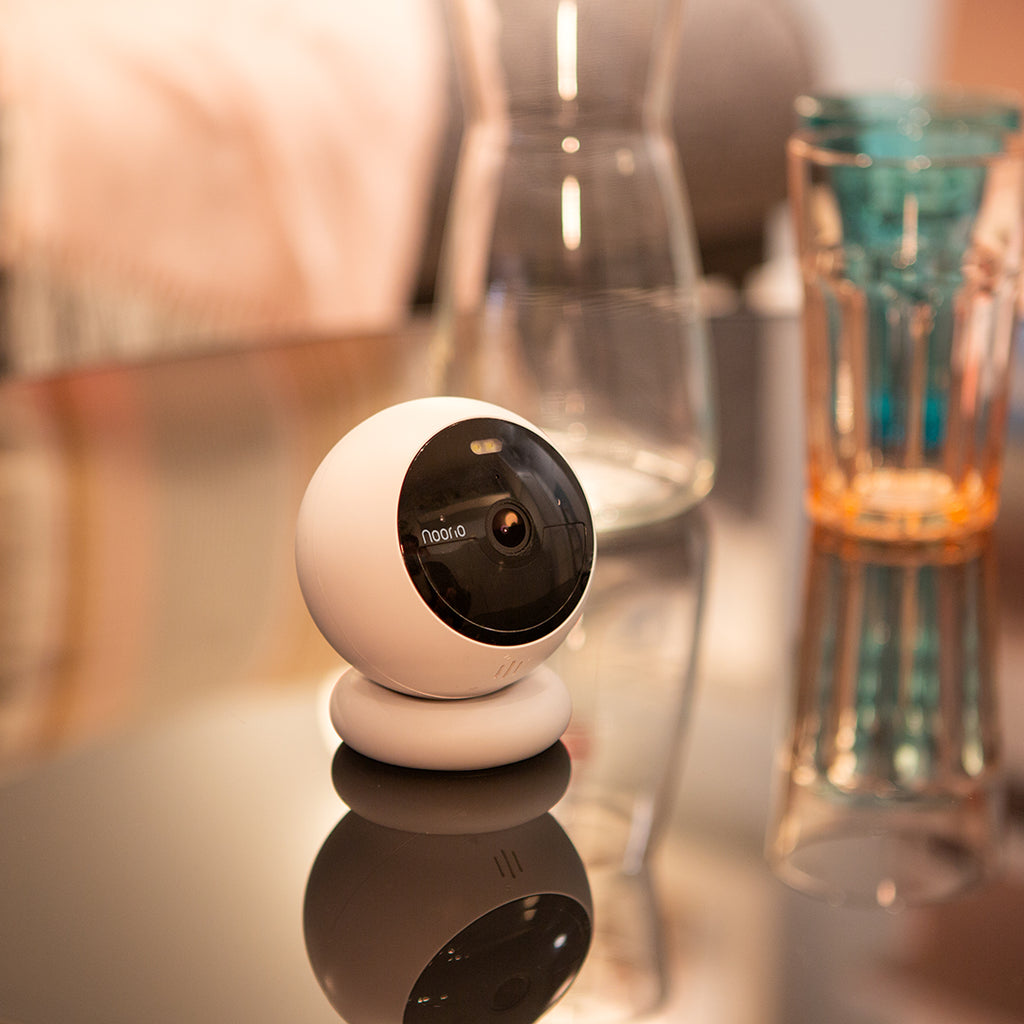
Some cameras hide signs on purpose. Tiny spy cams and disguised devices aim to avoid detection. If signs are mixed, rely on multiple checks. Combine physical, electronic, and detection-tool methods.
If you can’t access the camera’s interface, check the network. If you can’t spot a lens reflection, try different angles or darkness levels. If an indicator is inconclusive, consider professional help from a security technician.
- Steps to resolve unclear signs:
- Combine app, network, and physical checks
- Try night or low-light tests for IR glow
- Inspect storage devices for new files
- Consult a professional if unsure
Source: noorio.com
Frequently Asked Questions of How to tell if a camera is recording
How can I tell if a hidden camera is recording?
Look for tiny lens reflections with a flashlight, check for IR glow with a phone camera, and scan for wireless signals or unusual devices on the Wi‑Fi network. These checks together reveal most hidden cameras.
Does a blinking light always mean recording?
No. A blinking light can indicate power, network activity, or errors. Use the camera app, check storage activity, or watch router traffic to confirm actual recording.
Can my phone detect if a camera is recording?
A phone can help. Use it to view IR LEDs in low light and to scan the local Wi‑Fi for unknown devices. Dedicated detection apps and RF scanners give more accurate results.
If a camera is off, could it still be recording?
Yes. Some cameras record to local storage without showing visible signs. Check SD card timestamps or DVR/NVR logs to confirm if an off-looking camera saved footage.
What should I do if I find a camera recording in a private area?
Document the device, do not touch it, and report the issue to authorities or property managers. Preserving evidence and following legal steps is the safest route.
Conclusion
You can tell if a camera is recording by combining visible cues, app or network checks, storage inspection, and simple detection tools. My hands-on experience shows that no single sign is foolproof. Use multiple methods, document what you find, and follow legal channels when you discover unwanted recording. Try the flashlight, app check, and router scan I recommended today, and share your findings or questions below to keep the conversation going.
As an Amazon Associate, I earn from Qualifying Purchases.