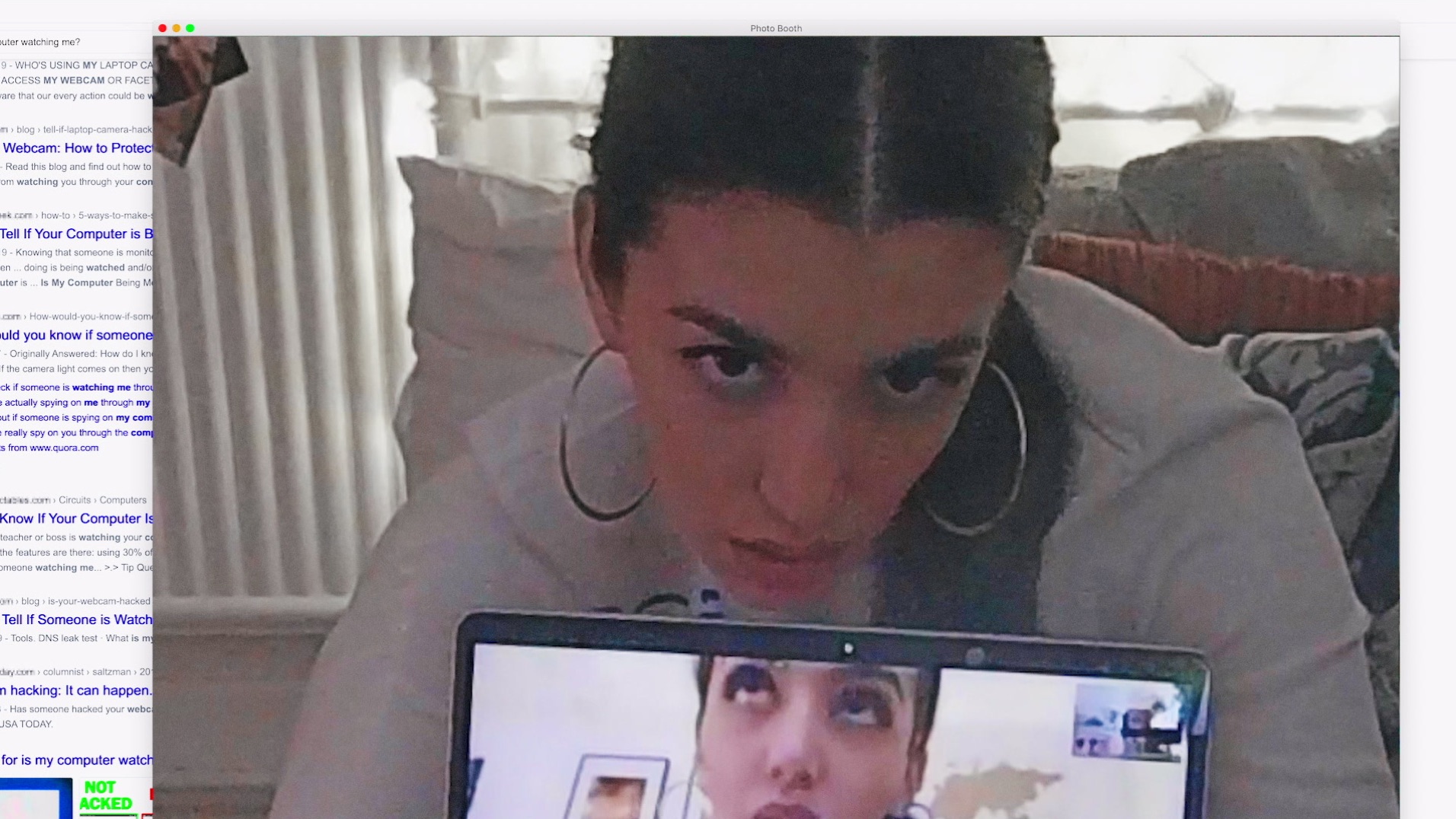
Most cameras reveal themselves by lens reflection, infrared glow, or network activity you can spot.
As a security tester and longtime tech writer, I’ll walk you through clear, practical steps to answer the question "How do I know if a camera is watching me." You’ll learn to spot physical signs, use low-cost tools, run simple network checks, and understand legal and privacy implications. Read on for hands-on tips I’ve used in real checks and the common pitfalls to avoid.
:format(webp))
Signs a camera is watching you
If you ask "How do I know if a camera is watching me", start by looking for simple, visible clues.
Cameras, even small ones, often leave physical traces. Look for tiny lenses, glass reflections, unusual wires, and small holes in objects around you.
Common visible signs
- Lens reflection: Hold a flashlight. A real camera lens often reflects light like a small dot.
- Unusual holes or vents: Small holes in smoke detectors, picture frames, clocks, and lamps may hide lenses.
- Wires or unusual cables: Extra wiring behind furniture or running into ceilings can signal hardwired cameras.
- Mirrors that don’t reflect properly: Two-way mirrors may hide a lens behind slightly darker glass.
- Infrared glow: In low light, some cameras show a faint red or purple dot from IR LEDs.
Behavioral signs that suggest surveillance
- People consistently know private details they shouldn’t.
- Devices or lights behave oddly when you enter a room.
- Your phone or laptop shows unexpected camera access notifications.
Simple checks you can do now
- Scan the room slowly with a flashlight for tiny reflections.
- Look for items placed oddly or facing toward private areas.
- Check ceiling fixtures and vents closely.
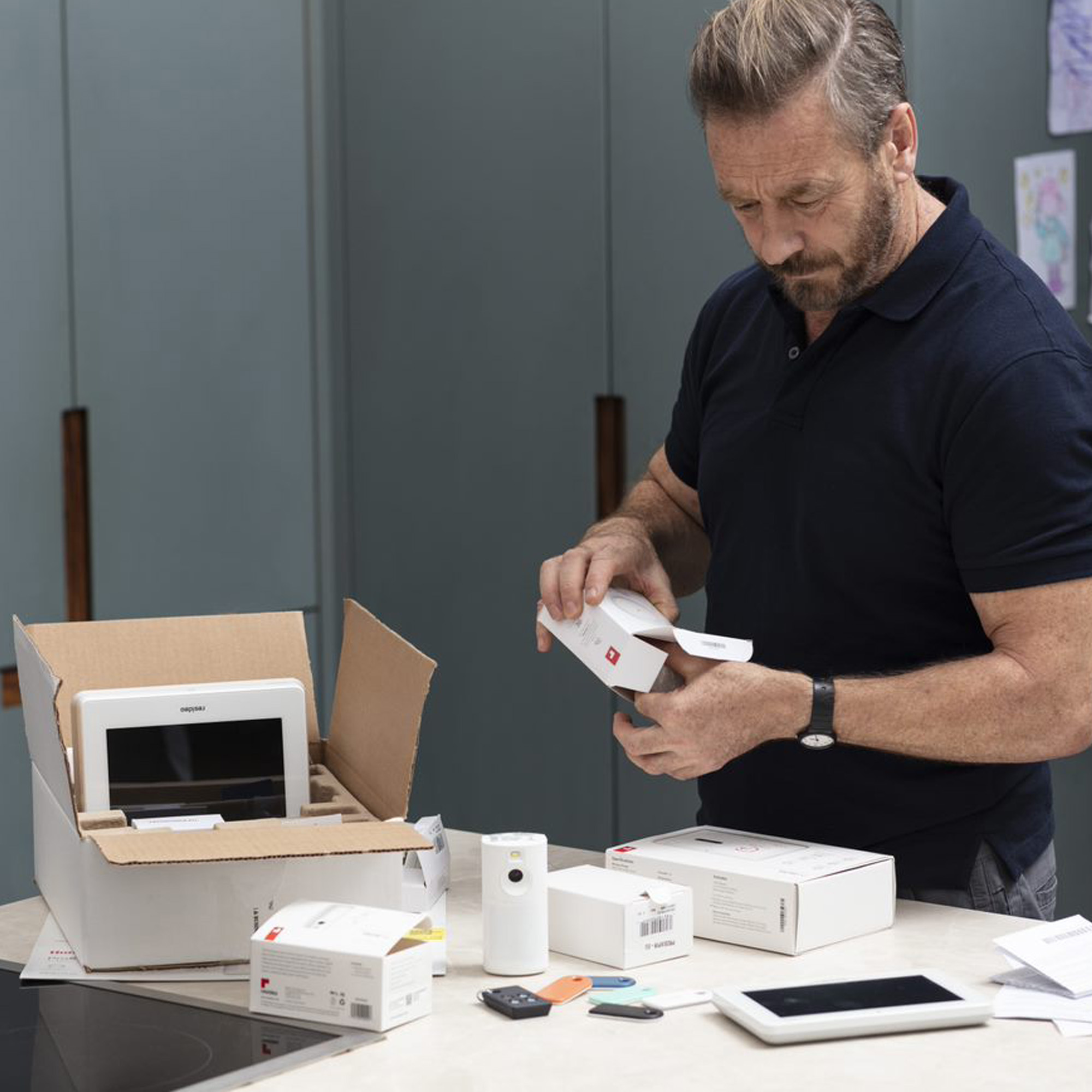
Common types of cameras and where they hide
Understanding camera types helps answer "How do I know if a camera is watching me" faster. Different cameras leave different clues.
Types and typical hiding places
- Wired security cameras: Found in walls, ceilings, vents, and light fixtures.
- Wireless IP cameras: Often placed near power outlets but connect over Wi‑Fi.
- Battery-operated mini cameras: Hidden in household items like clocks, chargers, and stuffed toys.
- Nanny cams: Placed where they can see the room but blend in with decor.
- Pin-hole cameras: Embedded in screw heads, smoke detectors, or sensors.
How each type looks and acts
- Wired cameras are more likely to have visible cabling or a permanent mount.
- Wireless cameras may show Wi‑Fi signals or need periodic charging if battery-powered.
- Battery cameras are usually small and simple. They may have a micro-USB port or removable battery cover.

How to detect a camera: simple checks and tech tools
When the question "How do I know if a camera is watching me" feels urgent, use both low-tech and tech methods. I use a mix of checks in the field. Start with visual checks, then move to tech scans.
Low-tech methods
- Flashlight test: Move a bright light slowly. Watch for lens reflections.
- Mirror test: Press your face to glass; if the other side is darker, it might be a two-way mirror.
- Physical inspection: Look behind objects, inside clocks, and above ceiling tiles.
Phone-based checks
- Camera app test: Open your phone camera and scan suspicious objects. Infrared LEDs can sometimes register as small bright dots on your phone screen.
- Bluetooth and Wi‑Fi scan: Use your phone to scan for unknown devices on local networks. Many IP cameras broadcast names like "Cam", "IPC", or brand names.
Specialized tools
- RF detector: Scans for radio signals from wireless cameras. It finds active transmitters.
- Lens finder or optical detector: Detects lens reflections even when IR is off.
- Network scanner app: Identifies devices on the same Wi‑Fi network and flags unknown cameras.
Step-by-step tech scan I use
- Turn off lights and shine a flashlight slowly around the room. Note any reflections.
- Open your phone camera and look for odd dots or flashes.
- Scan for Wi‑Fi and Bluetooth devices. Make a note of unknown device names.
- If suspicious, use an RF detector or network scanner to find active transmitters.
Limitations of detection
- Passive or wired cameras that are off will not show RF or network traces.
- Some advanced cameras use encrypted networks or stealth modes.
- Two-way mirrors can be tricky; a bright flashlight helps but is not foolproof.

What to do if you find a camera
If you discover a camera, stay calm and follow clear steps. Ask yourself: is it legal? is it malicious? Protect your privacy first.
Immediate steps
- Don’t touch the device if you can avoid it—handling may destroy evidence.
- Photograph and note the device location, orientation, and any visible wiring.
- Record the time and any suspicious behavior you observed.
Practical next moves
- If you are in a private space like a home or hotel room, notify the owner or manager and ask for an explanation.
- If you suspect criminal intent, call local law enforcement and provide your documentation.
- For workplaces, follow HR or security reporting procedures and keep copies of your notes.
Safety and evidence tips
- If you must move the device to stop recording, keep a video record of the removal.
- Back up photos and logs to secure cloud storage or an external drive.
- Consider a privacy sweep service or a professional security technician for confirmation.

Legal and privacy considerations
Many people ask "How do I know if a camera is watching me" because they worry about privacy and law. Laws vary. Know what’s allowed where you live.
Key legal facts (general)
- Public spaces often allow surveillance; private spaces like bathrooms and bedrooms are usually protected.
- Recording audio often has stricter rules than recording video. Some places require consent for audio.
- Landlords, employers, and hotels may have different legal duties and restrictions.
When to seek legal help
- If the camera records you in a private area without clear consent.
- If the owner refuses to remove a camera that invades your privacy.
- If you have evidence of harassment or blackmail.
Transparency and consent
- Legitimate security cameras are usually disclosed by signs or policies.
- If you rent a property or use a shared space, ask for camera policies in writing.
- Keep records of any notifications, or lack thereof, about monitoring.
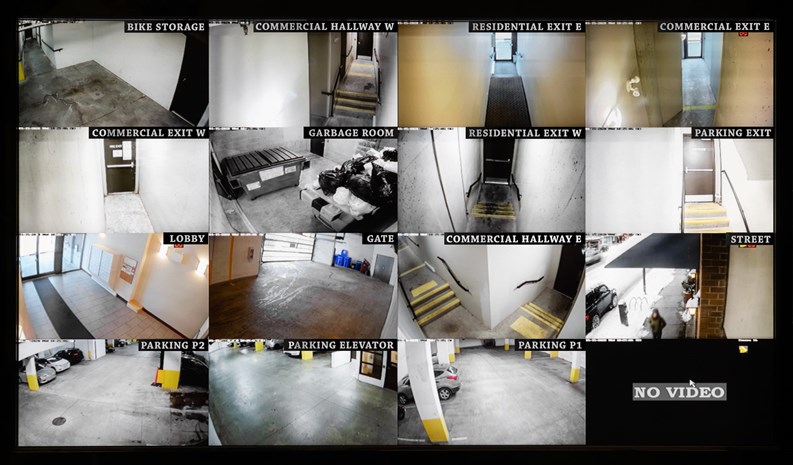
Personal experience: testing and lessons learned
I’ve done dozens of privacy sweeps for friends and clients. I’ll share what worked and where people often go wrong. These are real lessons from field work.
What I learned from real checks
- Simple checks catch most cameras. A flashlight and a slow scan find many lenses.
- Network scans reveal many hidden IP cameras. People forget their devices are online.
- RF detectors work well for active transmitters but miss passive wired cameras.
Common mistakes to avoid
- Relying on one method only. Don’t assume a lack of Wi‑Fi devices means no cameras.
- Touching or moving devices without documenting them first.
- Panicking and failing to record basic evidence like photos and timestamps.
Practical tip I use
- Make a quick checklist: flashlight scan, phone camera scan, Wi‑Fi scan, photos, and notes. It takes 5–10 minutes and finds most issues.

Frequently Asked Questions of How do I know if a camera is watching me
How do I know if a camera is watching me in my hotel room?
Check for unusual objects facing the bed, scan ceilings and vents, and shine a flashlight to look for lens reflections. Also inspect smoke detectors and clocks and call the front desk if you find anything suspicious.
Can my phone detect hidden cameras?
Yes. Use your camera to spot IR LEDs and use Wi‑Fi or Bluetooth scans to find unknown devices. Phone apps and network scanners can reveal IP cameras on the same network.
Do hidden cameras always show red lights?
No. Many modern cameras have IR LEDs that are invisible to the naked eye and may not show a red glow. Use a phone camera or flashlight to find subtle reflections.
What should I do if I find a camera in a private area?
Document the device with photos and notes, avoid touching it, and report it to the property manager or law enforcement if it seems illegal. Preserve evidence and consider legal advice if needed.
Are there legal ways to record someone who is watching me?
Laws vary by location, but recording someone in a public place is usually more permitted than in private spaces. Check local laws before recording audio or video that invades someone’s privacy.
Conclusion
Knowing "How do I know if a camera is watching me" comes down to careful observation, simple tools, and clear action. Use flashlight and mirror checks, scan your network, and document anything suspicious. If you find a camera, protect evidence, follow local rules, and report it when needed. Start with a quick privacy sweep in your most private spaces today, and consider a professional check if you still worry. Leave a comment with your experience or subscribe for more practical privacy tips.
As an Amazon Associate, I earn from Qualifying Purchases.