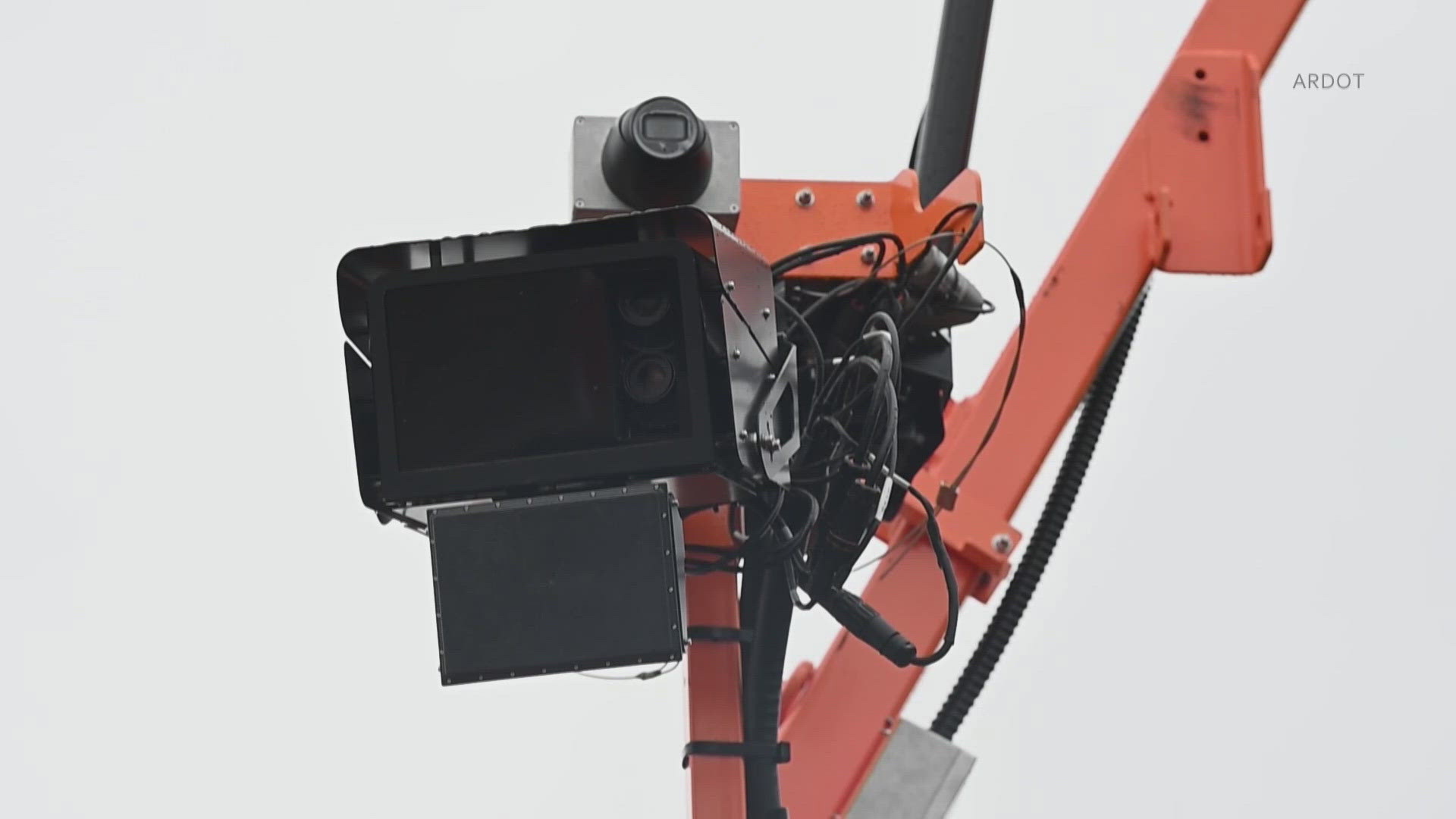
Yes. A cell phone can detect many hidden cameras using apps, sensors, and simple visual checks.
I have spent years testing detection tools and techniques. This guide explains how Can a cell phone detect a camera, when it works, and when it won’t. Read on for clear steps, tested tips, and real-life examples to help you find hidden cameras with the phone you already carry.

Source: reddit.com
How detection works: the basics of using your phone to find cameras
Understanding the science makes the task easier. Can a cell phone detect a camera depends on camera type, phone sensors, and the method you use. Most detection methods look for light, radio signals, or network presence. Phones use cameras, flash, magnetometers, Wi‑Fi, and Bluetooth to find odd signs.
Common detection principles
- Optical reflection: camera lenses reflect light back. Your phone camera and flashlight can reveal those reflections.
- Infrared sensing: many spy cameras use IR LEDs for night vision. Phone cameras sometimes see IR glow.
- Radio and network scanning: Wi‑Fi or Bluetooth cameras often show up in network scans or on router lists.
- Magnetic and RF detection: small magnetic or radio sensors can sometimes detect camera electronics.
When you ask “Can a cell phone detect a camera“, think in terms of signals and reflections. Phones are not perfect detectors, but they are useful first tools.

Source: theverge.com
Practical methods using only your phone
You can try several phone-based methods at home or on the go. Each method is simple and fast. I list steps you can follow right now.
Use your phone camera and flashlight
- Turn off room lights and point your phone camera around suspicious areas.
- Turn on your phone flashlight and scan for tiny lens reflections.
- Look through the phone camera viewfinder; some IR light appears as small bright dots.
Scan for wireless devices
- Open Wi‑Fi and Bluetooth screens to see nearby devices.
- Look for unfamiliar device names or IP camera brands.
- Use a network scanner app to list devices on the local network.
Check for infrared LEDs
- Switch your phone camera to video mode and face likely hiding spots.
- Cover visible light and look for small purple/white glows from IR LEDs.
- Many phone cameras can detect IR at close range.
Use magnetometer and RF apps
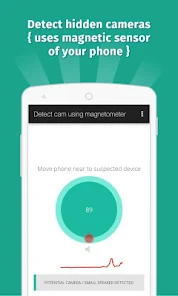
- Use a magnetometer app to find large magnetic anomalies.
- Use RF detector apps to spot unusual radio frequencies, though accuracy varies.
Can a cell phone detect a camera using these methods? Yes, often for wireless or IR-equipped cameras, but not always for purely analog or battery‑shielded devices.

Source: reddit.com
Limitations and common false positives
Phones have limits. Be honest about them before you rely on these tests. Can a cell phone detect a camera in every situation? No.
Key limits to know
- Lensless or pinhole cameras can be tiny and hard to reflect light.
- Cameras with no network radios will not show on Wi‑Fi scans.
- Some infrared LEDs are weak and may not be visible on all phone cameras.
- RF and magnetometer apps can pick up other electronics and metal, causing false positives.
False positives you may see
- Smoke detectors, alarm sensors, and remote controls often look suspicious on scans.
- Decorative LEDs and toys can mimic IR dots.
- Shared routers show many devices that are harmless.
Be clear: phone checks are a good start. Use a dedicated detector or professional help for high-stakes searches.
Source: norton.com
Step-by-step guide: how to check a room with your phone
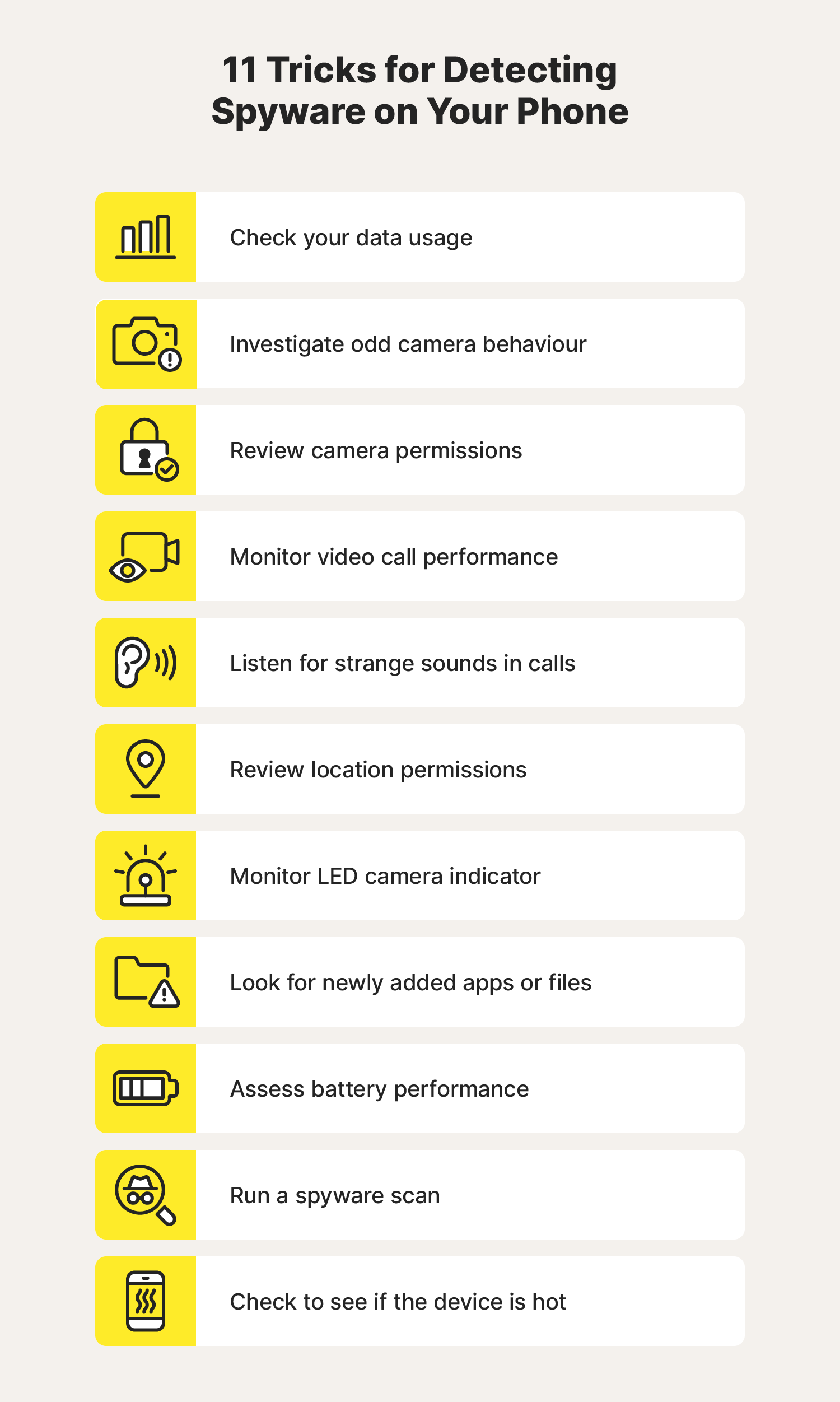
Follow this short checklist. I use a similar routine for quick checks before meetings and travel. This routine takes about 10 minutes.
Step 1 — Visual sweep
- Turn off lights and sit quietly.
- Use your phone camera with flashlight to scan mirrors, vents, smoke detectors, and decorative items.
- Note any tiny reflections or unnatural holes.
Step 2 — IR check
- Switch to video mode and point the front and rear cameras at suspicious spots.
- Watch for small bright dots that indicate IR LEDs.
Step 3 — Network scan
- Open Wi‑Fi and Bluetooth. Disable known devices to reduce noise.
- Run a network scanner app to list connected devices and IP cameras.
- Take note of unknown entries.
Step 4 — Signal and magnet checks
- Run a magnetometer app and walk slowly around the room.
- Use an RF detector app to sweep for unusual transmissions.
- Recheck areas where signals spike.
Step 5 — Confirm and act
- If you find a likely camera, do not touch it if privacy is at risk. Document with photos and contact the property owner or authorities.
- If unsure, use a handheld detector or hire a professional sweep.
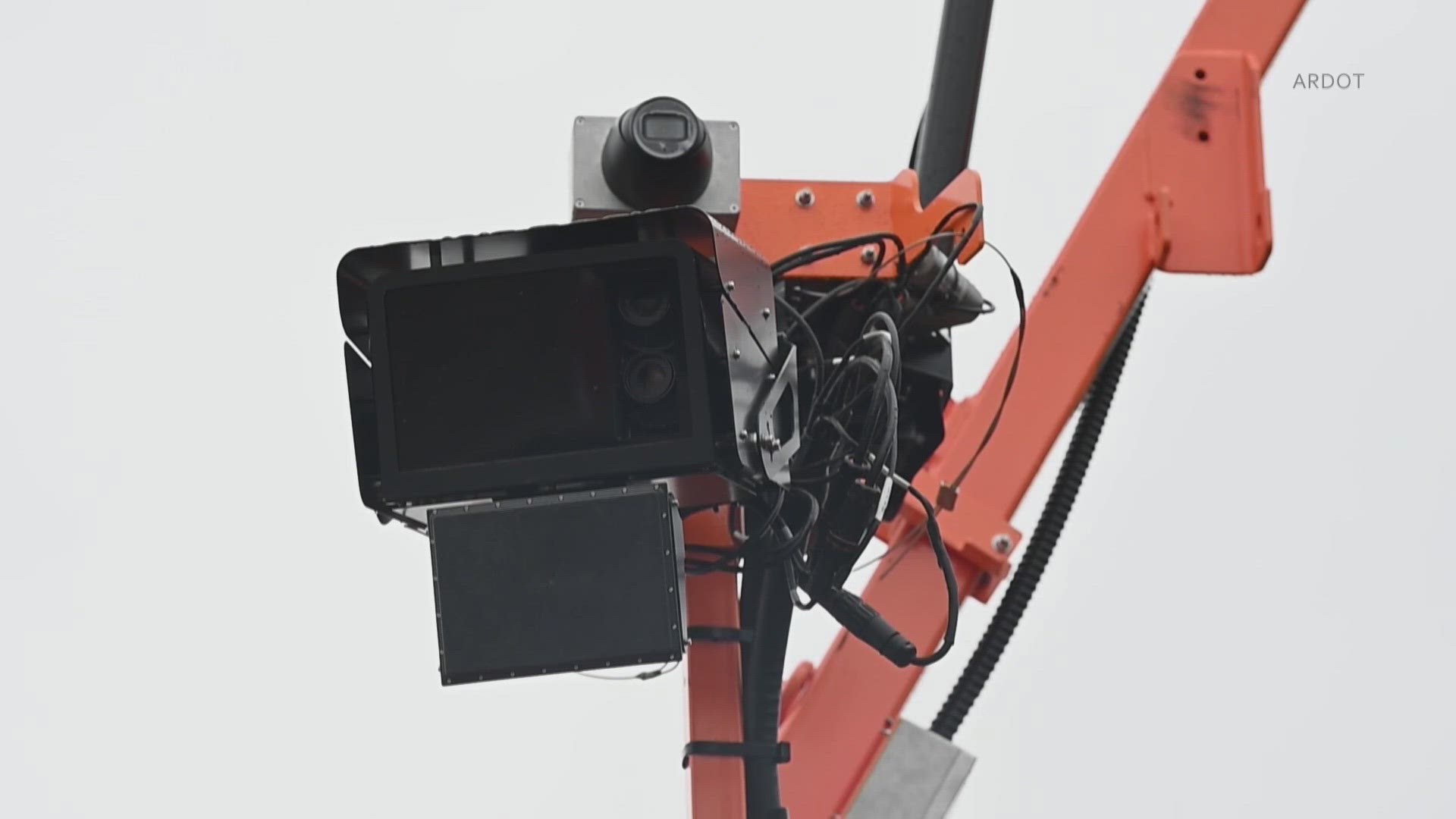
This routine answers the practical question: Can a cell phone detect a camera well enough for a quick sweep? Often it can, but treat phone results as preliminary.
Source: 5newsonline.com
Tools, apps, and accessories that improve phone detection
Using the right tool makes a big difference. Here are reliable options that work with your phone.
Apps to try
- Camera and flashlight app for manual visual checks.
- Network scanner for Wi‑Fi device discovery.
- Magnetometer and RF apps for signal anomalies.
Affordable accessories
- Clip-on IR filters or lenses to boost IR detection.
- External RF detectors that pair with phones via Bluetooth.
- Portable thermal cameras that attach to phones for live imaging.
When asking “Can a cell phone detect a camera” remember accessories extend capability. They make a phone closer to a dedicated detector.
Source: reddit.com
My experience: lessons from testing phone-based detection
I tested multiple phones and methods over several years. I found phone checks work best in predictable environments. In hotels and rental homes, my phone found two Wi‑Fi cameras and one IR-only device that I missed on a visual sweep.
Lessons learned
- Always cross-check findings. One method alone can mislead.
- Update apps and phone firmware; camera sensors and app permissions matter.
- Practice scanning typical places: clocks, smoke detectors, wall art, and power adapters.
A mistake I made early on was trusting a single app. After that, I combined camera, IR, and network checks for a more reliable result.
Source: phys.org
Legal and privacy considerations
Knowing the law helps you act correctly. Laws differ by place. Respect privacy and follow rules when you find a camera.
What to do if you find a camera
- Document without tampering.
- Notify the property owner or host if appropriate.
- Contact law enforcement when privacy or safety is threatened.
Always ask: Can a cell phone detect a camera legally? Yes, using your phone to check for devices on your private stay is generally legal. Avoid scanning locked networks or accessing others’ devices without permission.

Source: youtube.com
Common signs of hidden cameras
Spotting subtle cues speeds detection. These signs often point to a camera even if your phone cannot confirm it.
Signs to watch for
- Tiny pinholes in objects that face beds or bathrooms.
- Unusual wires or fresh damage near outlets.
- Small, out-of-place decorations that face key areas.
- Blinking or faint LED glows when the room is dark.
Use your phone to verify these signs with a visual and IR check.
Source: google.com
Frequently Asked Questions of Can a cell phone detect a camera
Can my phone camera see infrared light from hidden cameras?
Yes. Many phone cameras detect IR light as a purple or white dot in video mode. Detection works better with newer phone cameras and close range.
Are there apps that reliably detect spy cameras?
Some apps help by scanning networks, detecting IR, or showing magnetic spikes. Apps vary in accuracy, so use multiple tools and manual checks for confirmation.
Will a Wi‑Fi camera show up on my phone’s Wi‑Fi list?
Often yes. Many IP cameras appear as unknown device names on Wi‑Fi lists or router device pages. Cameras using direct broadcasting may be easier to spot.
Can a cell phone detect a camera behind a wall?
Generally no. Phone checks rely on light, IR, or wireless signals. Thick walls and shielding block these signals, so physical inspection or professional gear is needed.
Should I call the police if I find a hidden camera?
If you find a camera in a private or intimate space and suspect illegal recording, contact local authorities. Document the device and avoid tampering until law enforcement advises.
Conclusion
You can often use a phone to find hidden cameras, but success depends on camera type, environment, and method. Combine visual, IR, and network checks for the best results. If you suspect serious privacy invasion, get professional help or law enforcement involved. Try the simple checks here on your next trip. Share your experience or questions below, and subscribe for more practical security tips.
As an Amazon Associate, I earn from Qualifying Purchases.