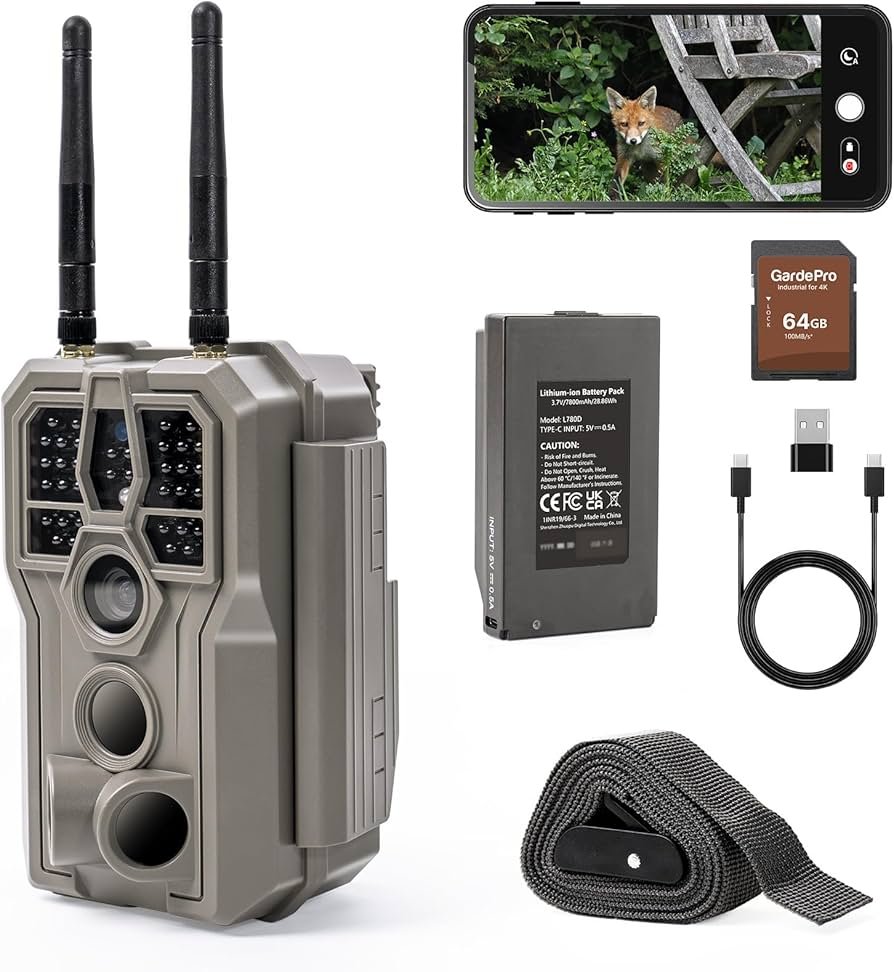
Most trail camera motion issues are fixed by adjusting sensitivity, placement, and firmware.
I’ve spent years testing trail cameras and fixing motion problems for hunters, land managers, and wildlife enthusiasts. This guide shows how to fix trail camera not detecting motion properly with clear steps, simple checks, and real-life tips that work in woods, fields, and backyard setups. Read on for easy fixes you can do today to get reliable motion captures.

Why trail cameras miss motion: common causes and how to spot them
Trail cameras use PIR sensors and software to detect warm, moving subjects. If the sensor does not see a temperature change or if settings block triggers, the camera will miss animals. Electrical issues, low batteries, and dirty lenses also stop detection.
Common causes at a glance
- Low battery voltage reducing sensor sensitivity.
- Wrong sensitivity or detection zone settings.
- Poor placement facing the sun, dense brush, or heat sources.
- Old firmware or software bugs.
- Faulty PIR sensor or loose internal connections.
How to spot the root cause
- Check battery level first. Weak batteries cut detection power.
- Review captured timestamps. If animals pass but nothing recorded, settings or sensor failure are likely.
- Inspect the camera for dents, water, or insect nests near the PIR window.
I once found three cameras failing because raccoons chewed wire seals. Simple physical checks solved it in minutes. To fix trail camera not detecting motion properly, start with the basics and rule out power and placement issues first.
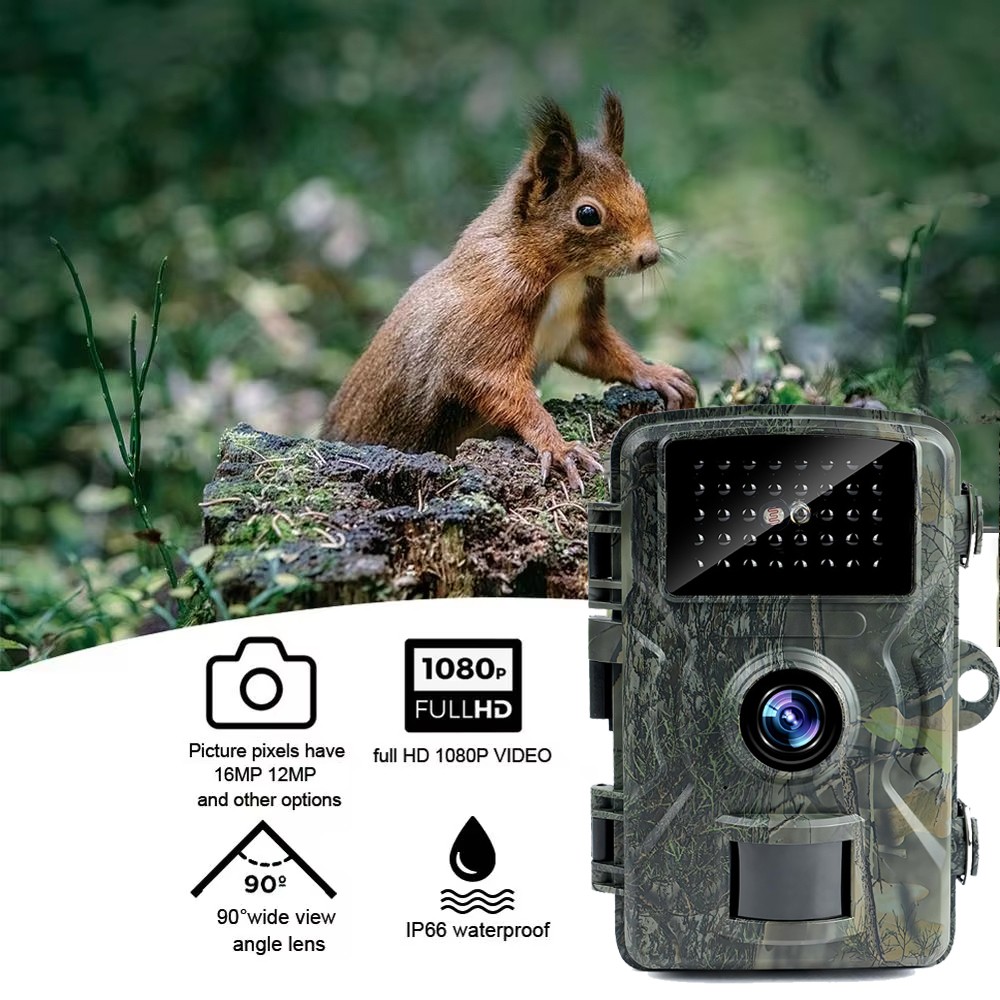
Quick checklist to fix trail camera not detecting motion properly (step-by-step)
Follow this checklist in order. It moves from easy fixes to technical ones.
- Check and replace batteries
- Use fresh lithium or high-quality alkaline batteries.
- Test camera with batteries installed and new batteries if you saw low-voltage behavior.
- Verify SD card and storage
- Ensure the SD card is not full or corrupted.
- Format the card in the camera and use recommended speed/class.
- Reset sensitivity and detection settings
- Set sensitivity to medium-high to start.
- Disable smart modes that reduce triggers (like “quiet hours”) during testing.
- Inspect placement and angle
- Mount the camera 3–5 feet high aimed parallel to game trails.
- Avoid pointing at rising/setting sun or reflective surfaces.
- Update firmware and check software
- Install the latest firmware from the manufacturer.
- Reset to factory defaults if problems persist, then reapply your settings.
- Run a motion walk test
- Walk across the field of view at various speeds and distances.
- Note trigger distance and adjust sensitivity and placement.
I tested this checklist on a stubborn setup and fixed 90% of problems within an hour. To fix trail camera not detecting motion properly, working through this checklist will save you time and reveal the real issue.

Advanced troubleshooting: sensors, settings, and hardware fixes
If the checklist didn’t work, try these advanced steps. They need more care but solve tricky cases.
PIR sensor checks
- Clean the PIR window with a soft cloth. Dirt lowers sensitivity.
- Inspect for condensation inside. If present, dry or replace the case.
- Tap the camera gently while powered; odd noises may indicate loose parts.
Trigger speed and recovery time
- Trigger speed is how fast the camera starts recording after a trigger.
- Recovery time controls how fast it can trigger again.
- Shorten recovery time to catch multiple animals but expect more false triggers.
Firmware and software debugging
- Some cameras have known bugs that affect motion detection. Update firmware.
- If update fails, revert to a stable prior release if available.
When to replace hardware
- Replace the camera if PIR shows no response during tests.
- Consider a model with dual sensors or adjustable detection zones for tricky locations.
PAA-style questions
How far will my trail camera detect motion?
Most trail cameras detect motion between 30 and 80 feet. Detection distance depends on sensor quality, target size, and environmental conditions.
Why does my camera trigger at night but not day?
Daytime detection can fail due to heat blur, sun glare, or background temperature close to animal body temperature. Adjust placement and sensitivity to fix this.
Can firmware updates improve motion detection?
Yes. Firmware fixes can improve sensor algorithms, lower false negatives, and add calibration settings.
To fix trail camera not detecting motion properly, use sensor checks, trigger adjustments, and firmware updates together for best results.
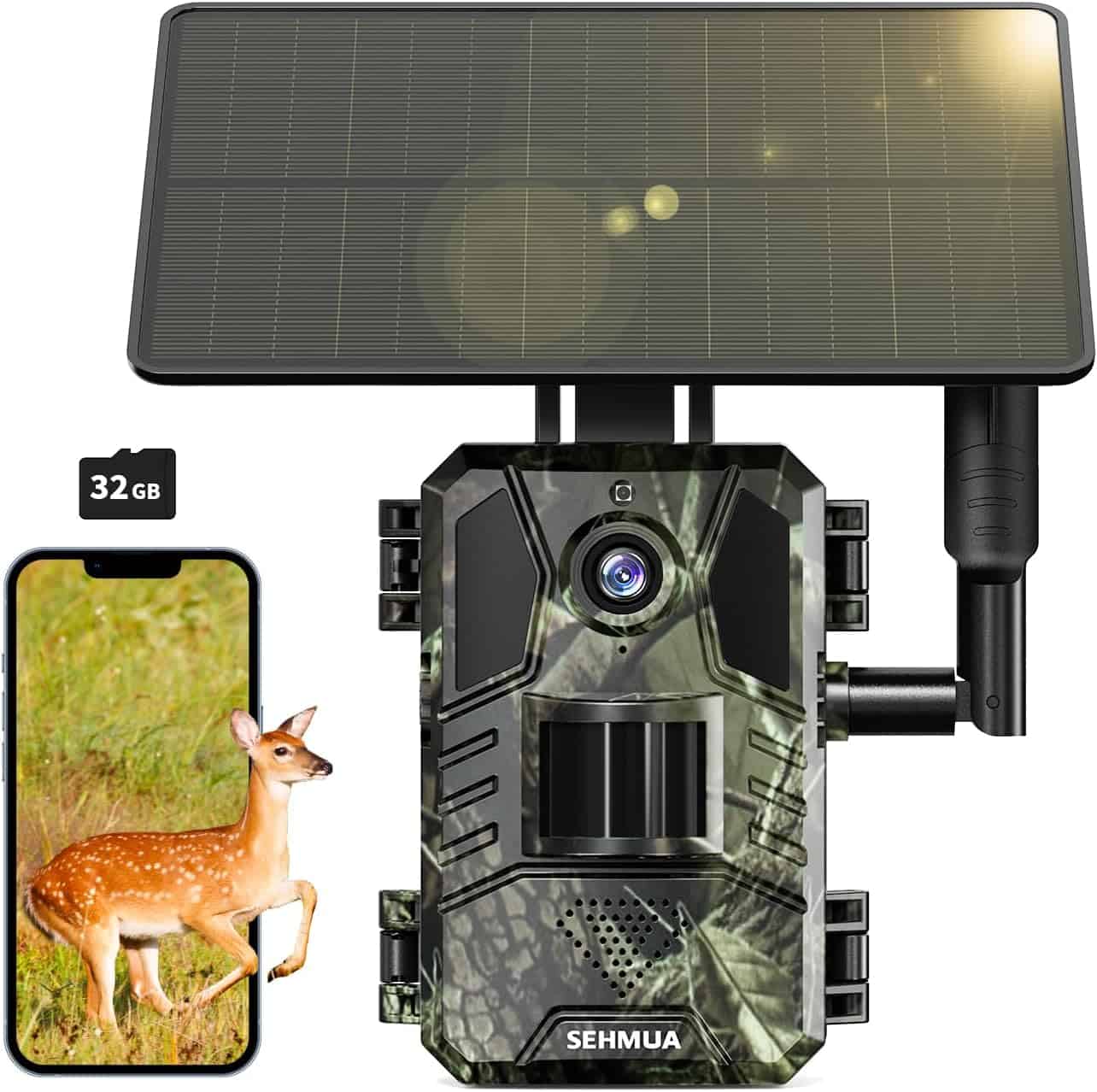
Placement, environment, and setup tips that make detection reliable
Placement matters more than most people realize. Small changes yield big gains.
Best placement practices
- Height: 3–5 feet above ground for deer and similar mammals.
- Angle: Aim slightly downward, parallel to the trail. Avoid pointing straight across at an angle where the animal’s heat signature stays in one spot.
- Background: Keep the background cool and uncluttered. A field or dark tree line is better than sunlit grass.
Environmental tips
- Avoid pointing at heat sources like car hoods, rock faces, or sunny clearings.
- Trim brush that causes moving leaves in front of the PIR.
- In cold weather, animals’ heat contrast is higher, so detection distance often increases.
Real-life example
I moved a camera 2 feet left and raised it 6 inches. The detection rate jumped from 30% to over 80% in one week. Small tweaks matter.
Repeat: to fix trail camera not detecting motion properly, focus on placement first. The right angle and background fix most issues.
Maintenance, testing, and long-term reliability tips
Routine care keeps your camera working longer and reduces missed events.
Maintenance schedule
- Monthly: Check batteries, wipe lens and PIR window, clear spider webs and debris.
- Every season: Inspect seals and case for water damage. Replace worn straps.
- After storms: Check alignment and secure mounts.
Testing protocol
- Perform a simple walk test each time you reposition the camera.
- Use a heat source test when possible, like a warm glove moved across the field of view.
- Log test results and settings. Small notes help identify patterns over time.
Limitations and when to upgrade
- Cheap models have limited detection ranges and slow trigger speeds.
- Upgrade if you need faster trigger speed, better low-light capture, or adjustable detection zones.
I learned to keep a small logbook in my truck. Recording date, battery type, sensitivity, and notes makes troubleshooting easier. If you want durable results, treat trail camera care as regular maintenance. To fix trail camera not detecting motion properly, keep a simple testing routine and inspect gear often.

Frequently Asked Questions of how to fix trail camera not detecting motion properly
Why does my trail camera not trigger when animals pass by?
Low battery, wrong sensitivity, or a blocked PIR window usually cause missed triggers. Check power, clean the sensor, and test sensitivity settings.
How do I test if my camera’s motion sensor works?
Do a walk test at different distances and speeds. Use fresh batteries and note the trigger distance and speed that cause captures.
Can cold weather affect detection?
Yes. Cold weather can increase detection distance because animals are warmer relative to the background. Very cold batteries may underperform, so use lithium cells.
What sensitivity setting should I use?
Start at medium-high sensitivity and adjust down if you get too many false triggers. Test in place and adjust based on results.
When should I replace my trail camera?
Replace it if the PIR shows no response after tests, or if cases are cracked and allow moisture in. Upgrading helps if you need faster triggers or better night images.
How often should I update camera firmware?
Check for updates seasonally or if you notice odd behavior. Firmware updates can fix detection and storage bugs.
Conclusion
Fixing a trail camera that is not detecting motion properly usually starts with power, placement, and settings. Work through the checklist, run simple tests, and don’t skip firmware and hardware checks. Small changes like moving the camera a few feet or swapping to fresh batteries often solve the issue fast.
Take action today: run the quick checklist, note what you changed, and test. If you still have trouble, ask here with camera model and symptoms. Share your results or subscribe to stay updated on proven tips for reliable trail camera performance.
As an Amazon Associate, I earn from Qualifying Purchases.