A trail camera can store from a few hundred to over 100,000 photos depending on card size and settings.
I have tested many trail cameras and memory cards. This guide explains exactly how many photos can trail camera store, why numbers vary, and how to plan for real use. Read on to learn real examples, clear math, and simple tips that help you store more photos without surprises.
Understanding how trail cameras store photos
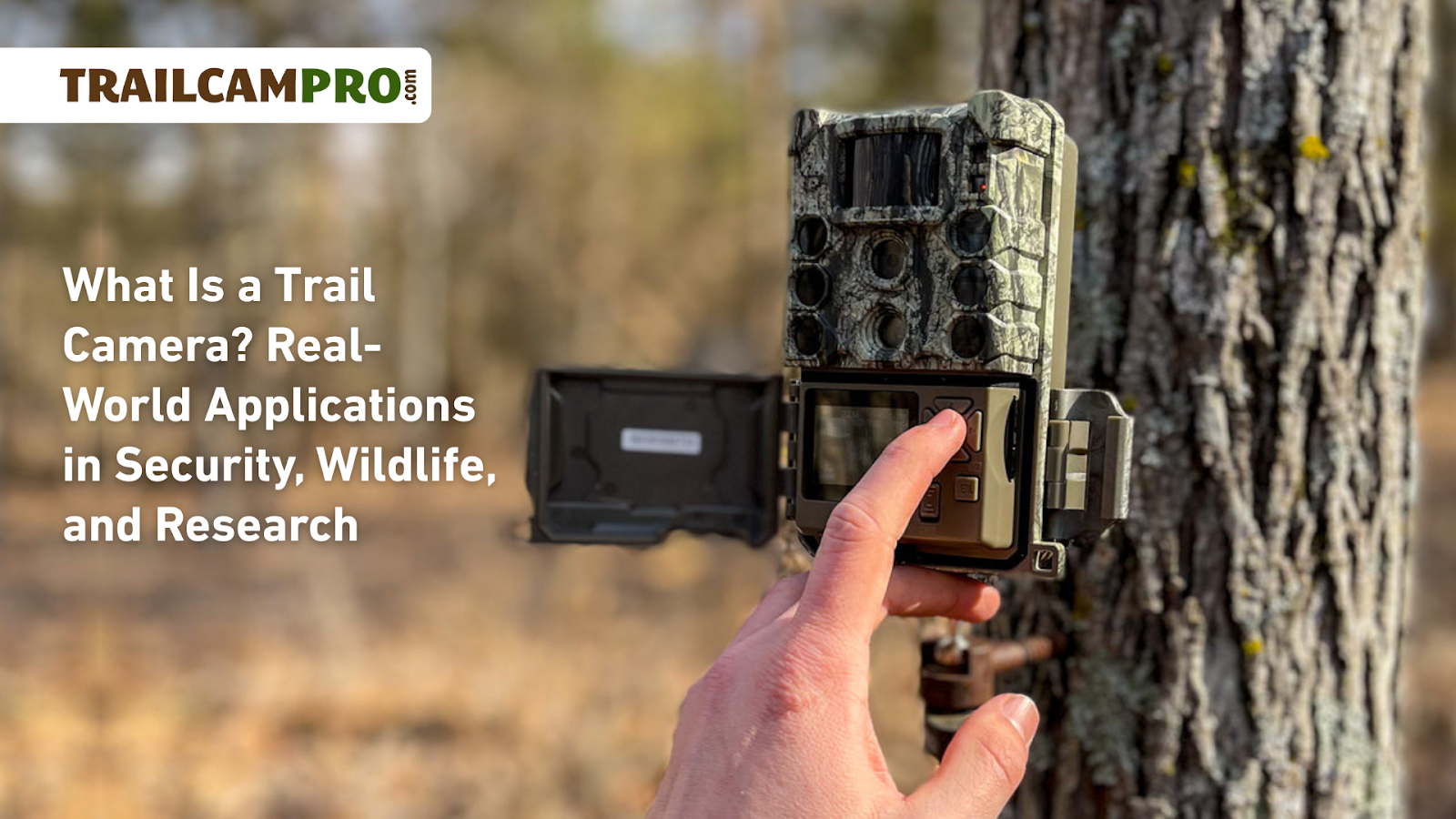
Trail cameras write images to removable flash memory. The main limits are card size, image file size, and camera settings. Knowing how many photos can trail camera store requires basic math and a few practical rules. I will show the math and real estimates so you can pick the right card and settings for your needs.
How SD card size maps to photo counts
File size varies by resolution and compression. Below are simple estimates for typical JPEG sizes and how many photos each card will hold. All numbers are approximate and assume only photos are stored.
- 8 GB card
- 0.5 MB per photo: about 16,000 photos
- 2 MB per photo: about 4,000 photos
- 5 MB per photo: about 1,600 photos
- 16 GB card
- 0.5 MB per photo: about 32,000 photos
- 2 MB per photo: about 8,000 photos
- 5 MB per photo: about 3,200 photos
- 32 GB card
- 0.5 MB per photo: about 64,000 photos
- 2 MB per photo: about 16,000 photos
- 5 MB per photo: about 6,400 photos
- 64 GB card
- 0.5 MB per photo: about 128,000 photos
- 2 MB per photo: about 32,000 photos
- 5 MB per photo: about 12,800 photos
- 128 GB card
- 0.5 MB per photo: about 256,000 photos
- 2 MB per photo: about 64,000 photos
- 5 MB per photo: about 25,600 photos
These estimates help answer how many photos can trail camera store for common card sizes. Remember that burst mode, video clips, and extra files reduce these counts.
Camera settings that affect how many photos can trail camera store
Several settings change file size and frequency. Adjust these to increase storage.
- Resolution
- Higher resolution makes bigger files. Lower resolution saves many photos.
- Image quality and compression
- Fine or RAW files use more space. Standard JPEGs use less space.
- Burst mode
- Each burst creates several images per trigger. That multiplies storage use.
- Video and time-lapse
- Video takes far more space than photos. Time-lapse frequency matters.
- Metadata and overlays
- Adding long metadata or overlays adds bytes to each file.
Test your camera with a sample card. Capture a set of images. Check the average file size. Then estimate how many photos can trail camera store on your card with simple division.

Practical tips to maximize storage and manage files
Use these steps to store more photos without losing data.
- Choose larger, high-quality cards
- Use cards rated for your camera and environment. Bigger cards store more photos.
- Use the right resolution
- Lower resolution for long-term monitoring. Use high resolution when you need detail.
- Limit burst and video
- Use single-shot mode for long deployments. Only enable bursts for specific targets.
- Rotate and archive cards
- Swap cards weekly or monthly. Archive old images to a hard drive or cloud.
- Format cards in the camera
- Formatting removes stray files and reduces corruption risk.
- Use higher speed class for fast writes
- Slow cards can miss images or corrupt files during heavy activity.
These tips directly influence how many photos can trail camera store and reduce the chance of missed events.

Real-world examples and personal experience
I have deployed trail cameras for scouting and wildlife surveys. One 32 GB card on a 3 MP camera stored about 14,000 photos before I swapped it. On a 12 MP camera with long bursts, the same card held only 1,200 photos. I once left a camera on video overnight and found the card filled within hours. From those runs I learned to test settings before long deployments and to keep multiple formatted cards ready. These lessons help answer how many photos can trail camera store in real scenarios.

Limitations, compatibility, and troubleshooting
Expect real-world limits beyond raw math. Here are common issues and fixes.
- Card compatibility
- Some cameras only accept up to a specified capacity. Check the manual.
- File corruption
- Remove and format suspect cards. Use reputable brands to reduce failure.
- Camera behavior when full
- Many cameras stop recording when the card is full. Set alerts or swap cards periodically.
- Battery life and write speed
- Slow cards and weak batteries can cause missed photos or corrupted files.
- Environmental effects
- Extreme temperatures can shorten card life and cause errors.
Address these issues before asking how many photos can trail camera store for long-term projects.

Frequently Asked Questions of how many photos can trail camera store
How many photos can a 64 GB trail camera store?
A 64 GB card can store roughly 32,000 photos at 2 MB each or about 128,000 photos at 0.5 MB each. Exact counts depend on camera resolution, burst mode, and any video files.
Will a trail camera accept a 256 GB SD card?
Many modern trail cameras accept 256 GB, but older models may have limits like 32 GB or 64 GB. Check your camera manual for maximum supported card size.
How does burst mode affect storage capacity?
Burst mode saves multiple images per trigger and can reduce storage capacity by the burst count. If you use three-shot bursts, plan for three times fewer triggers per card.
Does RAW mode reduce the number of photos stored?
Yes. RAW files are much larger than JPEGs and will dramatically lower the total number of photos a card can hold. Consider JPEG for long deployments.
How can I prevent a card from filling unexpectedly?
Format cards in-camera, use lower resolution, disable video, and rotate cards on a schedule. Also monitor battery levels and test your setup before long deployments.
What happens when the memory card is full?
Most trail cameras stop taking new photos or overwrite the oldest files if they have an overwrite feature. Behavior varies by model, so verify your camera settings.
Conclusion
Knowing how many photos can trail camera store helps you plan deployments, choose the right card, and avoid missed shots. Use the simple math here: check average file size, divide your card capacity by that size, and adjust settings to match your goals. Try a short test run with your camera and card before long-term placement. If you liked this guide, swap cards this week and see how many real photos your camera captures. Leave a comment about your setup or subscribe for more practical tips.
As an Amazon Associate, I earn from Qualifying Purchases.