Shot lag on a trail camera is the minimum waiting period after one capture cycle before the camera will respond to a later PIR motion trigger. Many cameras call the same control trigger delay, picture delay, detection delay, PIR interval, or retrigger time. A short setting can collect a dense sequence of animal activity; a long setting can prevent hundreds of nearly identical files and preserve battery, card space, or cellular data.
Shot lag is not the advertised trigger speed. Trigger speed describes how quickly an armed camera begins a capture after qualifying motion is detected. Shot lag begins after a capture or capture sequence and determines when the camera may accept another trigger. Understanding that distinction prevents a common troubleshooting mistake: buying a faster camera when the current unit is simply configured to wait too long.
How shot lag works in a capture cycle
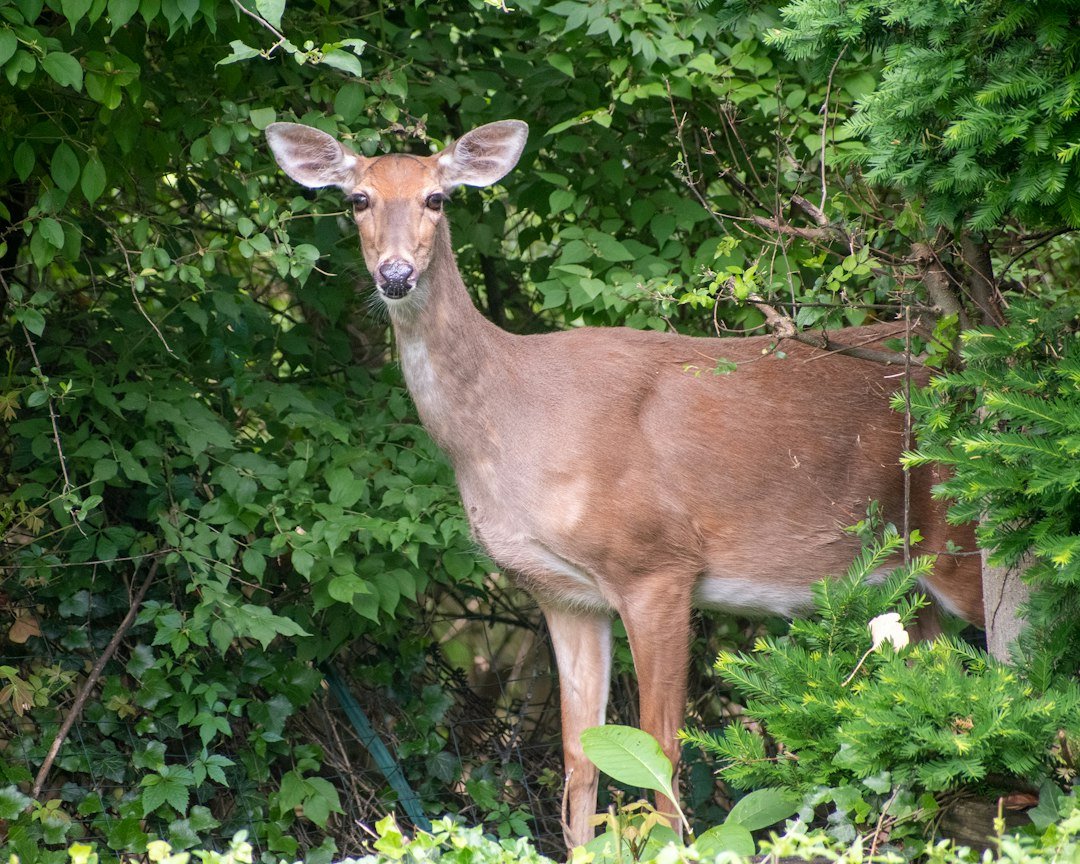
Imagine a deer enters the detection zone. The PIR sensor detects a change in infrared energy, the camera triggers, and the selected mode runs. That mode could be one photo, a burst of photos, one video clip, or a photo followed by video. After the camera finishes writing the files, it recovers. The configured shot-lag interval then prevents or postpones another PIR-triggered sequence, depending on how that model implements the setting.
The Crenova PH800W manual defines Shot Lag as the inactive period after taking photos or video. Another trail-camera manual describes it as the shortest time the camera waits before responding to subsequent PIR triggers. Official Browning product specifications use the label Picture Delay; for example, the Dark Ops Pro X 1080 lists a selectable range from one second to 60 minutes. Labels and exact timing differ, but the practical job is the same: limit how soon another motion event starts a new sequence.
Shot lag, trigger speed, and recovery time are different
Trigger speed
Trigger speed is the response from detection to the start of image capture. A quoted value such as 0.2 seconds is usually a manufacturer specification measured under particular conditions. It affects where a moving animal appears in the frame, especially across a narrow detection zone.
Recovery time
Recovery time is the camera’s processing time before it is technically ready for another capture. It can include saving the file, resetting exposure or infrared systems, and returning to standby. The Browning Strike Force FHDR40, for example, publishes separate trigger-speed and recovery-time figures. Recovery is hardware and mode dependent; shot lag is generally a user-selected minimum interval.
Shot lag or picture delay
Shot lag is an intentional wait configured in the menu. Even if the camera can recover in half a second, a 30-second delay tells it not to begin a fresh PIR sequence immediately. The effective gap between sequences may include capture duration, processing, and the selected delay, so real timestamps do not always equal only the menu value.
Burst interval
A burst may save several photos from one trigger. The spacing between those photos is controlled internally or through a separate rapid-fire setting. Shot lag normally applies after the burst, not between every frame. Consult the exact model manual because terminology is inconsistent.
What shot-lag setting should you use?
There is no universally best value. Choose it from the behavior you want to observe, the width of the detection zone, mode, storage, power, and whether each file is transmitted over a cellular plan. Start with a reasonable baseline, examine actual sequences, and adjust one step at a time.
Animal trails and narrow crossings
Use a short delay, often the shortest reliable option, when animals cross quickly and each trigger may represent a different subject. Aim the camera along the trail rather than directly across it when possible; this keeps an animal in the detection zone longer and gives the camera more opportunity to capture a useful composition.
Food plots, feeders, mineral sites, and water
Animals can remain in these areas for minutes. A very short delay may create many nearly identical images of the same individual. A longer interval can sample activity while controlling file volume. The right value depends on whether your goal is species presence, individual identification, behavior, or population counts.
Home, gate, and equipment monitoring
A shorter delay can preserve a sequence showing approach, activity, and departure. However, a trail camera is not a guaranteed security system. Test the entire route, secure the camera, and remember that battery failure, theft, weather damage, card errors, and cellular outages can interrupt evidence.
Cellular trail cameras
Each transmitted image can use plan allowance and power. A modest delay may reduce redundant uploads, but an overly long one can omit important movement. App settings may not reach the camera immediately if the unit checks in on a schedule; confirm the manufacturer’s sync behavior and check that the device reports the new configuration.
A practical starting table
Use these values only as starting points, not universal prescriptions:
- Fast crossing or narrow trail: shortest available delay to about 10 seconds, then inspect framing and missed movement.
- General wildlife inventory: roughly 10 to 30 seconds can provide sequences without maximum duplication.
- Feeder or bait station where legal: one to five minutes may reduce repeated files of a stationary subject.
- Gate or access point: short delay, combined with a burst or appropriate video length, after a controlled walk test.
- Long-term low-maintenance survey: lengthen delay only after estimating card capacity and acceptable sampling frequency.
These examples are illustrative. Wildlife research protocols, local regulations, and security needs may require a documented sampling design rather than an informal field setting.
How to change shot lag
- Put the camera in Setup or Test mode.
- Open the settings menu.
- Find Shot Lag, Trigger Delay, Picture Delay, PIR Interval, Detection Delay, or Retrigger Interval.
- Select a value supported by the model.
- Press OK or Save and reopen the item to confirm the value was retained.
- Review capture mode, burst count, video duration, PIR sensitivity, time lapse, and any target-hours schedule.
- Arm the camera and wait for its countdown to finish.
- Walk through the detection zone several times with known spacing, then compare timestamps.
If the menu is unfamiliar, see our complete trail-camera setup walkthrough. The wording in a generic guide cannot replace the exact model manual, particularly for hybrid photo-and-video modes.
Why a camera still misses animals with a short delay
The subject never entered the effective detection zone
The PIR zone and camera field of view are related but not identical. Tall grass, a steep mounting angle, excessive distance, or a route across only the edge of the sensor can produce inconsistent triggers. Run a walk test at the expected animal height and travel direction.
The camera is still recording or processing
A 30-second video cannot normally begin a fresh independent sequence every second. High resolution, burst mode, hybrid capture, slow cards, and nighttime infrared processing can extend the operational cycle. Use a manufacturer-supported memory card and test photo-only mode to isolate the effect.
Another schedule is limiting operation
Target recording time may restrict the active hours. Time lapse may modify PIR behavior on some cameras. A short shot lag cannot override either rule. Check all scheduling pages, not only the delay menu.
Weak power or card problems
Low voltage can cause slow, inconsistent, or failed captures, especially when infrared LEDs or a cellular modem demand power. Use the battery type and card specification in the manual. Format the card in the camera only after backing up wanted files. If motion detection itself is unreliable, work through our trail-camera motion-detection troubleshooting guide.
Why a camera takes too many pictures
Increasing shot lag is one tool, not the first answer to every false-trigger problem. Wind-blown vegetation, sunrise heating, moving shadows, water reflections, and a sensor aimed at a busy road can create repeated activation. Clear the immediate foreground, avoid pointing east or west where practical, stabilize the mount, and reduce sensitivity only after testing.
If the files show the same animal lingering, a longer delay may be appropriate. If the frames are empty, fix placement or environmental triggers. A long delay hides symptoms but also creates blind intervals in which real animals can pass.
How to test the true interval
Set the camera clock accurately and choose photo mode with one image per trigger. Select a known delay such as 30 seconds. After arming, cross the sensor, wait a controlled amount, and cross again. Repeat on both sides of the threshold. Inspect the embedded timestamps and file metadata.
Then repeat in the mode you actually intend to use. Video or burst sequences may produce a longer observed start-to-start gap because capture duration and recovery are added. Nighttime operation can behave differently from daytime because the camera changes exposure and powers infrared illumination. Record your test conditions instead of treating one result as a universal specification.
Balancing file volume, batteries, and missed events
A shorter delay generally increases the opportunity for more sequences. That can improve behavioral detail, but it can also fill a card, consume batteries, and use cellular allowance faster. A longer delay samples less often and may extend service intervals, but it can miss a second animal or an important follow-up action.
Estimate rather than guess. Count triggers from a representative day, multiply by files per sequence, and measure the average actual file size. For cellular cameras, include the plan’s upload rules and whether thumbnails or full-resolution files are transmitted. Our trail-camera storage guide explains the variables behind card capacity.
Make one change at a time and label the deployment. A field log with delay, sensitivity, mode, burst count, video length, card, batteries, and placement makes the results comparable. Otherwise, more or fewer images cannot be confidently attributed to shot lag.
Frequently asked questions
Is shot lag the delay before the first picture?
Usually no. The delay before the first picture is associated with detection and trigger speed. Shot lag normally governs the wait before responding to a subsequent trigger.
Does zero shot lag mean truly continuous recording?
No. The camera still needs time to capture, write files, recover, and sometimes illuminate the scene. “Zero” or “instant” generally means no additional user-programmed wait beyond the device’s operational cycle.
What is the best shot lag for deer?
Use a short value on a travel corridor and a longer value where deer linger. The monitoring goal matters more than the species name. Test whether you need a movement sequence, an inventory, or occasional samples.
Does a longer shot lag save battery?
It can reduce the number of captures and uploads, which often reduces energy use. Savings vary with activity, temperature, infrared flash, video, cellular signal, and standby draw, so no universal percentage is reliable.
Why does the setting have a different name in my camera?
Manufacturers use Shot Lag, Trigger Delay, Picture Delay, PIR Interval, Detection Delay, and related labels. Confirm the definition in the exact model’s manual instead of relying only on the name.
Official references
- Crenova PH800W official product manual: Shot Lag definition
- Browning Dark Ops Pro X 1080: official picture-delay specification
- Browning Strike Force FHDR40: official trigger and recovery specifications
As an Amazon Associate, I earn from Qualifying Purchases.