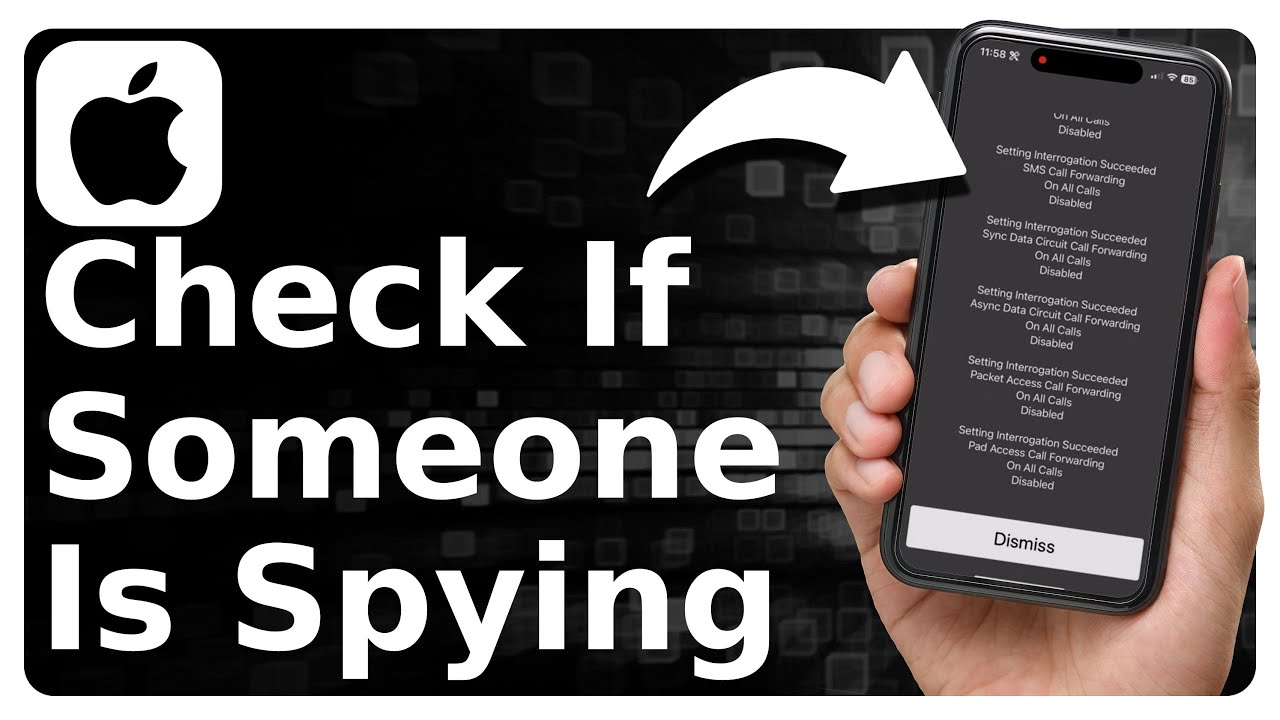
Yes — it's possible but rare, and only with malware, granted permissions, or clever social engineering.
Can someone see me through my camera on my phone is a question I get often. I have spent years studying mobile security, testing privacy settings, and helping people lock down their devices. In this guide I explain how phone cameras work, how intruders might try to access them, clear signs of a compromise, practical protection steps, and what to do if you suspect someone is watching you. The goal is to give you clear, actionable answers so you can secure your camera and your peace of mind.

How phone cameras work and why access matters
Smartphone cameras are hardware controlled by phone software. Apps request permission to use the camera. The operating system usually shows an indicator when the camera is active. Built-in privacy controls and app permissions are the first line of defense.
Key concepts to know
- Camera permission: Apps must ask to use the camera before access is granted.
- Indicator lights: Many phones show an icon when the camera or microphone is active.
- Background access: Modern systems restrict background camera use, but older phones may allow it.
- Firmware and drivers: Camera hardware runs on firmware that can be updated or attacked in rare cases.
Why the question "Can someone see me through my camera on my phone" matters
- Cameras capture visual data. That data can be sensitive.
- A single misconfigured app can leak images or video.
- Understanding the technology helps you spot risks. I test permissions and indicators regularly in my work to verify how real apps behave.
Ways someone could see you through your camera on your phone
There are a few realistic scenarios that answer the question "Can someone see me through my camera on my phone." Most are avoidable with good habits.
Common methods attackers use
- Malicious apps that request camera permission and then stream or upload video.
- Malware that exploits a software vulnerability to grab camera frames without permission.
- Stolen credentials leading to remote access via legitimate remote-control apps.
- Phishing and social engineering to trick you into granting access.
- Physical access, where someone turns your camera on directly.
Less common or advanced methods
- Firmware-level attacks are technical and rare. They may bypass OS safeguards.
- Network camera streaming via misconfigured backup or sync tools.
- Cloud account compromise that exposes synced photos and live feeds.
Practical reality
- Most casual intrusions happen via apps and poor account security.
- The question "Can someone see me through my camera on my phone" is true in rare cases. But most people can block such risks by tightening permissions and accounts.
Signs someone is watching or your camera is compromised
Detecting unauthorized camera use can be subtle. Look for small but clear signs that answer "Can someone see me through my camera on my phone."
Red flags to watch for
- Camera indicator icon lights up unexpectedly. This is the single clearest sign.
- Sudden battery drain with no heavy app use.
- Excessive data usage that you did not expect.
- Strange background noise in calls or odd app behavior.
- Apps installed that you did not add.
What to check immediately
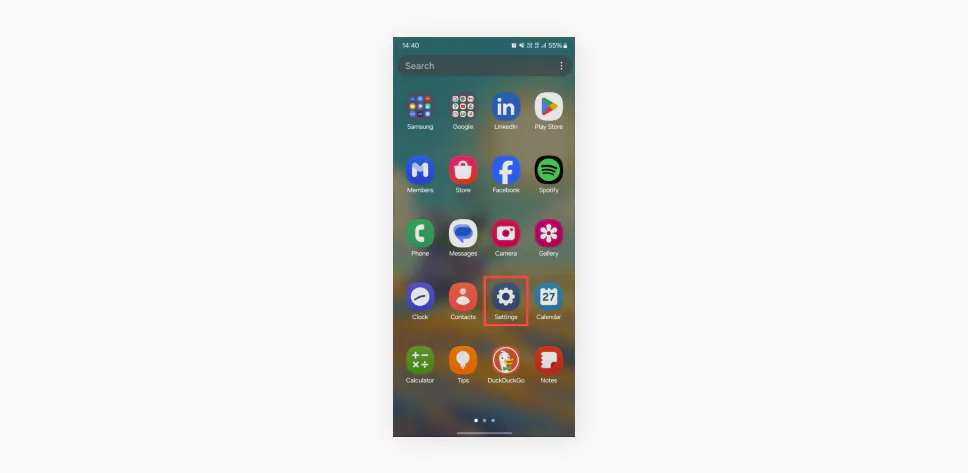
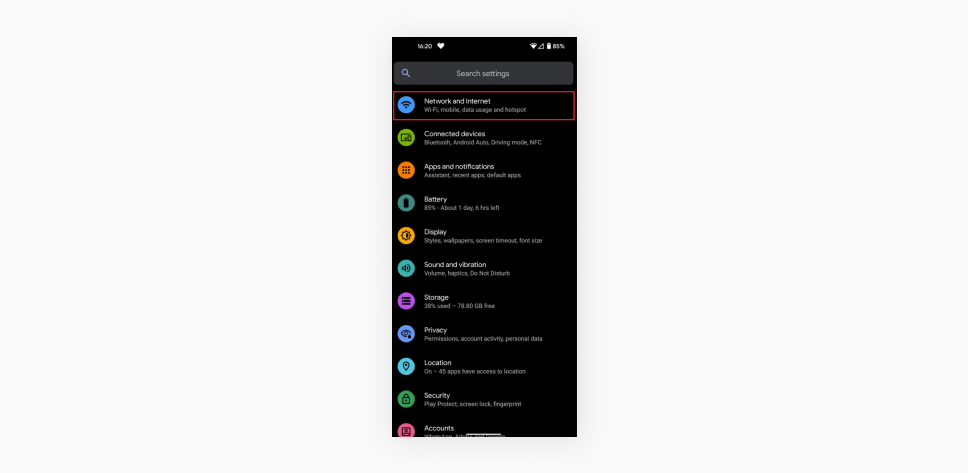
- Open your app permission settings and see which apps have camera access.
- Check your recent app activity or battery use history.
- Look for remote-access apps or unknown apps with camera permission.
- Run a reputable mobile security scan if available.
How to protect your camera and keep privacy intact
If you worry "Can someone see me through my camera on my phone," these steps reduce risk dramatically. I use these steps daily. They work.
Basic, effective steps
- Review app permissions regularly. Revoke camera access for apps that don't need it.
- Keep your phone's OS and apps updated. Patches fix vulnerabilities.
- Use strong, unique passwords and enable two-factor authentication for cloud accounts.
- Avoid installing apps from unknown sources. Stick to official app stores.
Advanced precautions
- Disable camera permission globally if you rarely use the camera and your phone supports it.
- Use built-in camera indicators as your primary signal to check activity.
- Cover the camera physically when not in use. A small sticker works well.
- Encrypt backups and use secure cloud settings.
- Use a privacy-focused mobile security app to detect suspicious behavior.
Real-life tip from my experience
- I once found an app with camera permission that I had installed months earlier. I revoked access and monitored for a week. Battery and data use returned to normal. Regular audits catch issues early.

What to do if you think someone is watching you
If you suspect someone is answering "Can someone see me through my camera on my phone" by watching you, act fast and calmly. Follow this checklist I use in incident response.
Immediate steps
- Turn off the camera or place the phone in airplane mode.
- Revoke camera permissions for suspicious apps.
- Uninstall apps you don’t recognize.
- Change passwords for key accounts and enable two-factor authentication.
Follow-up actions
- Update your phone OS and apps to the latest versions.
- Run a malware scan with a reputable tool.
- Back up important data and, if needed, perform a factory reset.
- If the intrusion seems targeted or serious, consult a professional and report the incident to the proper authorities.

Personal experience, mistakes to avoid, and lessons learned
I work with clients who worry "Can someone see me through my camera on my phone." I have tested many attack paths. Here are honest lessons I learned.
What went wrong in cases I handled
- People granted camera permission for a one-time feature and forgot it.
- Some used the same password across multiple accounts and lost control of cloud backups.
- A few ignored system updates for months and remained vulnerable.
What worked well
- Regular permission checks stopped leaks quickly.
- Simple physical covers prevented accidental exposure during meetings.
- Two-factor authentication blocked remote control even when credentials leaked.
My reader-friendly advice
- Check permissions once a month. It takes five minutes.
- Use physical covers in shared spaces. They are cheap insurance.
- Treat app permissions like house keys. Only give them to trusted apps.
People also ask (quick PAA-style questions)
Q: How likely is it that someone can secretly use my phone camera?
A: It is not common. Most cases need malware or granted permission. Good hygiene makes it very unlikely.
Q: Will a camera light always show when someone uses it?
A: Many phones show an indicator, but not all. Some malware can try to bypass indicators, though that is rare.
Q: Can a factory reset remove camera spying software?
A: Yes, a full factory reset typically removes app-based malware. Firmware-level threats may survive.
Frequently Asked Questions of Can someone see me through my camera on my phone
Can apps secretly record video without permission?
No. Legitimate app stores require permission for camera access. However, malicious apps can ask for permission and misuse it.
Does iOS or Android block background camera use?
Modern iOS and Android restrict background camera use. But bugs or outdated phones can behave differently.
Are camera indicators reliable?
Indicators are helpful but not foolproof. They are a strong clue, but you should still check app permissions and behavior.
Should I cover my phone camera with tape?
Yes. A small cover or sticker is an easy, physical way to protect privacy when you are not using the camera.
Can public Wi-Fi let someone access my camera?
Public Wi-Fi can expose your traffic. It does not directly control your camera. But it can help attackers if your device is already compromised.
How quickly should I act if I suspect spying?
Act immediately. Disconnect from the network, revoke permissions, and run security checks. Quick action limits damage.
Will antivirus apps find camera spy tools?
Many mobile security apps can detect known threats. They may not catch highly targeted or new malware. Use reputable tools and keep them updated.
Conclusion
You can answer "Can someone see me through my camera on my phone" with a practical mindset: it is possible but usually avoidable. Regular permission checks, timely updates, strong passwords, and simple physical covers stop most risks. If you suspect a problem, take quick steps to revoke access, scan for malware, and secure accounts. Start today by auditing camera permissions and enabling two-factor authentication. If this guide helped, leave a comment, subscribe for updates, or share your own camera safety tips.
As an Amazon Associate, I earn from Qualifying Purchases.