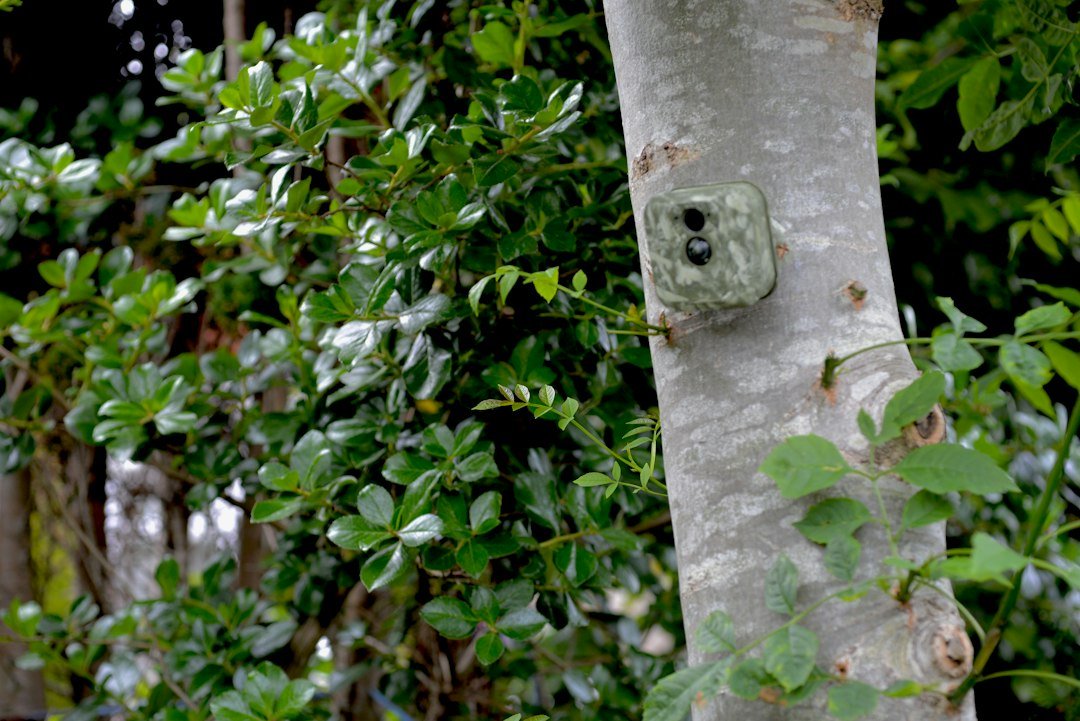
You can make some non-cellular trail cameras send pictures over a cellular network, but you cannot make every trail camera cellular. The practical conversion uses a purpose-built adapter that connects through the camera’s SD-card slot, stores each captured file, and then uploads a compatible version through its own modem. SPYPOINT’s CELL-LINK is a well-known example. Compatibility, camera resolution, card format, coverage, power, plan availability, and current product support all have to align.
This is not the same as placing an ordinary phone SIM card in a standard trail camera. A conventional camera lacks the modem, antenna, firmware, subscription system, and app integration required to register and transmit on a carrier network. A supported adapter supplies those missing parts as an external system. If the camera and adapter cannot communicate reliably, a purpose-built cellular camera is the safer choice.
How an SD-slot cellular adapter works
The adapter normally includes a card-shaped connector that enters the trail camera’s SD slot and a cable leading to an external cellular unit. When the camera writes a photograph, the adapter detects or receives the file. Its modem then connects to the network and sends an image to the manufacturer’s cloud service or app. The original or another local copy may remain on storage, depending on the product and configuration.
SPYPOINT describes CELL-LINK as a device that can turn many non-cellular cameras into cellular cameras by using the SD-card slot. Its documentation also sets limits: the official FAQ says it is compatible with a wide range of cameras but not cameras with a resolution of 25 MP or higher. That restriction is a good example of why the word “any” in a search query should not be taken literally.
The adapter is a separate electronic device. It needs its own power, activation, app account, service plan, antenna position, and firmware support. The trail camera continues to control detection, exposure, night illumination, and trigger timing. The adapter does not improve the original camera’s lens, sensor, PIR range, or flash.
Compatibility checklist before buying anything
1. Confirm the exact camera model
Read the adapter maker’s current compatibility notes and the camera’s manual. Do not rely only on a marketplace title saying “universal.” The physical card format must match, and the camera has to write files in a pattern the adapter understands. An SD-sized connector will not automatically work in a microSD-only slot, even with a generic size adapter.
Check the camera’s maximum selected still-photo resolution as well as the marketing headline. If the adapter excludes cameras at or above a particular resolution, setting a larger-capability camera to a lower menu option may or may not make it compatible. Use only a configuration explicitly supported by the adapter maker.
2. Verify the network, region, and plan
Cellular trail-camera products are sold for particular countries and networks. Confirm that the exact adapter version is intended for use in the United States and that the service plan is still available. Network technology and product support change over time, so an older used adapter may no longer be activatable even if the hardware powers on.
You usually do not choose a consumer phone carrier by inserting your own SIM. The device’s included SIM or embedded connectivity is managed by the manufacturer. The network name printed on a package describes the underlying connection, not a requirement that your personal phone use the same carrier.
3. Check signal at the mounting point
A phone test is a useful first screen but not proof. Phones and trail devices use different antennas, bands, modems, and network agreements. Activate the adapter where you have dependable internet access, then test it at the precise tree or post. Confirm multiple transmissions during both busy and quiet network periods before trusting it unattended.
Keep the external antenna upright if the instructions require it, and do not hide the modem behind metal. Valleys, dense foliage, buildings, terrain, and weather can reduce signal. If the unit repeatedly fails to upload, move it a short distance or higher position while keeping the camera aimed safely at the target zone.
4. Plan for two power systems
The original trail camera and the adapter may use separate batteries. A camera can continue taking local photographs after the cellular unit loses power, but the behavior depends on the design. Use only approved battery types and external supplies. Mixing old and new cells or battery chemistries can cause poor readings, leakage risk, or erratic operation.
Cold weather, weak signal, frequent triggers, and repeated uploads increase energy demand. Start with conservative transmission frequency and review the app’s battery and signal indicators as estimates, not laboratory measurements. Visit the site on a schedule suited to the deployment’s importance.
5. Understand storage requirements
The trail camera, adapter, or both may depend on compatible memory. Back up existing files, use the type and capacity specified by each manual, and format through the device when instructed. A card that works in a laptop is not necessarily reliable in a trail camera. More help is available in our trail-camera SD-card guide.
Step-by-step conversion process
- Update your information first. Download the current manuals and compatibility guidance for both exact model numbers. Confirm that activation and a suitable US plan are still offered.
- Bench-test the camera. With a normal approved memory card, verify day and night triggers, correct date, and clean files. Fix existing camera faults before adding another device.
- Create and secure the account. Install the official app from its legitimate store listing, use a unique password, enable stronger account protection if offered, and record the device identifiers privately.
- Activate the cellular unit. Follow the manufacturer’s sequence before traveling to a remote site. Activation may need the barcode or identification label and an internet connection.
- Prepare power and storage. Install fresh approved batteries and any required card. Never insert or remove connectors while a device is writing a file.
- Connect the adapter. Power the trail camera off, insert the purpose-built connector in the documented orientation, route the cable without crushing it, and weather-seal only as the maker instructs.
- Choose a supported resolution. Respect the adapter’s documented limit. Start with a moderate photo size and normal JPEG capture unless the manual specifies otherwise.
- Run a controlled test. Trigger at least ten photographs, including a short burst and a night test. Confirm local capture, app delivery, timestamps, and acceptable delay.
- Mount both units securely. Provide cable strain relief, keep doors and gaskets clean, and place the antenna as directed. Do not drill the enclosures or defeat their seals.
- Recheck from the field. Send several real walk-test images before leaving. A single successful upload is not enough evidence for a critical monitoring job.
What the conversion can and cannot do
A compatible adapter can provide remote previews and reduce routine card checks. It may help a landowner notice activity sooner and decide whether a site visit is necessary. It can also extend the usefulness of an existing camera that still captures good local images.
It cannot turn poor coverage into reliable coverage, eliminate local storage faults, or give an old camera the trigger speed and night performance of a newer model. It also cannot guarantee instant delivery. The camera must capture and write the file, the adapter must process it, the modem must register, and the server must deliver it to the app. Congestion, weak signal, plan limits, server maintenance, and power all affect that chain.
For a fuller explanation of that chain, read how cellular trail cameras work. If immediate, dependable reporting is essential, compare the cost and complexity of an adapter with a current integrated model.
When an integrated cellular camera is better
Choose an integrated camera when the adapter maker does not list your model, the camera exceeds a documented limit, the card connector would be exposed, or two separate battery systems are impractical. An integrated unit has firmware designed around capture and transmission, usually offers clearer diagnostics, and avoids an external data cable.
It may also be better when the old camera is already unreliable. Adding cellular equipment will not repair random shutdowns, water intrusion, corrupted files, or weak night illumination. If the base camera will not power consistently, use our trail camera not turning on guide before considering conversion.
Troubleshooting failed uploads
The camera captures locally but nothing reaches the app
Confirm that the cellular unit is activated, has an active plan, and shows usable signal. Check its batteries separately from the camera’s. Make sure the cable and card-shaped connector are fully seated with power off. Verify that the chosen image size and file type are supported. Then create a new test capture rather than waiting for an old file to upload.
The adapter transmits only some photographs
Review the plan, transmission schedule, burst behavior, and app filters. Some systems do not send every frame in a burst or may queue images for scheduled delivery. Weak service can create gaps or long delays. Reduce resolution and burst volume only within official guidance, then compare local files with the app timeline.
The camera freezes after installation
Power both devices off. Remove the adapter and retest the camera with a known-good, manufacturer-approved card. If normal operation returns, recheck compatibility, firmware, connector condition, and selected resolution. Do not keep cycling power or formatting cards that contain needed evidence. Contact the adapter maker with the exact camera model, firmware version, and symptoms.
Battery life is much shorter than expected
Check trigger count, signal strength, upload frequency, temperature, and battery type. False triggers from moving vegetation can generate both captures and attempted transmissions. Reposition the camera, clear nearby grass, and lengthen the delay when that still meets the monitoring purpose. Avoid quoting a universal runtime because site conditions can change it dramatically.
Privacy, security, and responsible placement
Cellular delivery moves images through a vendor account and network service. Use a unique password, keep the app and device firmware current through official channels, and remove access for people who no longer need it. Do not publish serial numbers, activation barcodes, exact camera coordinates, or private account screenshots.
Install cameras only where you have permission and where their field of view is lawful. Rules for recording people, audio, public areas, and neighboring property vary by jurisdiction. Avoid bedrooms, bathrooms, and other places with a strong expectation of privacy. For security-sensitive deployments, treat a consumer trail camera as an alerting and documentation tool, not as a guaranteed emergency system.
Frequently asked questions
Can I put my phone’s SIM card in a regular trail camera?
No. A standard non-cellular camera lacks the required modem and software. Use only a supported purpose-built adapter or an integrated cellular model. Do not alter the camera or SIM tray.
Will a cellular adapter work with every brand?
No. Some adapters work across many brands, but compatibility depends on the exact model, resolution, storage interface, and current support. SPYPOINT’s official CELL-LINK guidance, for example, includes a resolution restriction.
Does my phone need to use the same carrier?
Usually not. The trail device’s service is managed separately. Your phone only needs internet access to use the app, but confirm the terms for the exact product and region.
Will converted cameras send video?
Do not assume they will. Video files are much larger, and many systems send still previews only or handle video under specific plans and firmware. Check the current official manual before relying on remote video.
Can I still retrieve full-resolution files?
Often the local card remains the best source for originals, while the app receives compressed previews. Exact behavior varies. Preserve the card and verify the workflow with test files before deployment.
Bottom line
A purpose-built SD-slot adapter can add remote photo delivery to a compatible non-cellular trail camera, but “any camera” is an overstatement. Confirm the exact model, current service, US network, resolution limit, storage, power, and signal before spending money. Bench-test the entire chain, then verify it again at the actual site. When compatibility is uncertain or reliability matters more than reusing old equipment, choose a current integrated cellular camera.
Official references
- SPYPOINT CELL-LINK support and compatibility information
- SPYPOINT CELL-LINK product information
- SPYPOINT CELL-LINK user manual
- SPYPOINT official support
As an Amazon Associate, I earn from Qualifying Purchases.