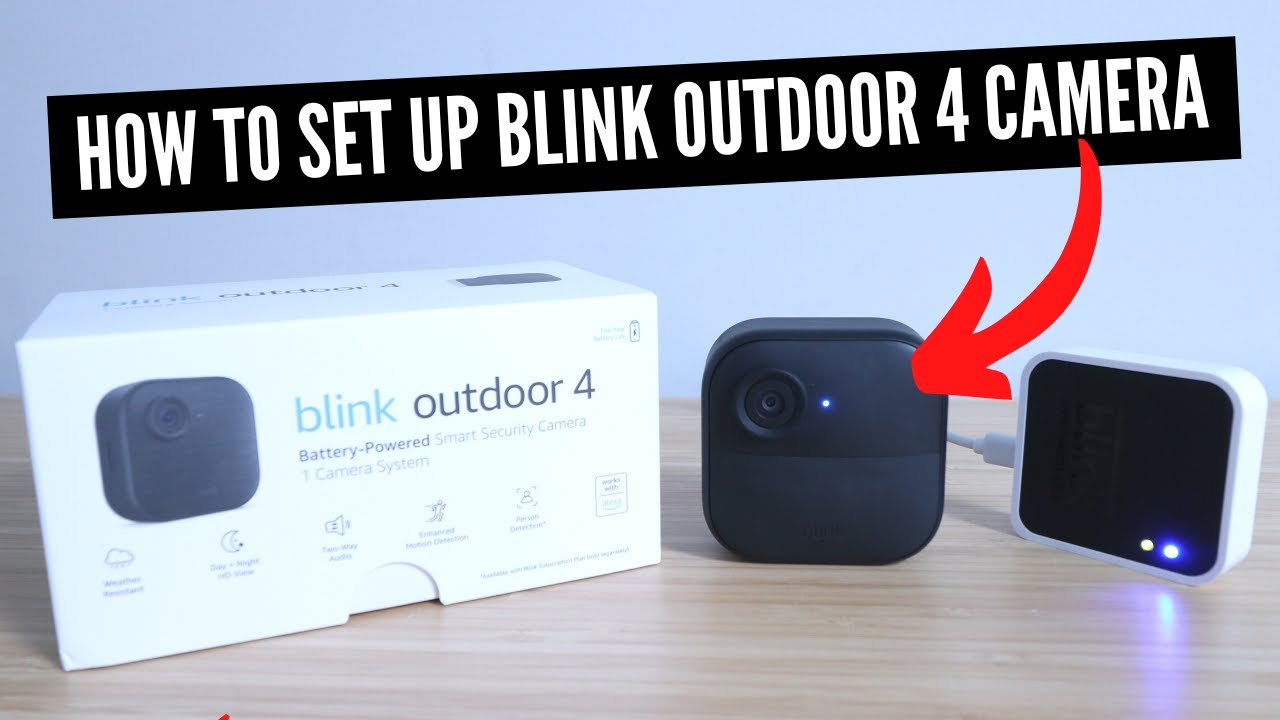
Installing a Blink camera system gives affordable, reliable home security with easy setup and smart features.
As a home security writer and long-time user of smart cameras, I’ll walk you through why you should install a Blink camera system. I’ve tested Blink cameras in apartments and houses, compared subscription plans, and used them in real-life situations like package deliveries and overnight pet checks. This guide explains how Blink works, the clear benefits, drawbacks to watch for, setup tips, and real-world examples to help you decide if a Blink camera system fits your needs.

Benefits of installing a Blink camera system
Installing a Blink camera system brings simple protection and smart convenience. Blink cameras offer motion alerts, long battery life, and easy cloud or local storage options. Many people choose Blink for its low cost, straightforward app, and integration with voice assistants.
- Affordable entry cost and low ongoing fees, making a Blink camera system budget-friendly.
- Wireless and battery-powered models reduce wiring work during installation.
- Clear motion alerts and live view let you check events in seconds.
- Good battery life on many Blink models, minimizing maintenance.
- Works with Alexa for voice control and routines.
Why should you install a Blink camera system? If you want a low-friction, cost-effective way to monitor doors, porches, and rooms, a Blink camera system often meets that need. It’s ideal for renters, busy homes, and small businesses wanting basic, reliable surveillance.

How a Blink camera system works
A Blink camera system uses small wireless cameras and a hub or sync module to connect to your Wi‑Fi and cloud services. Cameras detect motion and send clips to your phone or to cloud storage. You can view live feeds, download clips, and change settings from the Blink app.
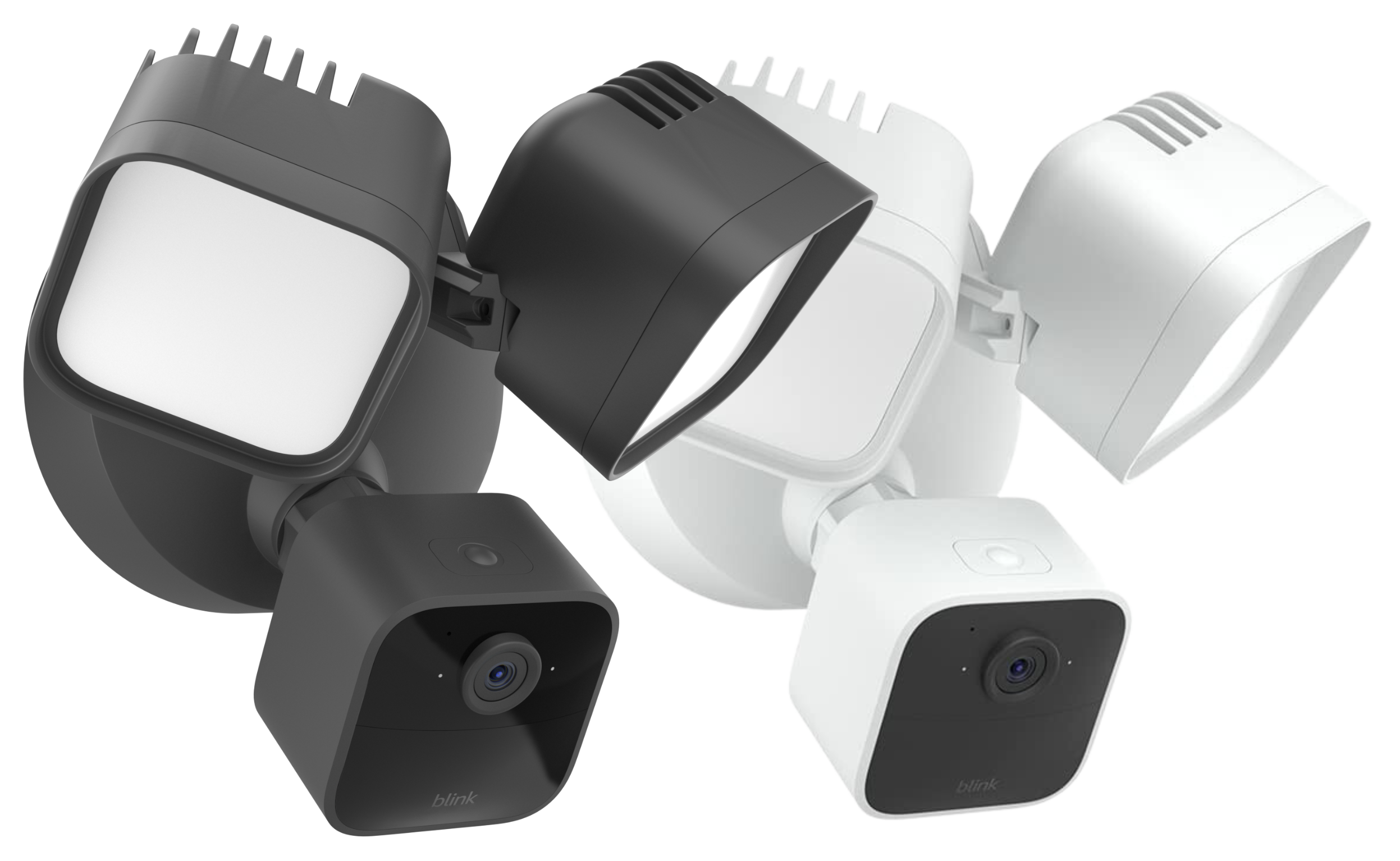
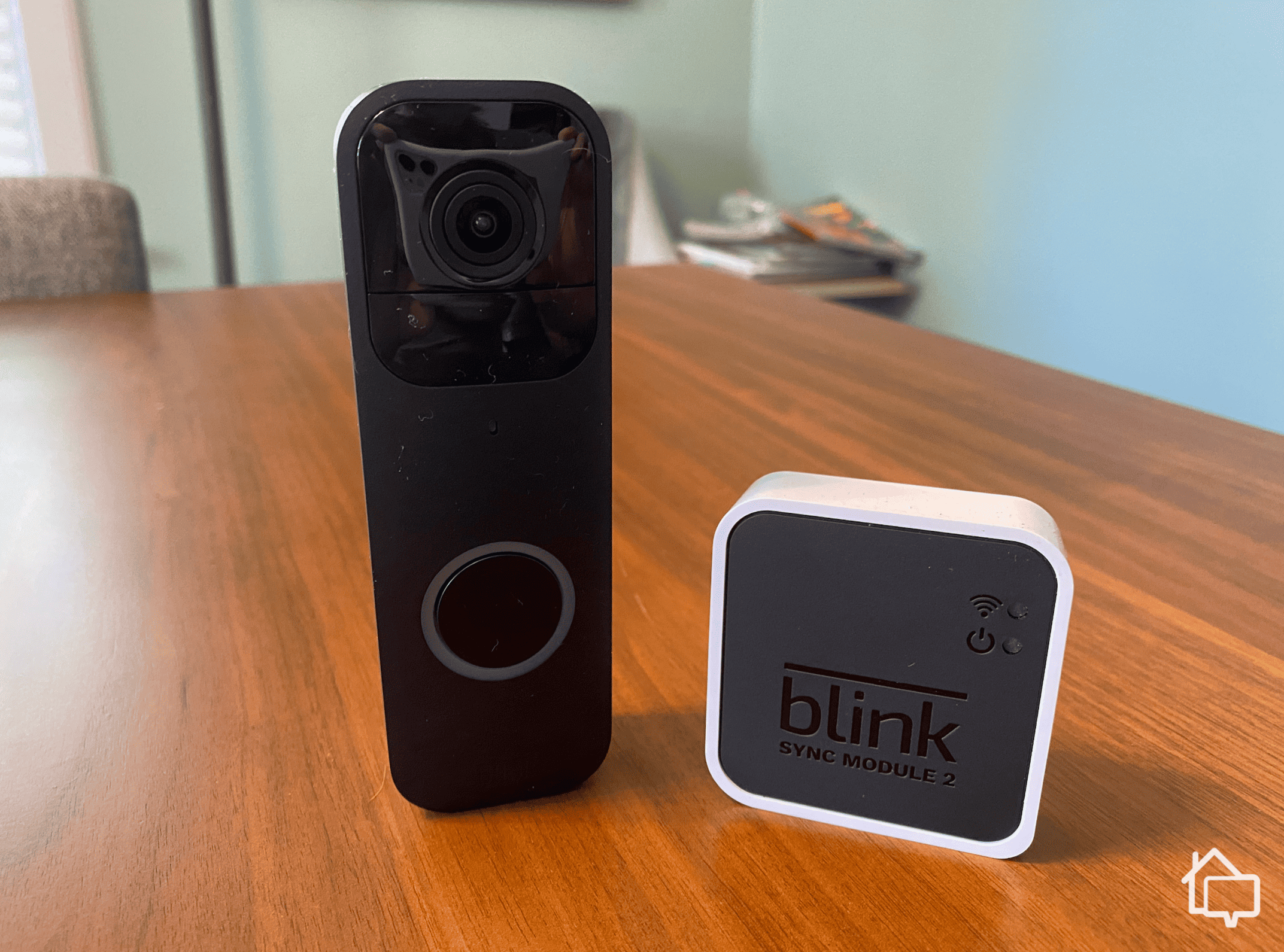
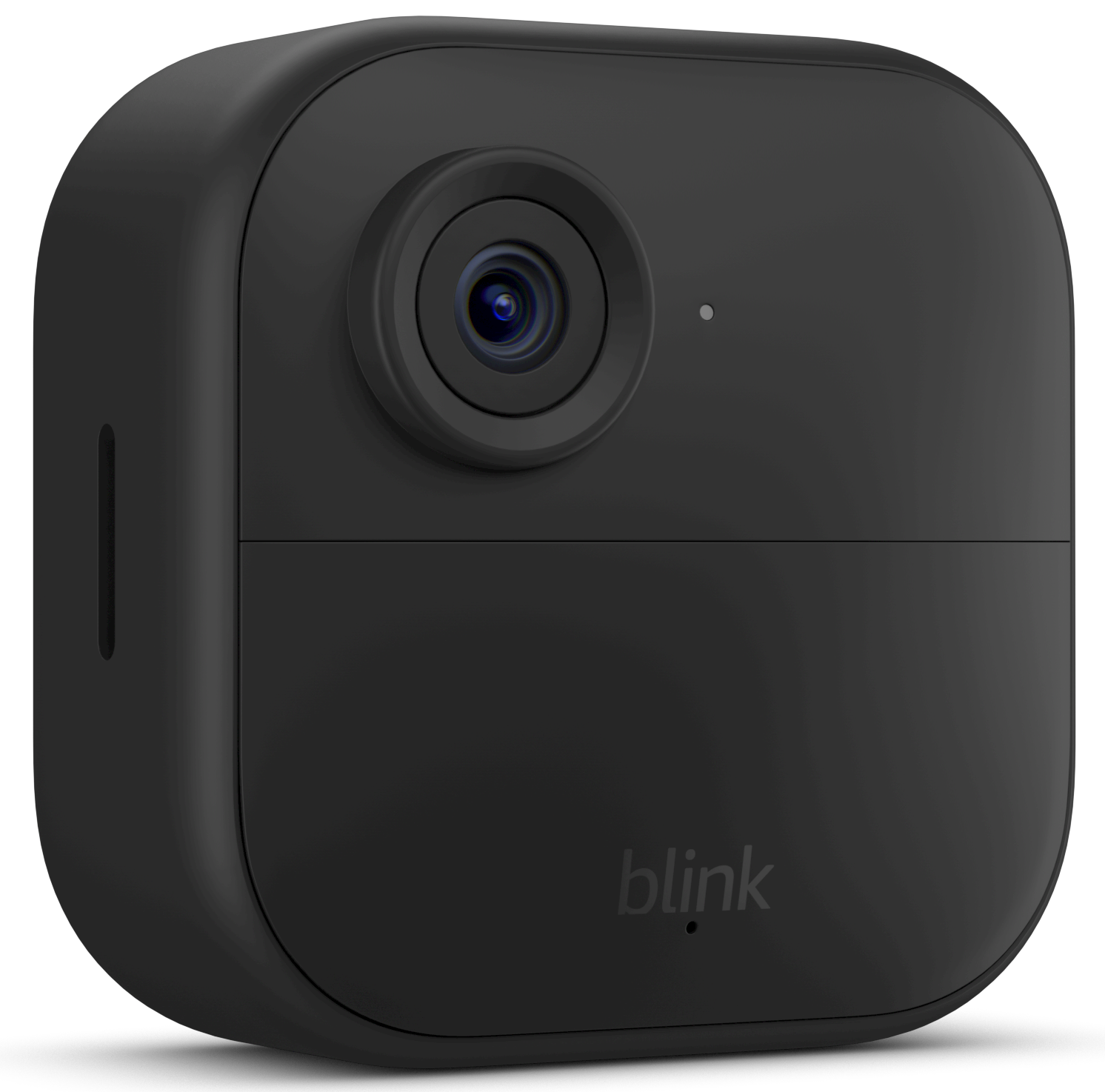
- Camera types: indoor, outdoor, and doorbell-style options within the Blink camera system.
- Connectivity: most Blink setups use Wi‑Fi and a Sync Module to link multiple cameras. Some newer models connect directly to Wi‑Fi.
- Alerts and recording: motion triggers recording, and you get push notifications or email alerts.
- Storage: clips are saved to cloud or optional local storage with a USB drive on some hubs.
Why should you install a Blink camera system? Understanding its core tech shows it’s built for simple, remote monitoring without complex networking. That simplicity also lowers friction for less tech-savvy users.
Installation and setup: what to expect
Setting up a Blink camera system is designed to be fast. Most users can finish basic setup in under 20 minutes.
- Unbox and charge the camera if required.
- Download the Blink app and create an account.
- Add the Sync Module and pair each camera with the app.
- Mount cameras using included brackets or place them on a shelf.
- Fine-tune motion zones and sensitivity in the app.
Why should you install a Blink camera system? The quick setup is one of its best features—no electrician or complex wiring needed. From my experience, the app-guided steps and QR-code pairing made setup painless. A common mistake I see is mounting cameras too high or pointing them at busy trees—test a live view before final mounting.
 subscriptions, and value”
style=”max-width: 100%; height: auto; border: 2px solid black; border-radius: 10px; display: block; margin: 0 auto;”
loading=”lazy”
/>
Cost, subscriptions, and value
Cost is often the first question. A Blink camera system keeps costs low upfront and offers optional subscriptions for cloud storage.
- Upfront: cameras are cheaper than many competitors, and multi-camera bundles lower per-camera cost.
- Subscription: Blink offers monthly or annual plans to store clips in the cloud. You can also use a local USB drive on supported hubs for free local storage.
- Value: low energy use and minimal maintenance increase long-term value.
Why should you install a Blink camera system? If you want to control costs and choose between cloud convenience or local storage, Blink gives flexible options that suit different budgets and privacy preferences.
Privacy and security considerations
Privacy matters with any camera system. Blink uses encrypted connections and account-based access. Still, you should plan settings to protect privacy.
- Account security: enable strong passwords and use two-factor authentication when available.
- Camera placement: avoid pointing cameras into neighbors’ windows or private spaces.
- Data handling: cloud storage keeps clips off-device, useful for evidence, but review terms for retention and sharing policies.
- Firmware updates: keep cameras updated to get security patches.
Why should you install a Blink camera system? When you configure privacy settings and place cameras thoughtfully, a Blink camera system gives security without large privacy trade-offs. Be transparent with household members and guests about camera locations.

Real-life uses and examples
A Blink camera system works for many everyday situations. Here are practical examples from my experience.
- Package monitoring: a porch Blink camera sent a motion alert the moment a delivery arrived, letting me retrieve packages before theft.
- Pet checks: I used a Blink indoor camera to verify my dog was calm during long workdays and saved clips as memory keepsakes.
- Small business: a shop owner monitored a storefront overnight and received clear night clips that helped resolve a dispute.
- Vacation checks: remote live view let me confirm doors were locked and motion-free while away.
Why should you install a Blink camera system? These small wins add up. The camera system reduces worry and often resolves small incidents before they grow.

Limitations and alternatives
No system is perfect. A Blink camera system has trade-offs to weigh against alternatives.
- Limitations
- Video quality varies by model; some competitors offer higher-resolution feeds.
- Cloud storage costs add up if you rely heavily on long-term retention.
- Motion detection can trigger false alerts from pets or foliage unless tuned.
- Alternatives
- Wired systems for continuous power and higher resolution.
- Other cloud-based brands that include advanced analytics like facial recognition.
- Hybrid setups combining local NVRs (network video recorders) and battery cameras.
Why should you install a Blink camera system? Know the limits before buying. For many homes, the ease and price of a Blink camera system outweigh these trade-offs. If you need pro-grade surveillance, consider wired or higher-end options.

Frequently Asked Questions of Why should you install a blink camera system
How long do Blink camera batteries last?
Battery life depends on usage and model, but many Blink cameras can last six months to two years on standard batteries with typical activity.
Do Blink cameras work without a subscription?
Yes. You can use live view and local storage on some hubs without a subscription, but cloud storage for clips requires a subscription unless you use a USB local option.
Can I use Blink cameras in bad weather?
Outdoor Blink cameras are weather-resistant and designed to handle rain and cold, but extreme conditions may reduce battery life or performance.
Is Blink easy to integrate with other smart devices?
Blink integrates well with Alexa for voice control and routines, but integrations with other smart ecosystems may be limited compared to some competitors.
Will Blink send false motion alerts?
Motion alerts can be triggered by pets, cars, or moving trees. You can reduce false alerts by adjusting sensitivity and using motion zones in the app.
Conclusion
Installing a Blink camera system offers an affordable, user-friendly way to boost home security and peace of mind. It combines easy setup, reliable alerts, and flexible storage choices to fit renters, homeowners, and small business owners. If you want simple monitoring without a steep learning curve, a Blink camera system is worth considering. Take one step today: decide which rooms or entry points matter most, test a single Blink camera, and tune settings based on real events. If this guide helped, try a trial setup, subscribe for updates, or leave a comment with your experience.
As an Amazon Associate, I earn from Qualifying Purchases.