
What Size SD Card for a Trail Camera? 32GB vs 64GB vs 128GB (2026)
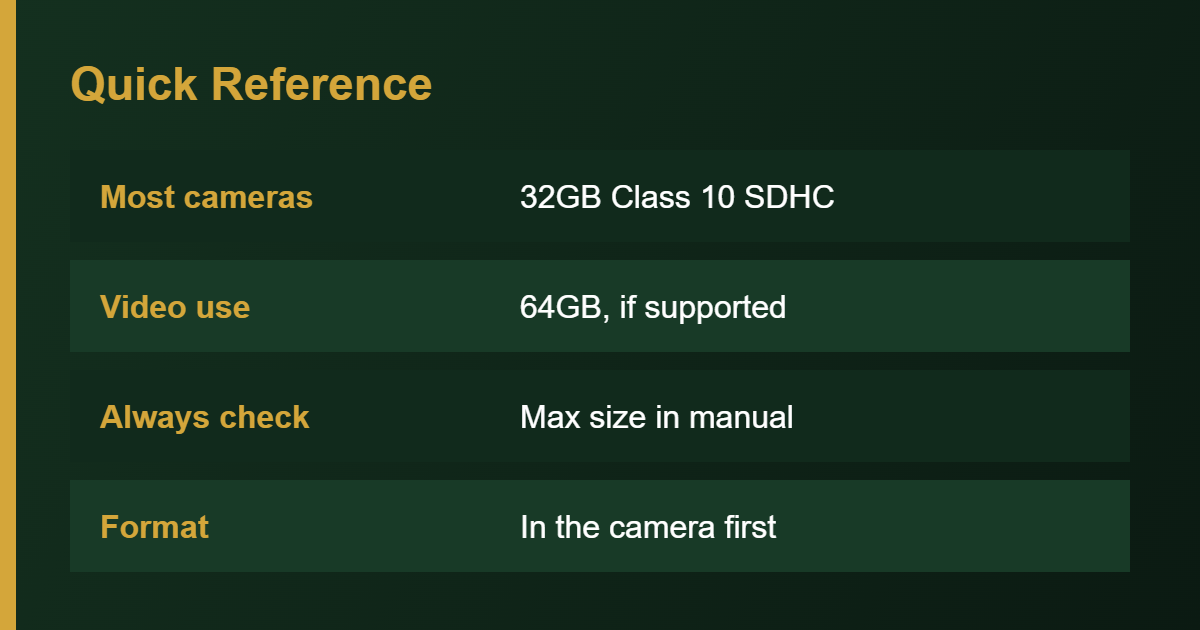
Short answer: A 32GB Class 10 full-size SD card is the safe choice for most trail cameras. Move up to 64GB or 128GB only if you record video or leave the camera for long stretches, and only if your manual says the camera supports that size. Many cameras cannot read cards above 32GB, and an unsupported card can cause freezes, missed photos or corrupted files.
The quick answer by situation
| Your situation | Card to buy |
|---|---|
| Photos only, checked every week or two | 16 to 32GB, Class 10 |
| Photos checked monthly | 32GB, Class 10 |
| Photos plus short video clips | 64GB, Class 10 or faster |
| Video-heavy use or long gaps between visits | 64 to 128GB, if the camera supports it |
| Older or budget camera | 32GB maximum until the manual says otherwise |
| Cellular camera | 32 to 64GB; the card still stores the originals |
The pattern is simple: buy the smallest card that covers your longest gap between checks, rather than the biggest card you can find. Bigger is not better when the camera cannot handle it.
What the SD card does inside a trail camera
A trail camera writes every photo and video to its SD card. A standard camera has no other storage, so the card is the only copy of what the camera saw. Cellular models send a smaller copy to your phone, but they still save the full-size original to the card, so the card matters just as much there. If the card is full, locked or corrupted, the camera can stop recording even when the batteries are fine. That is why a card problem is one of the first things to rule out when a camera misbehaves; our trail camera troubleshooting guide starts with it.
SDHC, SDXC and why 32GB is the magic number
SD cards come in capacity families. SDHC cards run up to 32GB. SDXC cards start at 64GB and go much higher. Not every trail camera supports SDXC, and many older or budget cameras top out at 32GB. One retailer guide warns that using a card larger than the camera supports can make it freeze, fail to record or corrupt the card.
Manufacturers differ. Third-party guidance says most SPYPOINT cameras accept cards up to 512GB, while compact models such as the Link-Micro are limited to 32GB. A Browning Defender Pro Scout Max listing mentions support for up to 512GB, and Bushnell’s retail notes recommend SanDisk Class 10 cards up to 256GB. Those numbers are the best case for current models, not a promise for yours, so read the manual for your exact model before buying anything above 32GB.
How many photos and videos fit
File sizes depend on resolution, quality settings and scene detail, so any count is an estimate. One guide puts a 10-second 1080p video clip at roughly 15 to 25MB. A typical photo is a few megabytes. Use the table as a rough guide only.
| Card size | Approximate photos (about 3MB each) | Approximate 10-second 1080p clips (about 20MB each) |
|---|---|---|
| 16GB | About 5,000 | About 800 |
| 32GB | About 10,000 | About 1,600 |
| 64GB | About 20,000 | About 3,200 |
| 128GB | About 40,000 | About 6,400 |
Thirty video clips a day at around 15 to 25MB works out to roughly 14 to 23GB a month, which is why a 32GB card fills quickly if you shoot video and why 64GB makes sense there. For photos only, a 32GB card holds thousands of images, usually more than a busy trail produces between checks. If you are unsure how often to visit, see how often to check a trail camera.
Speed class and card type
Speed matters most when the camera shoots bursts or video. Choose Class 10 or faster; U1 or U3 cards are fine and often cost little more. A slow card can cause delays between triggers or dropped frames. Pick a recognizable brand such as SanDisk, Kingston or the camera maker’s own branded card, because no-name cards fail more often in the cold, heat and moisture a trail camera faces.
Use a full-size SD card whenever the camera has a full-size slot. It is the most reliable option. Bushnell, for example, says it does not recommend microSD cards or SD adapters for its cameras.
A real-world example: microSD with an adapter
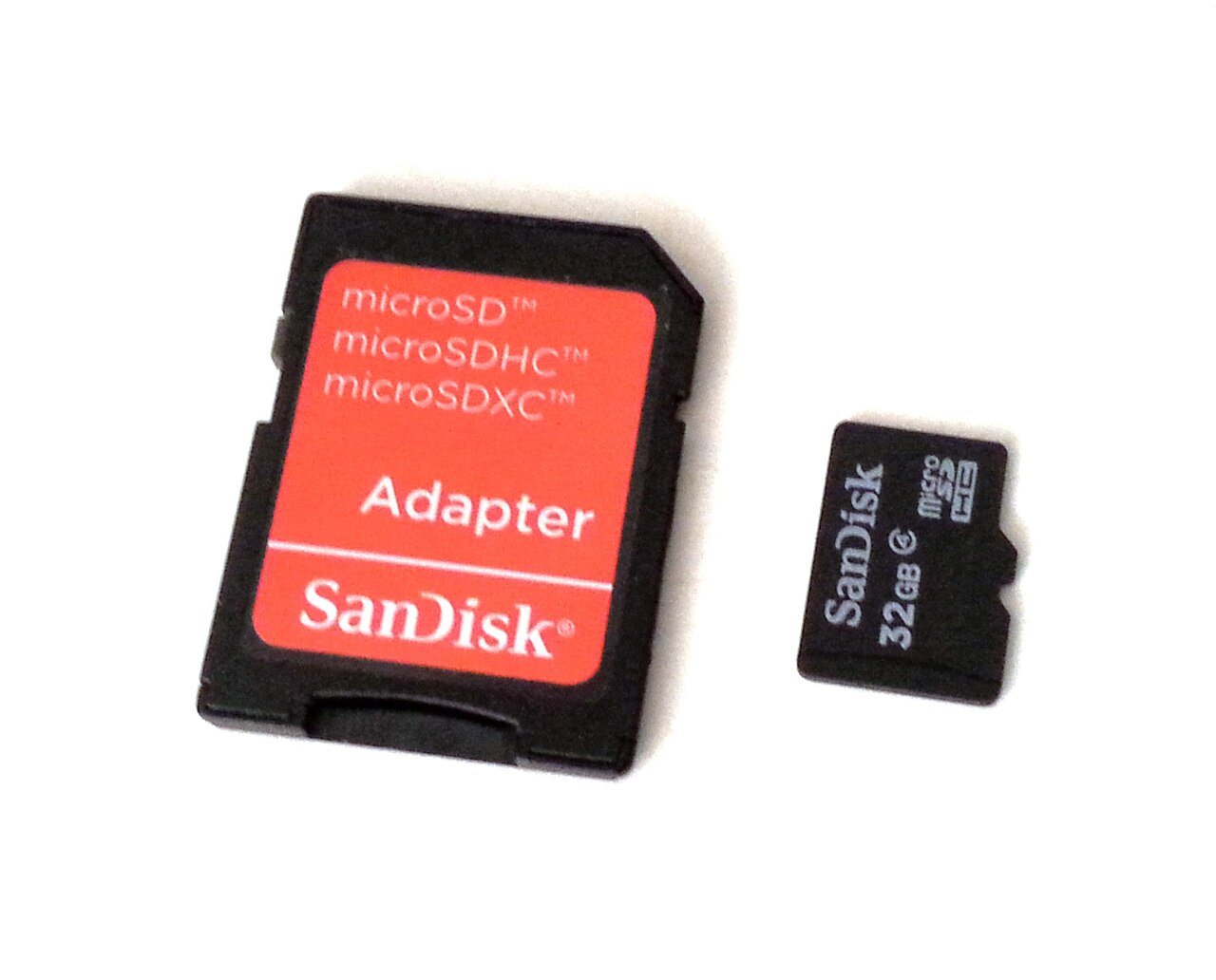
Some cameras are built around microSD cards, including compact cellular models, and in that case you use the card type the camera asks for. If your camera has a full-size slot, avoid the adapter route. Adapters add another connection that can loosen with vibration or temperature swings and cause intermittent errors that are hard to trace.
Set up a new card the right way
- Back up anything you want to keep, because formatting erases the card.
- Turn the camera off before inserting or removing the card.
- Check the lock switch on the card’s edge and make sure it is unlocked.
- Format in the camera, not only on a computer, so the card matches the camera’s file layout. Our formatting guide shows the steps.
- Take a test photo and check it before you leave the camera in the field.
- Label cards and dedicate them to one camera when you can. Mixing a card between several cameras and devices raises the risk of file errors.
Common SD card mistakes
- Buying a card above the camera’s limit. It may seem to work, then fail later.
- Skipping the in-camera format. Leftover data from another device can cause problems.
- Using old cards until they fail. Cards wear out. Replace any card that throws repeated errors.
- Pulling the card while the camera is writing. This corrupts files.
- Running low batteries. Weak power can interrupt writes and damage the card’s file system.
- Letting the card fill up. Most cameras stop recording when the card is full unless an overwrite or DVR-style mode is on. See DVR mode explained and SD card management.
If the camera will not read the card
Work through these in order: confirm the lock switch is off, reseat the card, clean the contacts with a dry cloth, replace the batteries, format the card in the camera, then try a 32GB SDHC card from a known brand. If a second card works, the first one is bad. If no card works, the camera’s card slot may be damaged. Brand-specific help is in our Stealth Cam SD card guide.
A quick buying checklist
- Read the manual for the maximum card size and card type.
- Choose SDHC, 32GB, Class 10 if you are unsure.
- Buy two or more cards so you can swap in the field instead of copying photos on site.
- Pick 64GB only for video use or long gaps between visits.
- Keep a card reader handy. Our guides on viewing photos on a computer and an iPhone cover the options.
Frequently Asked Questions
Is a bigger SD card always better for a trail camera?
No. If the camera does not support the size, the card can freeze it or corrupt files. Match the card to your manual first.
Is 32GB enough for a trail camera?
For photos, yes. It holds thousands of images. For lots of video, 64GB gives more room if the camera supports it.
Can I use a 128GB or 256GB card?
Only if your camera’s manual lists support for it. Many older and budget models do not.
Do cellular trail cameras need an SD card?
Yes. The card keeps the full-size originals even when smaller copies are sent to your phone.
Can I use a microSD card with an adapter?
Only when the camera is designed for it. Otherwise a full-size card is more reliable.
How often should I replace trail camera SD cards?
Replace them when errors appear or files corrupt. Heavy use and extreme weather shorten card life.
Why does my camera say the card is full when it is not?
Corrupt data or an unsupported size can cause it. Back up, then format the card in the camera.
Do I need a special trail camera SD card?
Not usually. A name-brand Class 10 card works. Some makers sell branded cards, which are fine but not required.
Sources
- Trail Camera Prices, best SD cards for trail cameras (size limits and file-size estimates)
- Kentfaith, what size SD card for a trail camera
- Nature’s Spy, SD cards and trail cameras
- Bushnell Advantage FAQs and retailer notes on recommended cards
- Retailer and third-party SPYPOINT and Browning compatibility notes; always confirm in your own manual