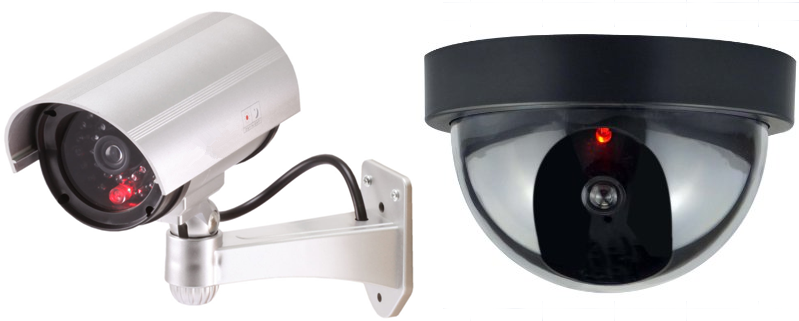
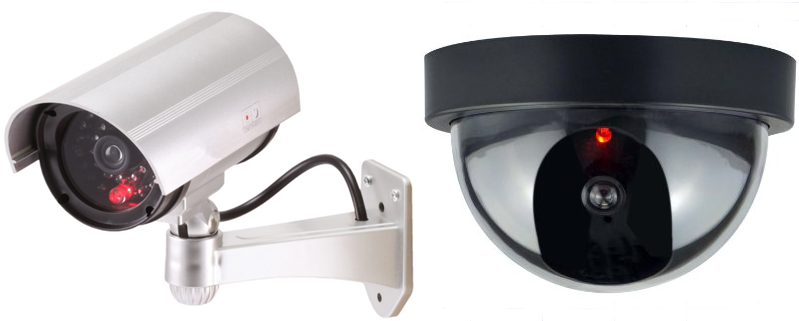
Most decoy cameras have fake lenses, no wiring, and no night-vision LEDs; inspect closely.
As a security technician who has installed and tested hundreds of cameras, I know how to tell if a camera is a decoy. This guide walks you through physical checks, simple tests, tools to use, real examples, and legal notes so you can confidently spot a fake camera and protect your space. Read on for practical steps you can use today.
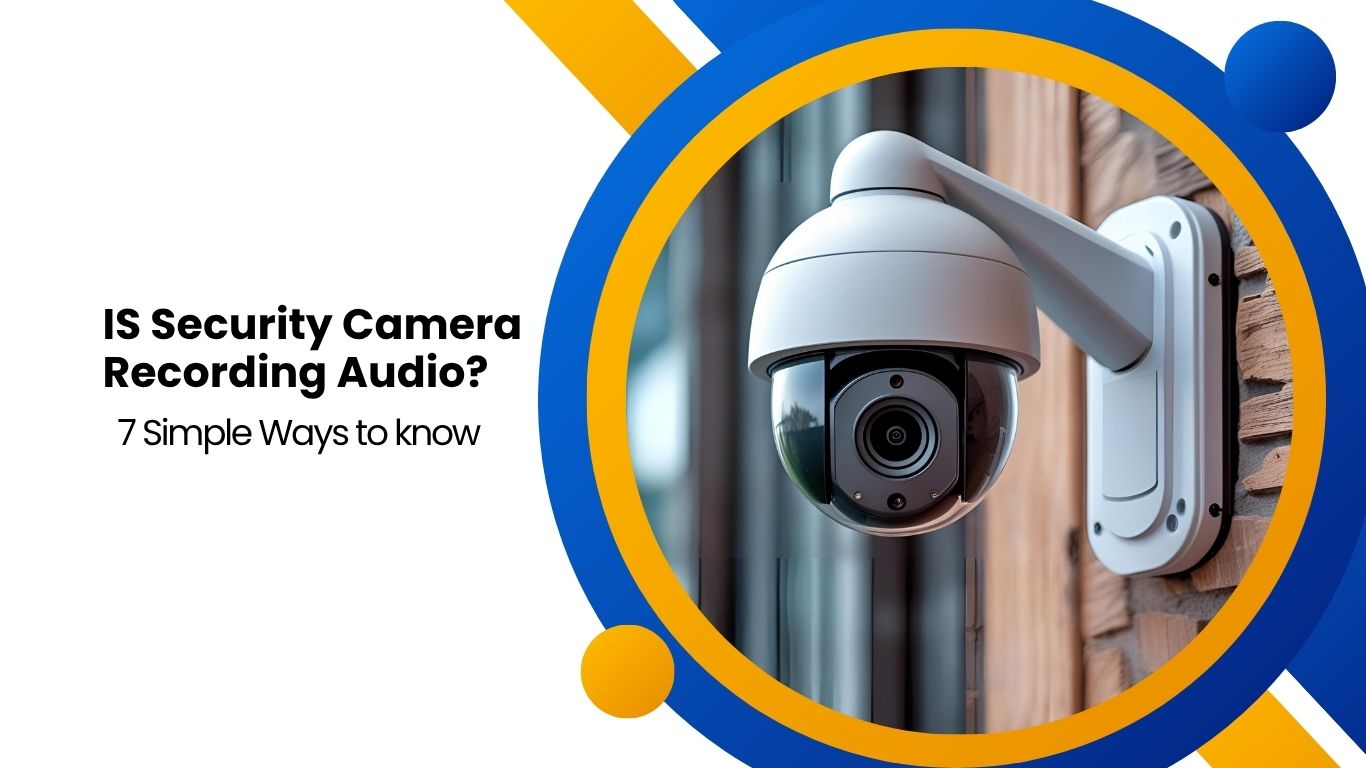
Common physical signs to spot a decoy camera
Decoy cameras often look right at first glance. Knowing which physical details to watch for makes spotting a fake quick and easy.
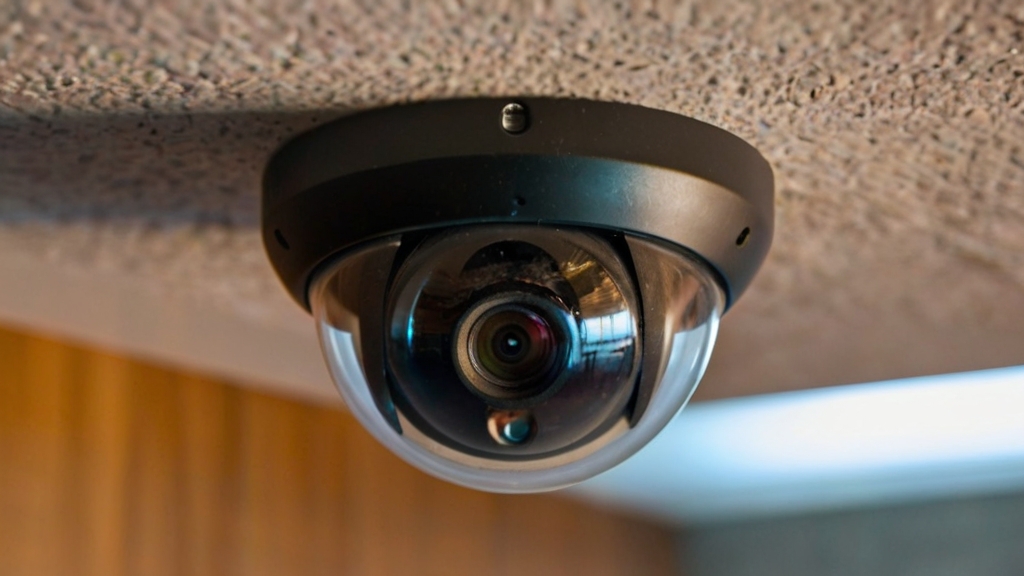
- Missing or painted-over lens: Real cameras have a clear glass or plastic lens. A flat painted surface or sticker where the lens should be often means a decoy.
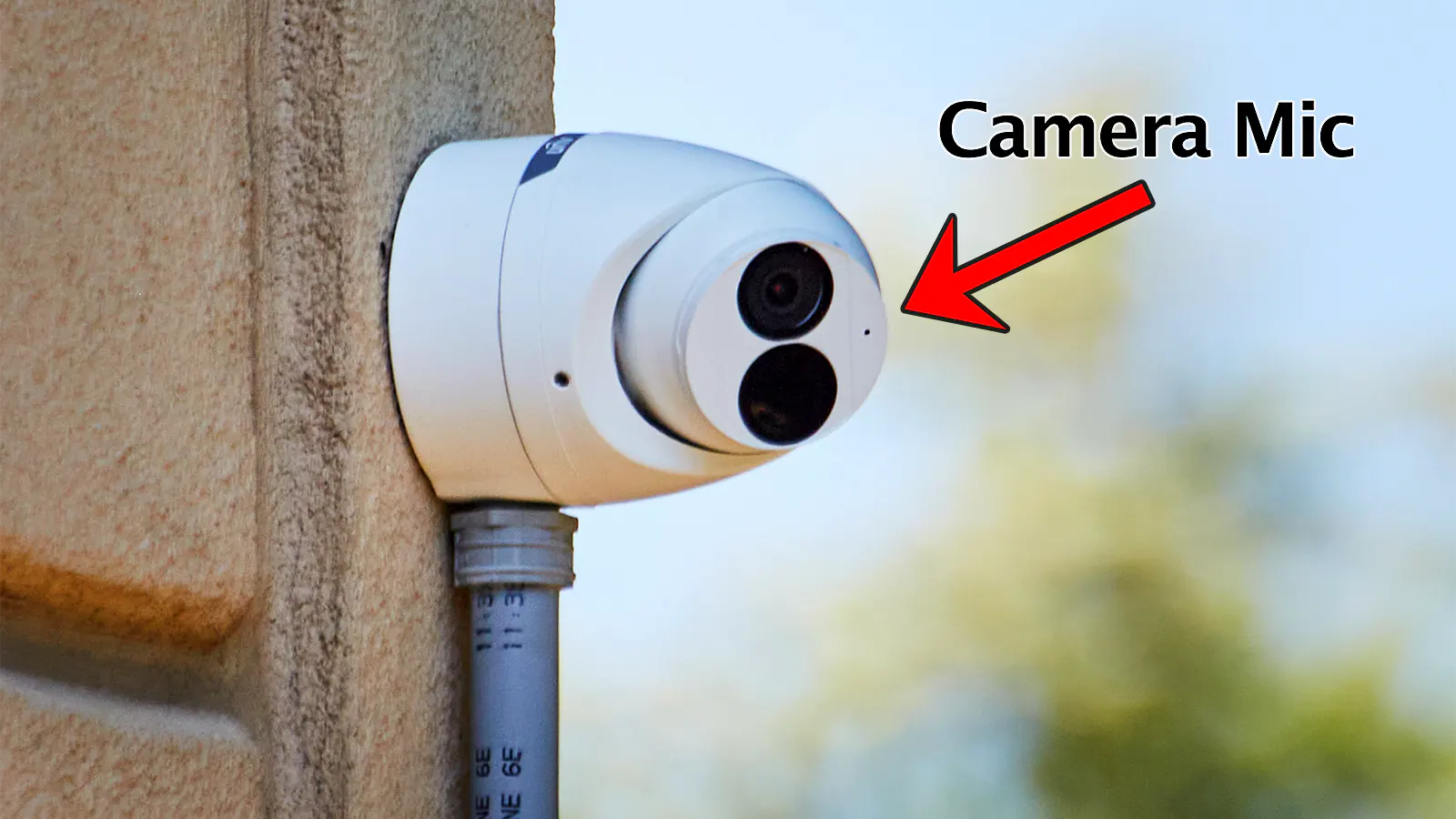
- No wiring or sealed base: Many decoys are glued shut and lack any cable entry or junction box under the mount.
- Cheap materials and light weight: If the unit feels hollow or is very light, it may only be a shell.
- No infrared (IR) LEDs for night vision: Most active surveillance cameras have small black dots around the lens for IR LEDs. Their absence can be a clue.
- Fixed, unrealistic angles: A permanently locked, absurd angle (pointing at a wall or floor) can indicate it’s decorative.
From field work, I often find decoys mounted where visibility matters most. The build quality and the presence of wiring reveal the truth fast.
Electronic tests and simple tools to verify authenticity
You do not need expensive gear to test a camera. A few simple checks and inexpensive tools work well.
- Use a flashlight: Shine a bright light at the lens from different angles. A real lens will reflect a distinct small highlight and may show internal elements. A painted dummy will not.
- Check for IR glow at night: Power down room lights and look for a faint red or purple glow from the lens area on active cameras. No glow can mean a decoy or a camera with no IR.
- Use a radio frequency detector: Some wired and wireless cameras emit RF or network signals. A pocket RF detector can find active Wi-Fi or analog transmissions.
- Try to ping the network: If you control the local network, scan for devices. Real IP cameras often show up in a network scan.
- Use a battery tester or small multimeter on accessible wiring: If there’s a visible cable end, carefully check for voltage when the system is supposed to be live.
In my testing experience, the flashlight and IR checks catch most decoys quickly. RF scanning helps when a device is cleverly concealed.
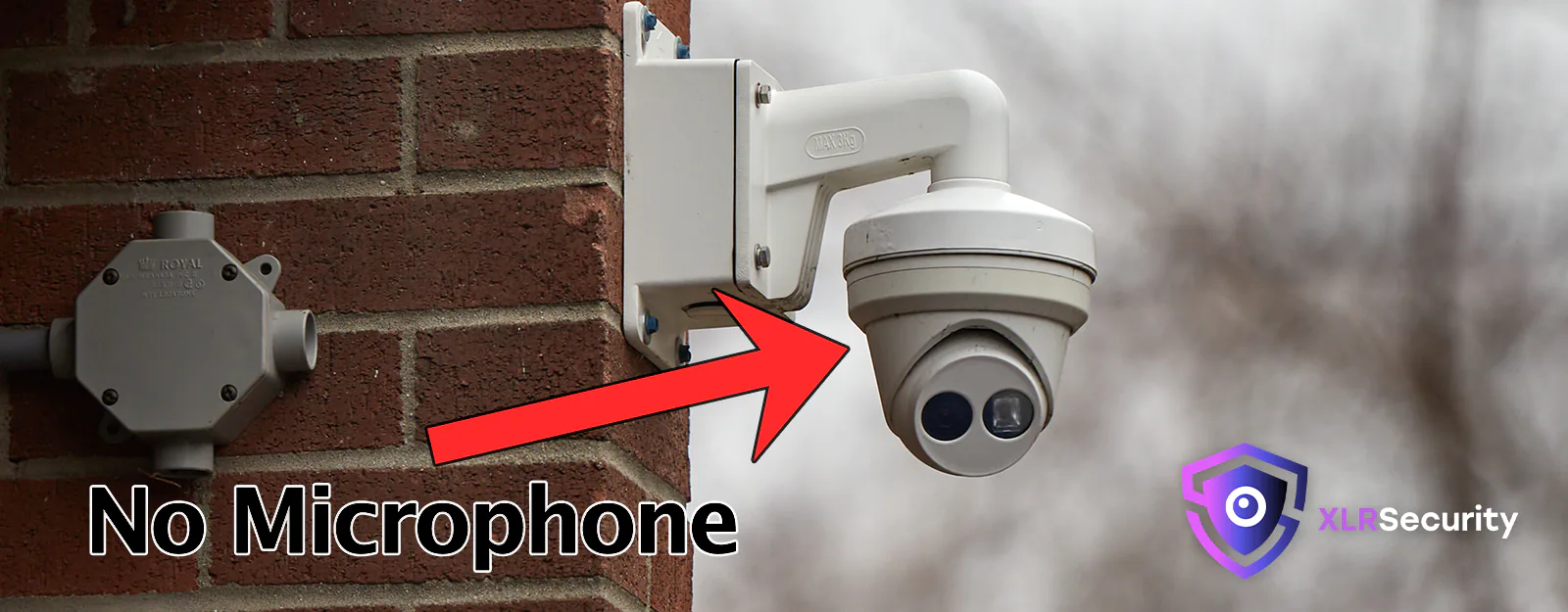 placement clues that reveal a decoy camera”
style=”max-width: 100%; height: auto; border: 2px solid black; border-radius: 10px; display: block; margin: 0 auto;”
loading=”lazy”
/>
Behavioral and placement clues that reveal a decoy camera
Context tells a story. Where a camera sits and how it behaves often reveals purpose.
- No obvious field of view: Decoys sometimes point at walls or into corners where recording would be useless.
- Overly visible placement for deterrence: If a camera is mounted to be highly obvious but there’s no sign of wiring, it’s likely just a deterrent.
- Repeat patterns: In public spaces, many identical units used purely as visual deterrents are often decoys.
- Proximity to power sources: Real cameras are usually mounted near power or network feeds, or routed to a visible conduit.
Think of placement like a movie prop. If it looks staged to be seen rather than to record, question its authenticity.

Common decoy types and real-life examples
Understanding decoy types helps you spot them faster. I’ve encountered several common varieties over the years.
- Plastic dome shells: These look like dome cameras but are hollow. In one retail job, four identical domes were decoys while only one real camera was wired.
- Dummy bullet cameras: Solid plastic with a fake lens and fake screw returns. They’re common because they’re cheap and easy to mount.
- Sticker or painted “camera” icons: Used in low-budget deterrence, these are the easiest to spot.
- Mixed setups: Owners sometimes mix one real camera with many decoys to cut costs. This can give a false sense of full coverage.
When I audited a small office, the client assumed eight cameras worked. After a quick physical and network check, I found three real units and five decoys. That discovery guided a low-cost upgrade plan.
Practical step-by-step checklist: how to tell if a camera is a decoy
Use this checklist when you need a fast, reliable answer. Follow safety and legal rules while inspecting.
- Visually inspect the unit for lens clarity and IR LED spots.
- Gently check weight and material by touch if safe to reach.
- Look for cable entry, conduit, or a junction box.
- Use a flashlight to check for lens reflections.
- Power down lights to look for an IR glow.
- Scan for network devices or RF emissions.
- Document findings with photos and notes.
- If unsure, consult a professional installer for a full test.
I recommend doing the simple checks first. In many cases, step 1–5 tell you enough to act.
Legal and ethical considerations when testing cameras
Testing cameras touches privacy and property rules. Be careful and know your rights.
- Always ask permission when inspecting cameras on private property.
- Avoid tampering with or removing any device without explicit authorization.
- Record findings and time-stamp photos to protect yourself and to inform owners.
- In public spaces, follow local laws about interacting with surveillance equipment.
When I perform inspections for clients, I maintain written consent and document each action. That keeps things clear and professional.

People also ask — quick answers
How quickly can I tell if a camera is a decoy?
Often within a few minutes. A visual check for lens, wiring, and IR LEDs plus a flashlight reflection test usually reveals the answer.
Can decoy cameras deter crime effectively?
Decoys can deter opportunistic crimes but are less effective against determined offenders who test for a working system.
Do decoy cameras show up on my Wi-Fi network?
No. Decoy cameras are passive shells and do not have network interfaces, so they won’t appear in device scans.
Frequently Asked Questions
What is the easiest sign that a camera is fake?
The easiest sign is a missing or painted-over lens and no visible wiring or mounting for cables.
Can a fake camera have an actual lens?
Sometimes. Some decoys include a small real lens for realism, but they still lack internal electronics and wiring.
Will a smartphone camera app detect a decoy?
No. Apps can detect active network cameras, but they cannot verify a physical camera unless it communicates on the network.
Are there professional tools to test camera authenticity?
Yes. Network scanners, RF detectors, and handheld CCTV testers are common pro tools used by installers.
Should I remove a suspected decoy camera?
Only if you own the property or have written permission. Otherwise, document and report your findings to the owner.
Conclusion
Spotting a fake camera comes down to careful observation, simple tests, and common sense. Look for lens detail, wiring, IR LEDs, network presence, and placement logic. Use the step-by-step checklist to verify quickly, and always follow legal and ethical rules when inspecting devices. If you suspect decoys are giving you a false sense of security, take action by documenting the issue and consulting a professional installer. Try the checks in this guide today, and leave a comment with your own experience or questions — I’ll help you troubleshoot it.
As an Amazon Associate, I earn from Qualifying Purchases.